Workspace settings
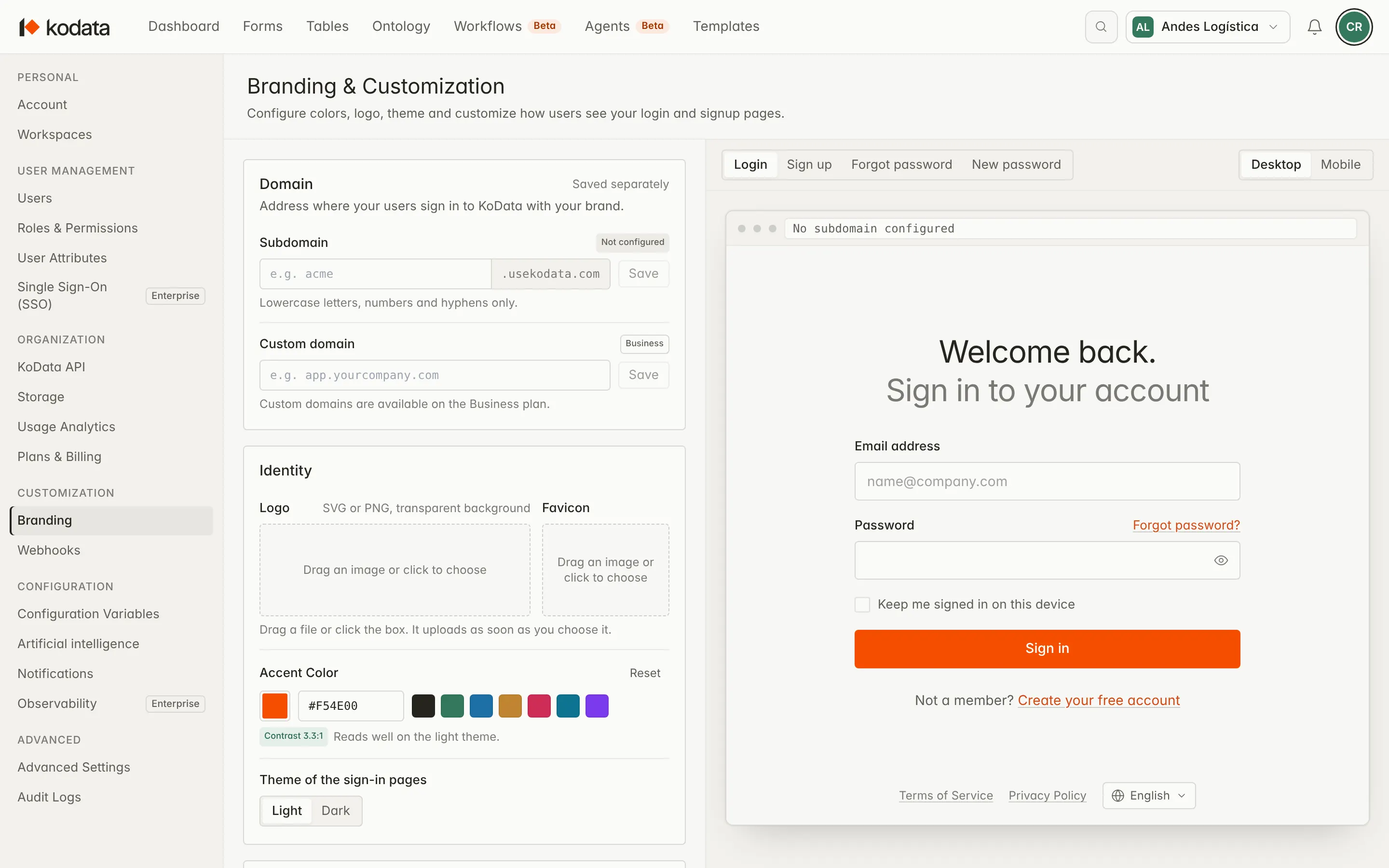
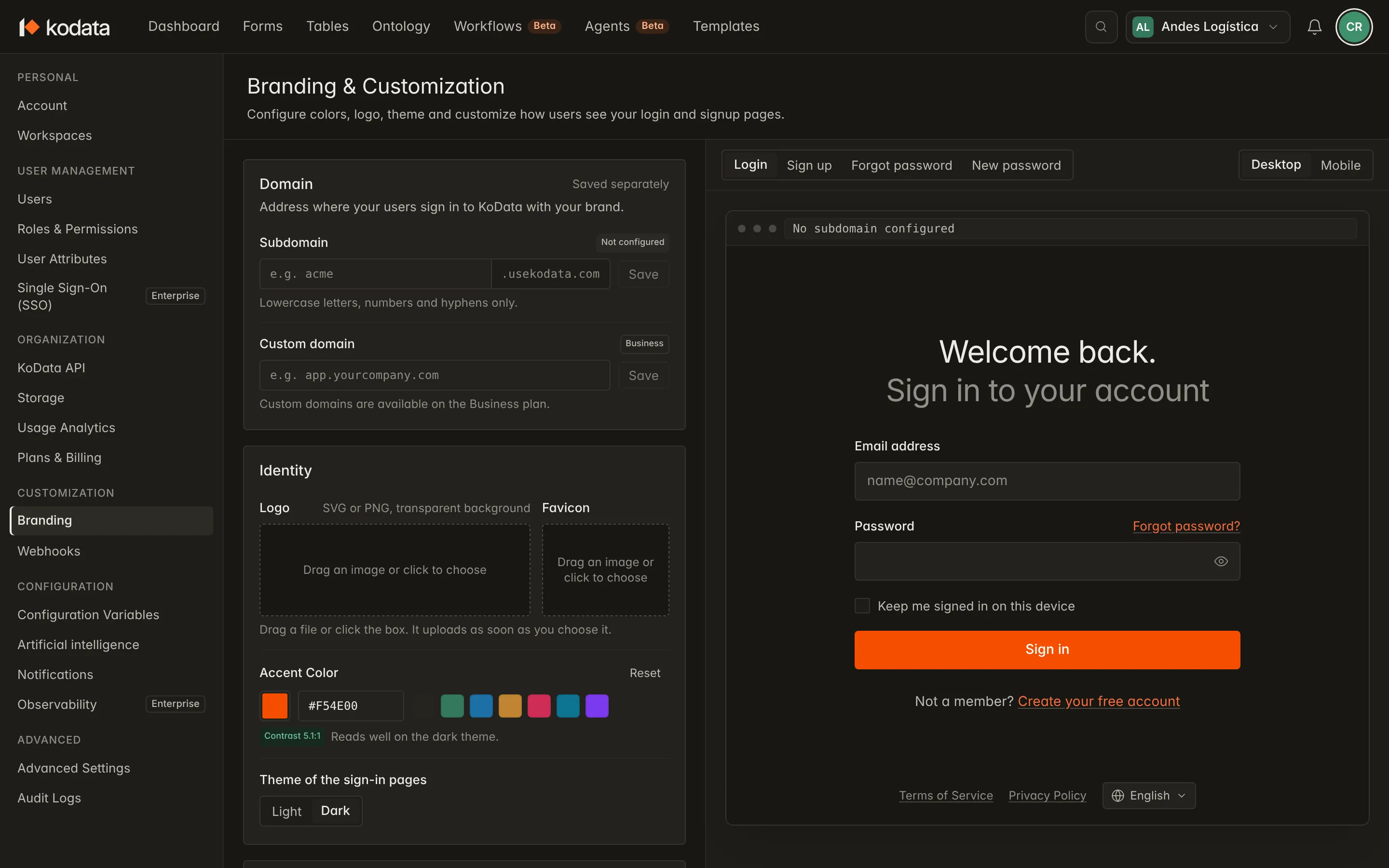
Open your profile picture › Settings (or Workspace settings in the workspace switcher). What you see depends on your role and the plan; options from higher plans show their label (Team, Business, Enterprise).
| Group | Options |
|---|---|
| Personal | Account (see Your account) and Workspaces. |
| User management | Users, Roles & Permissions, User Attributes, Single Sign-On (SSO). |
| Organization | KoData API, Storage, Usage Analytics, Plans & Billing. |
| Customization | Branding and Webhooks. |
| Configuration | Configuration Variables, Artificial intelligence, Notifications, Observability. |
| Advanced | Advanced Settings and Audit Logs. |
Workspaces
Settings › Workspaces lists your workspaces with your role, plan, members and status. Each one's menu: Edit workspace (name, description, time zone; needs the workspace.update permission, by default the Owner), Set as default (or Unset default), Leave workspace, Delete workspace and Restore workspace (archived). See Create and switch workspaces.