How we protect your data
What's in the product today, no fine print.
Isolation
Each company works in its own workspace. No query crosses workspaces. Each project, table, form, query, workflow and agent also has its own access list.
Roles
Four system roles (owner, admin, editor, viewer) and custom roles from Business.
Sign-in
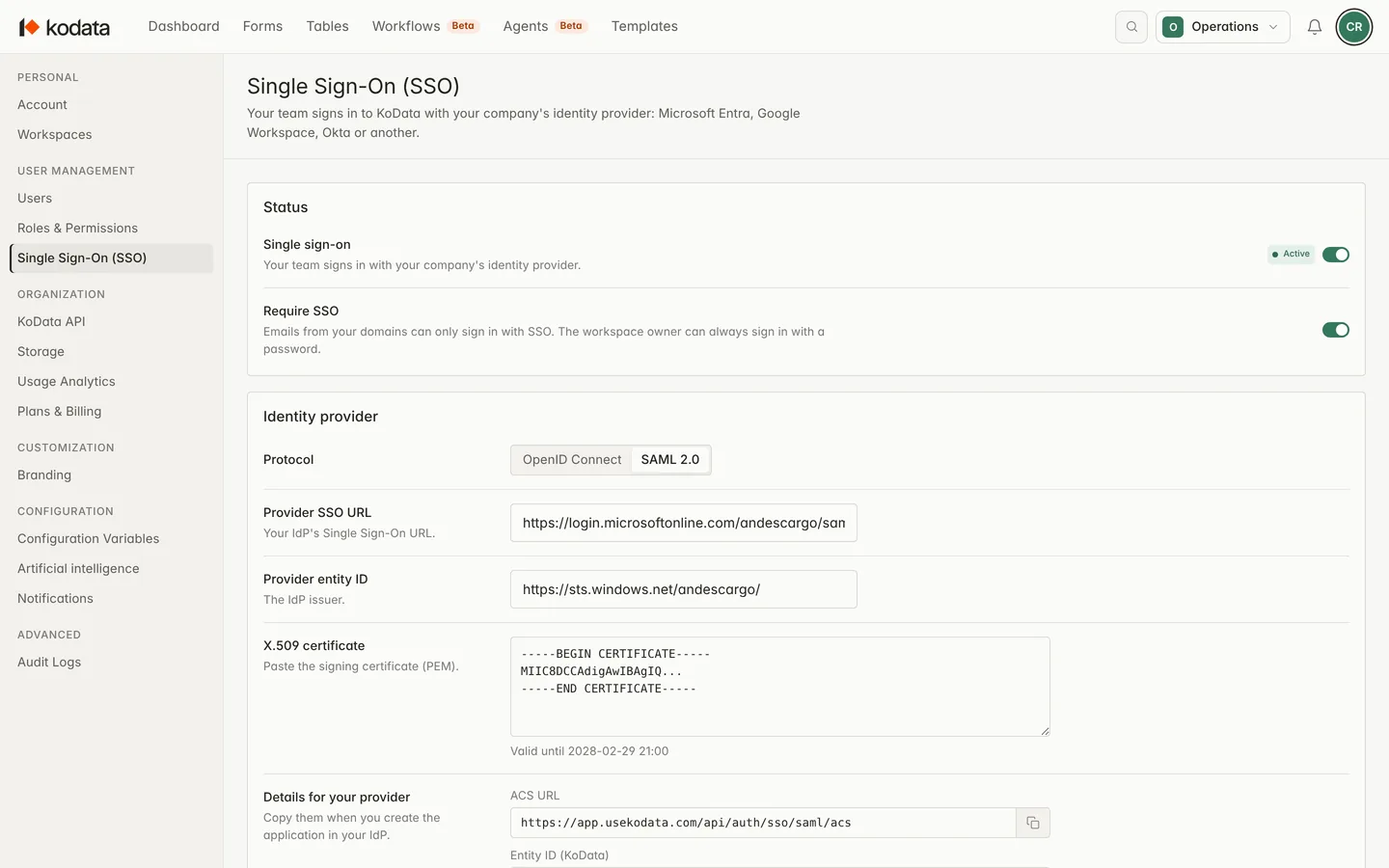
Two-factor with an e-mail code, which the workspace can require for everyone. Google or Microsoft sign-in. SSO with SAML 2.0 or OpenID Connect on Enterprise. Lockout after failed attempts.
Secrets
Connector credentials, API keys and AI keys encrypted at rest and masked on screen and in logs.
Audit logs
Action and sign-in logs, with filters and export (Business and Enterprise).
Controlled external access
Shared Projects require login, with allowed e-mail domains. Embeds only work on the domains you authorize.
Integrations
Signed outgoing webhooks (HMAC-SHA256) and an API with per-workspace keys.
Your data
Download your personal data as a ZIP at any time. Export your tables to CSV.
KoData AI
Receives only the context each answer needs, never the full table. We don't use your data to train models.
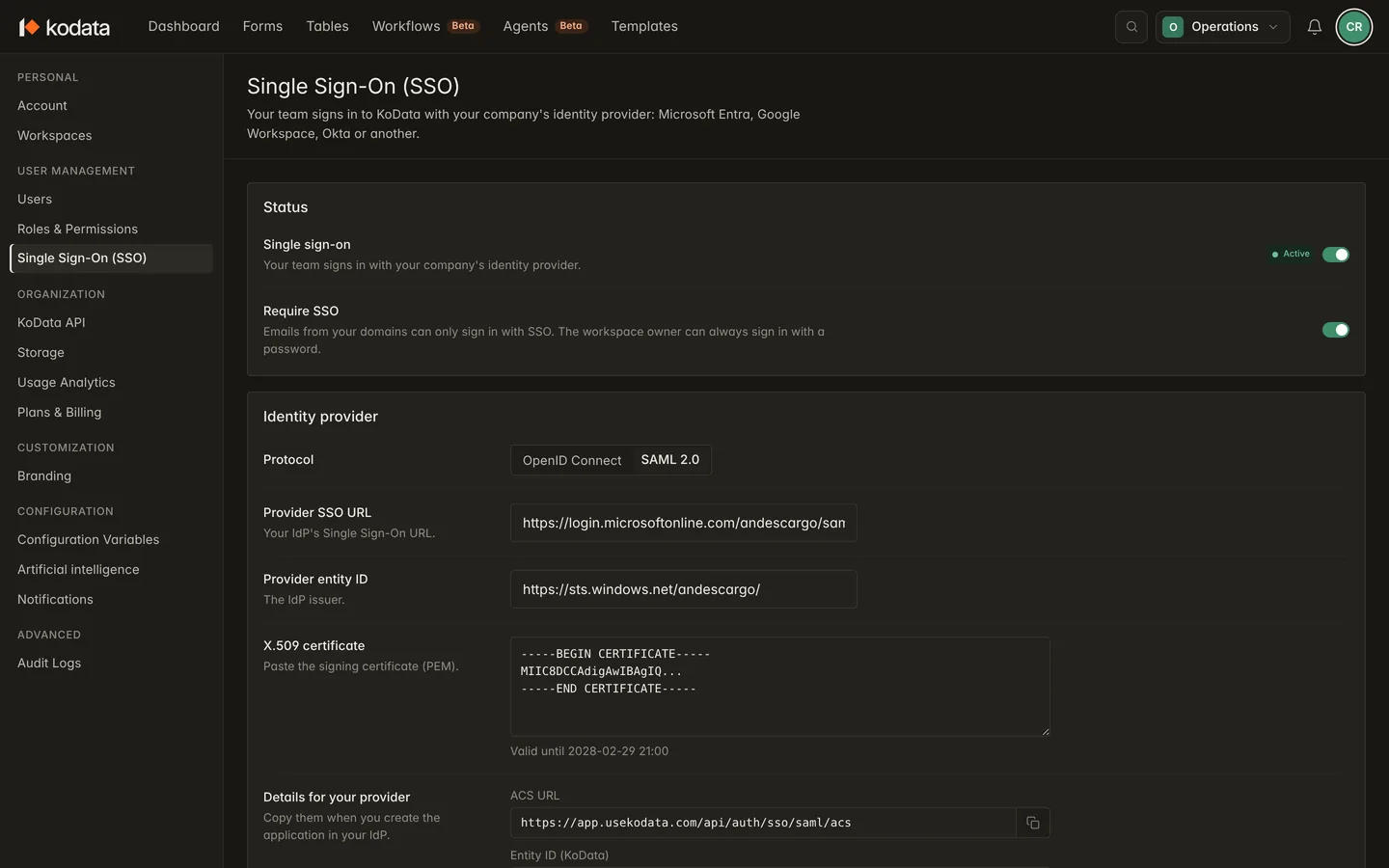
SSO and 2FA, from the workspace settings
The owner turns on single sign-on, verifies their domains and decides whether it's required.
Documents
See also our Data Processing Agreement and the list of subprocessors.
Security questions
Do you use my data to train AI?
No. KoData AI receives only the context each answer needs, never the full table, and we don't use your data to train models.
Can I take my data with me?
Yes. Export your tables to CSV at any time and download your personal data as a ZIP from your account.