Documentation
Step-by-step guides for every KoData module, with real screenshots of the platform.
Get started
Create your account, learn the screen and the key ideas.
What is KoData
KoData is an operational intelligence platform. You bring your data from files and other systems, keep it in tables with rules, query it with SQL, automate the repetitive work and share the result in dashboards and forms.
Create your account
Creating an account takes a minute. When you sign up, KoData creates your first workspace on the Free plan.
Sign in
Sign in with your email and password, or with Google, Microsoft or your company SSO if they are enabled.
Create and switch workspaces
A workspace holds your data, members, settings and plan. You can own several and be a member of other people's workspaces.
A tour of the screen
Everything in KoData starts at the header and the Dashboard. This tour shows you each part.
Key concepts
Five ideas explain almost everything in KoData.
Notifications
Notifications keep you up to date with what happens in your workspaces: invitations, ownership transfers, connector runs, workflow results, security events and problem reports.
Reset your password
If you forgot your password, you can set a new one from the sign-in page using a link sent to your email.
Get help
KoData includes this documentation, a list of product changes and a way to report problems, all from the profile menu.
Step-by-step guides
Complete tutorials, from zero to a working result, with a screenshot for each step.
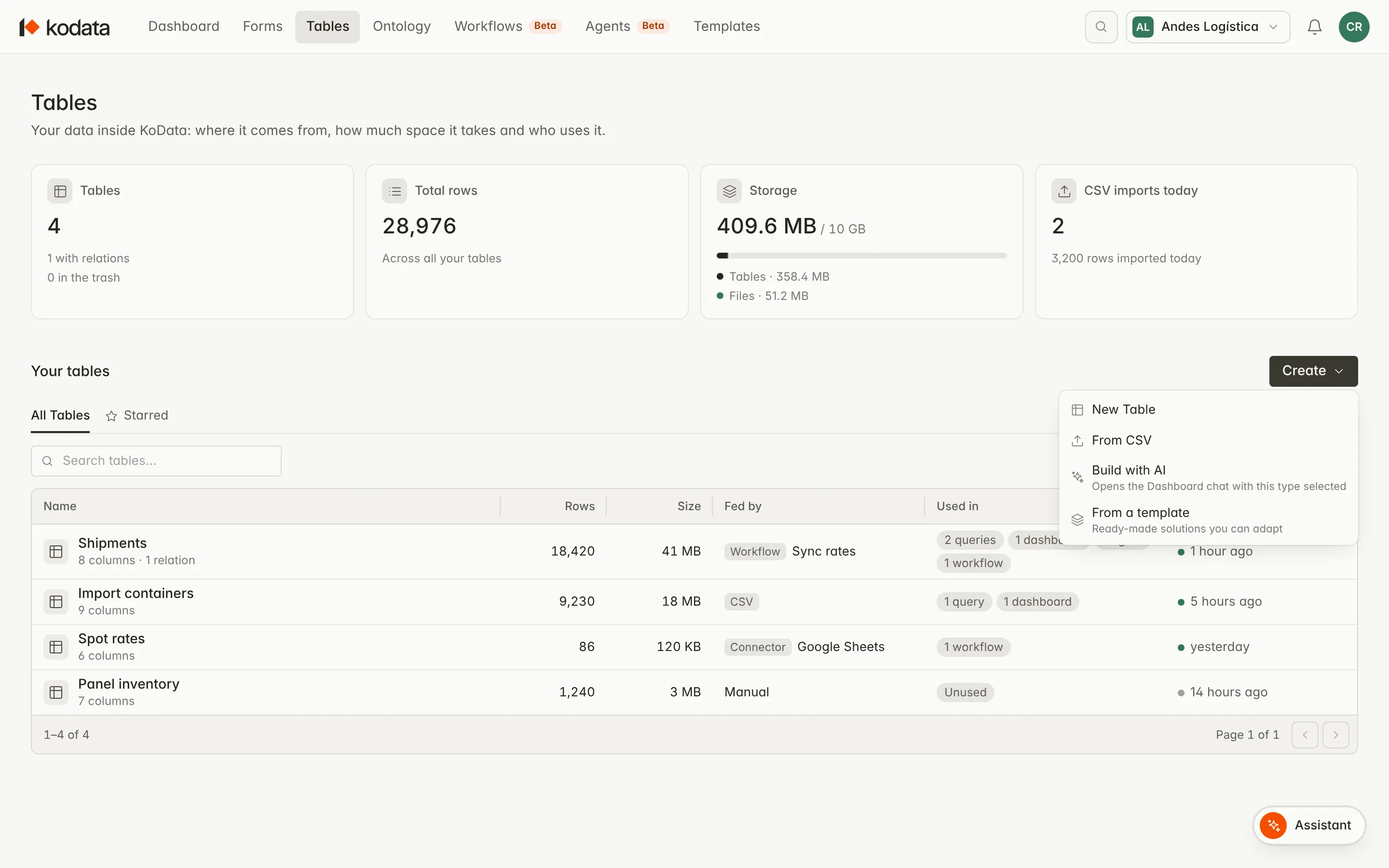
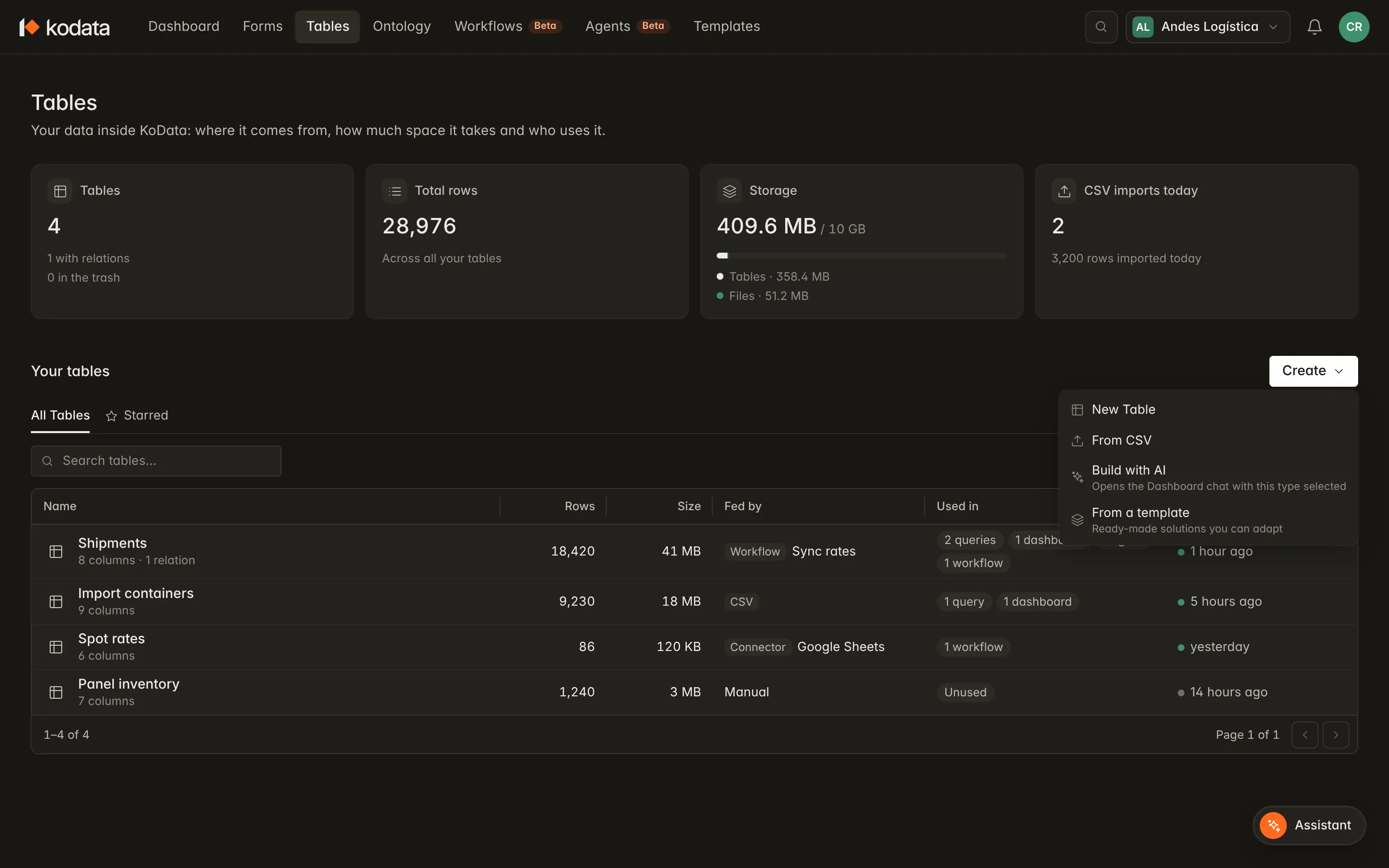
Import a CSV or Excel file into a table
Turn a file into a clean table, with the right types, ready for queries and dashboards.
Read more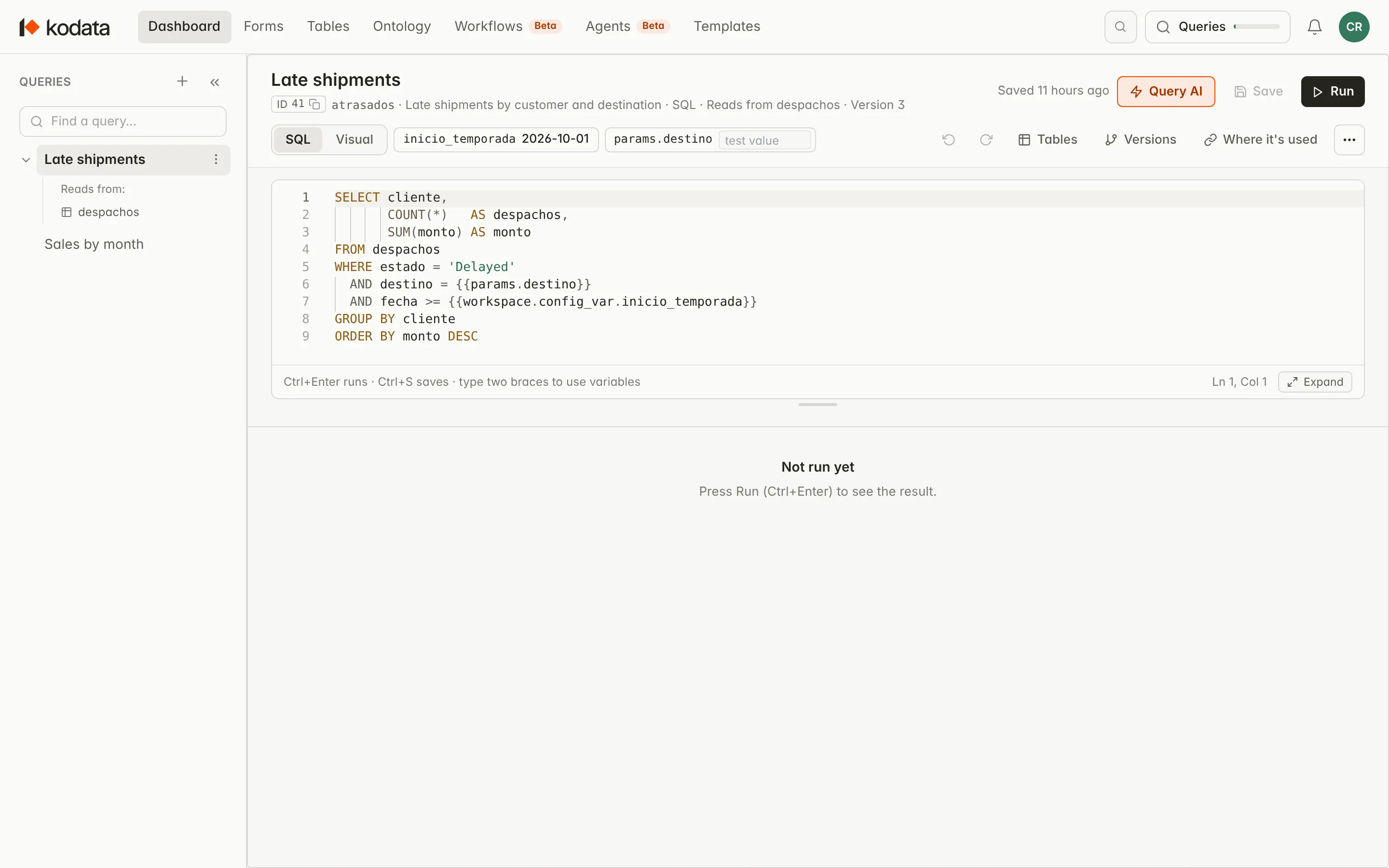
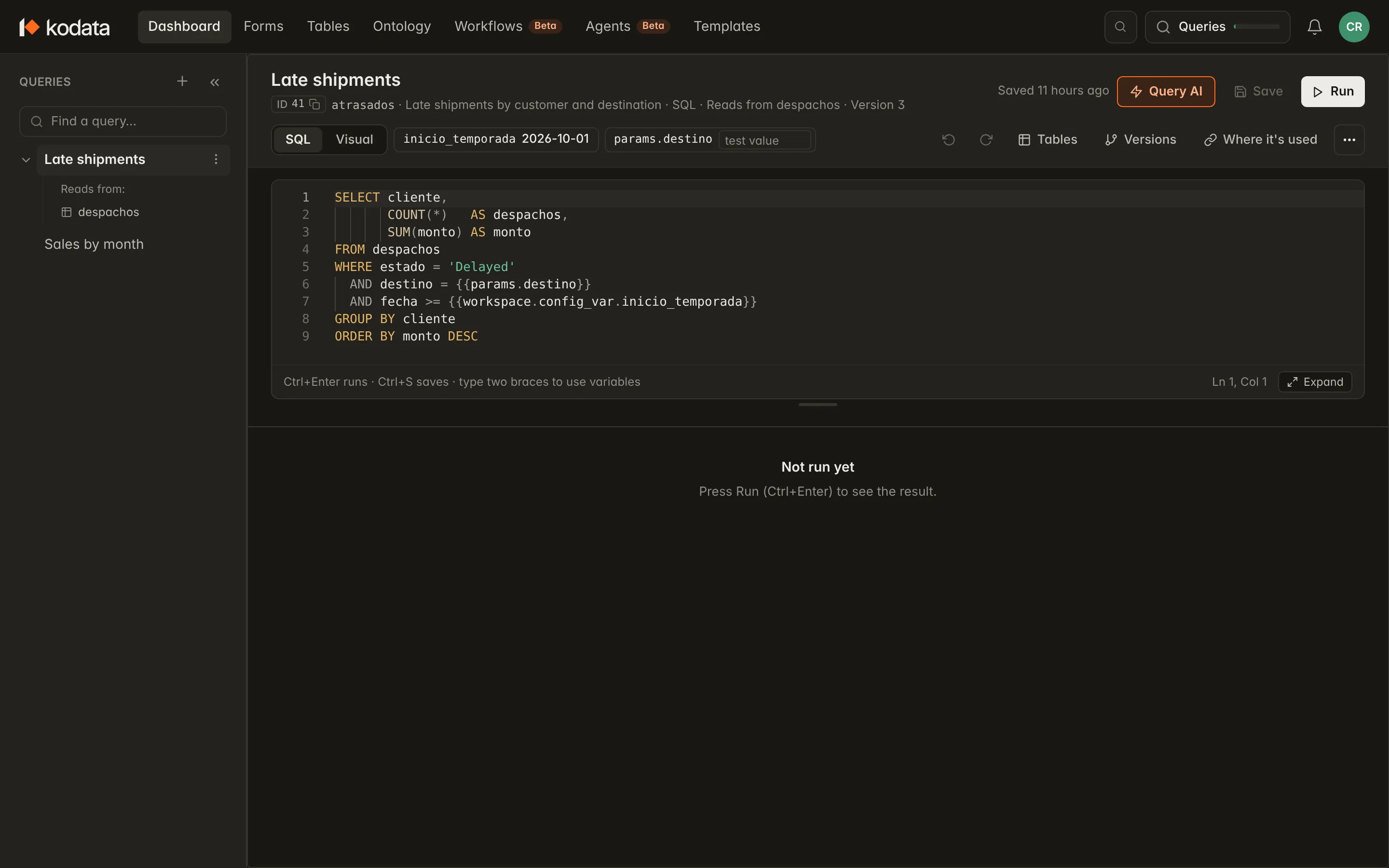
Create a query with variables
Write a SQL query on your tables and make it reusable with {{ }} variables.
Read more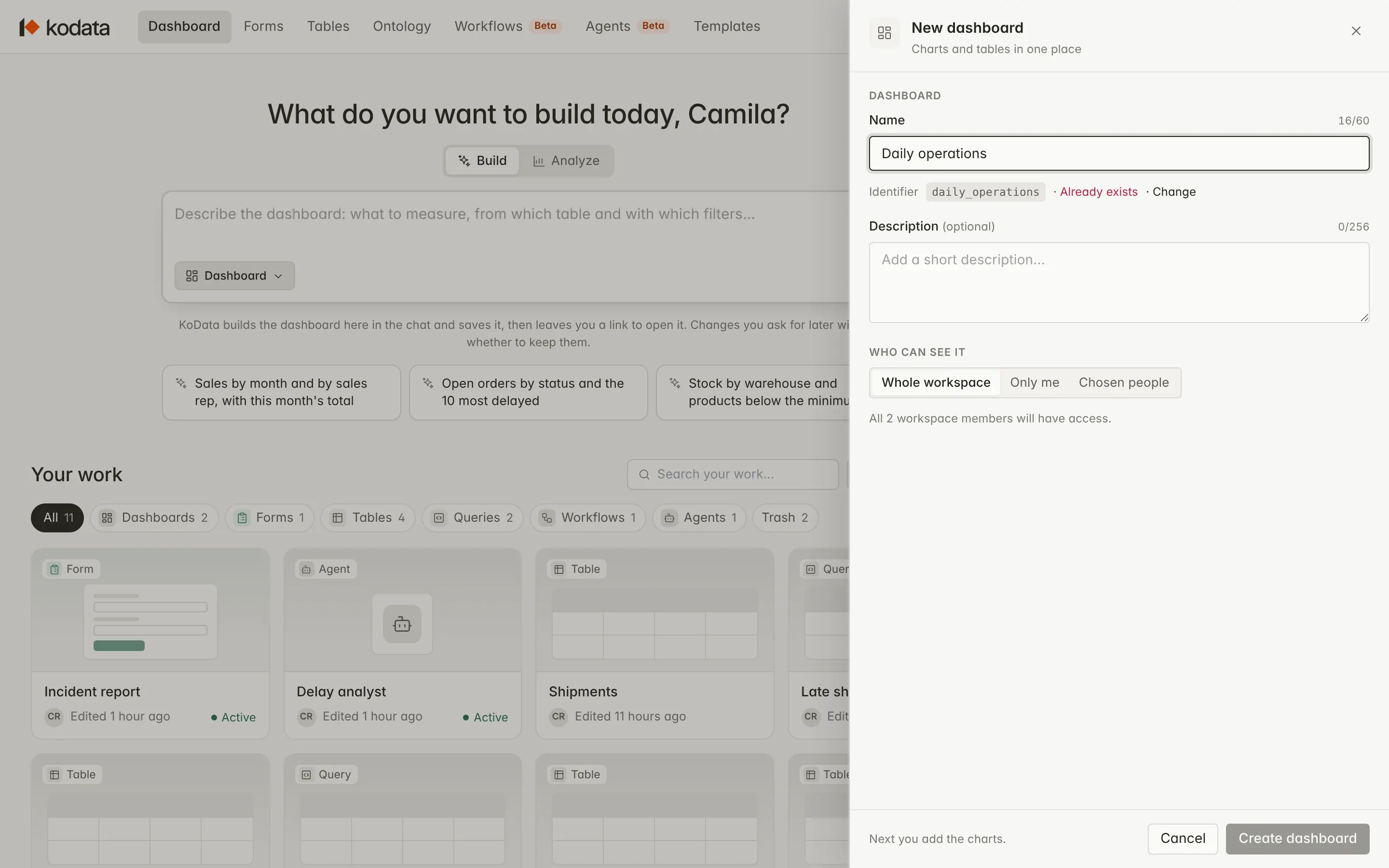
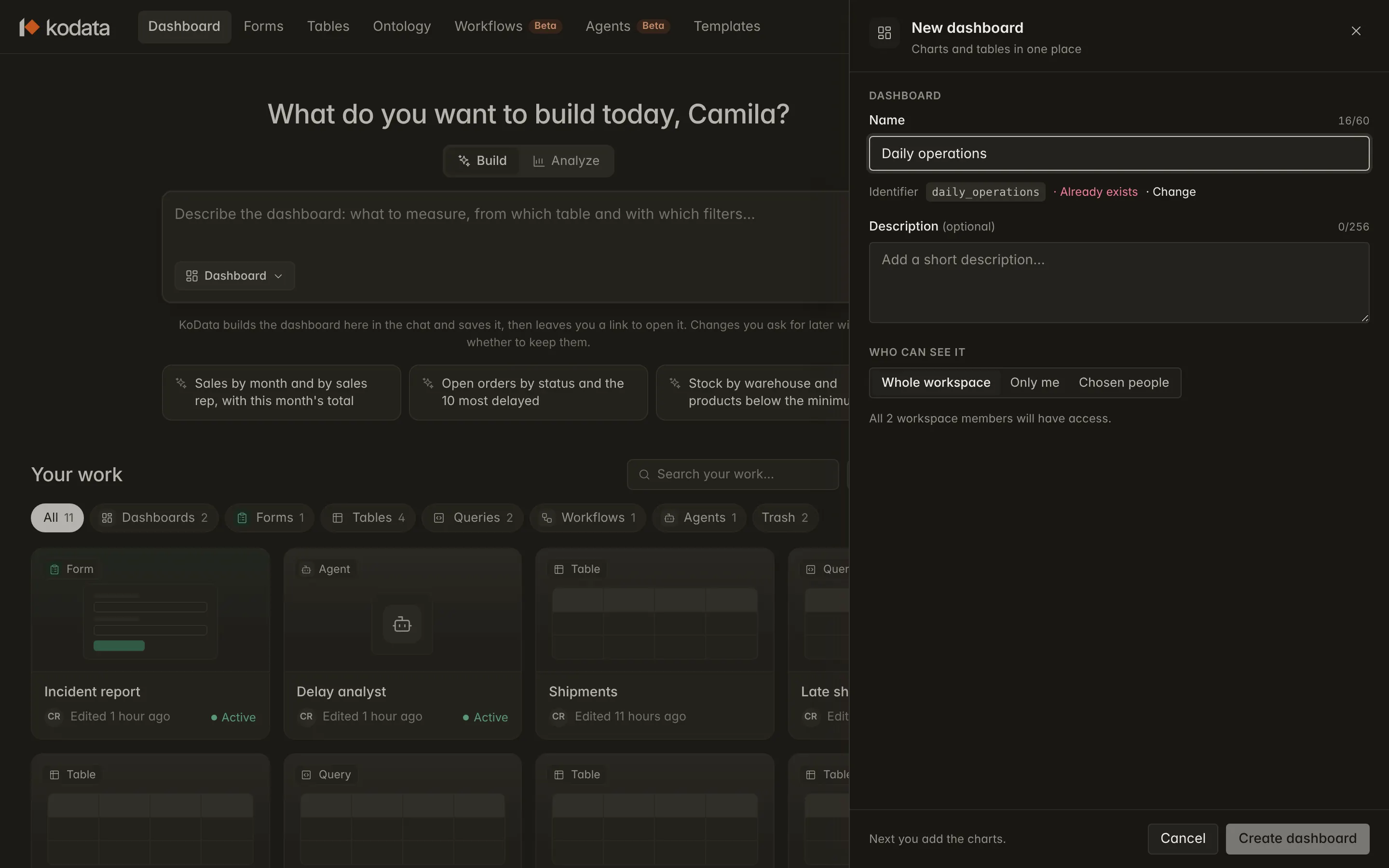
Build a dashboard and share it with login
Build a dashboard with KPIs, a chart, a detail table and a filter, publish it and share it with a link that asks people to sign in.
Read more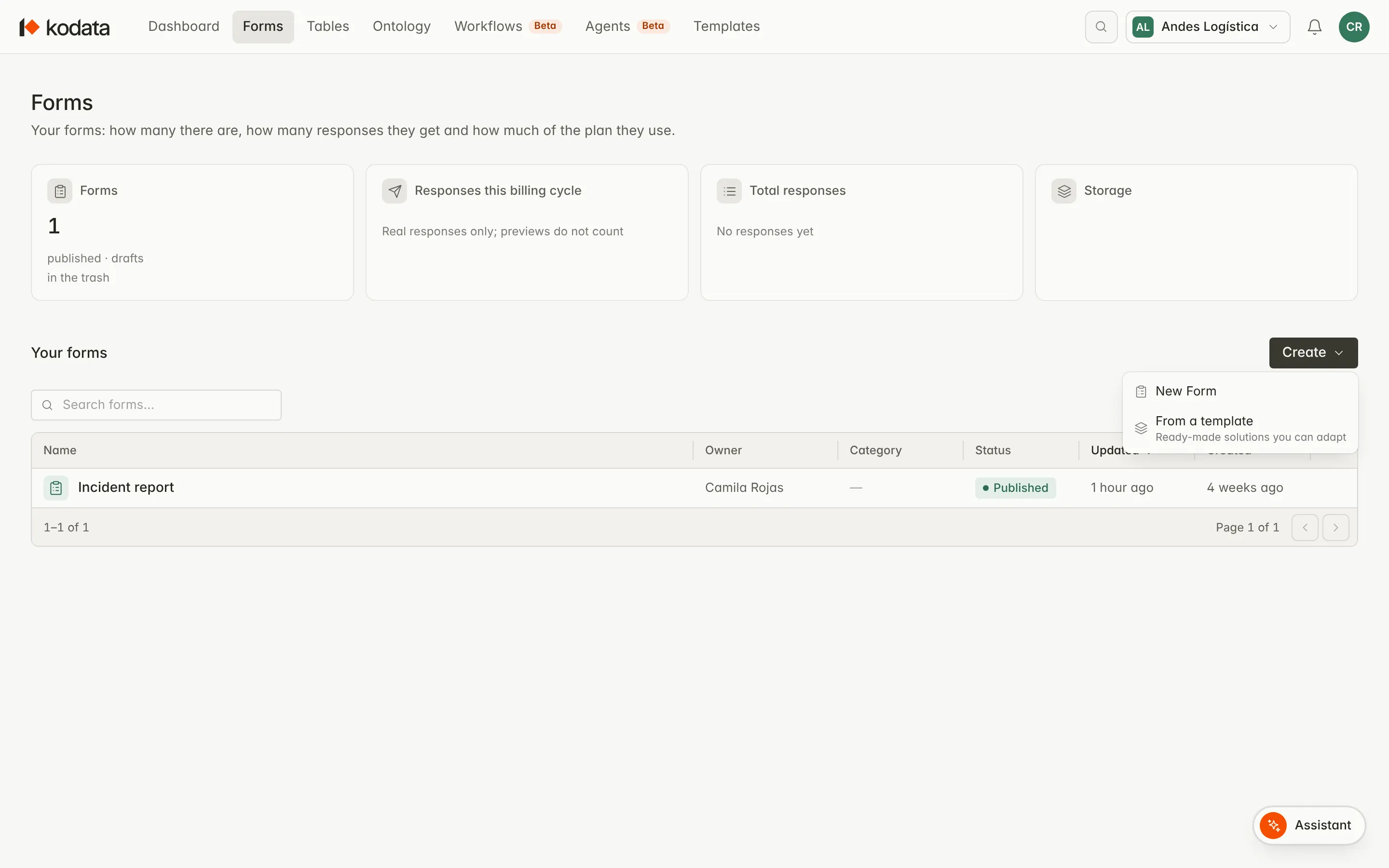
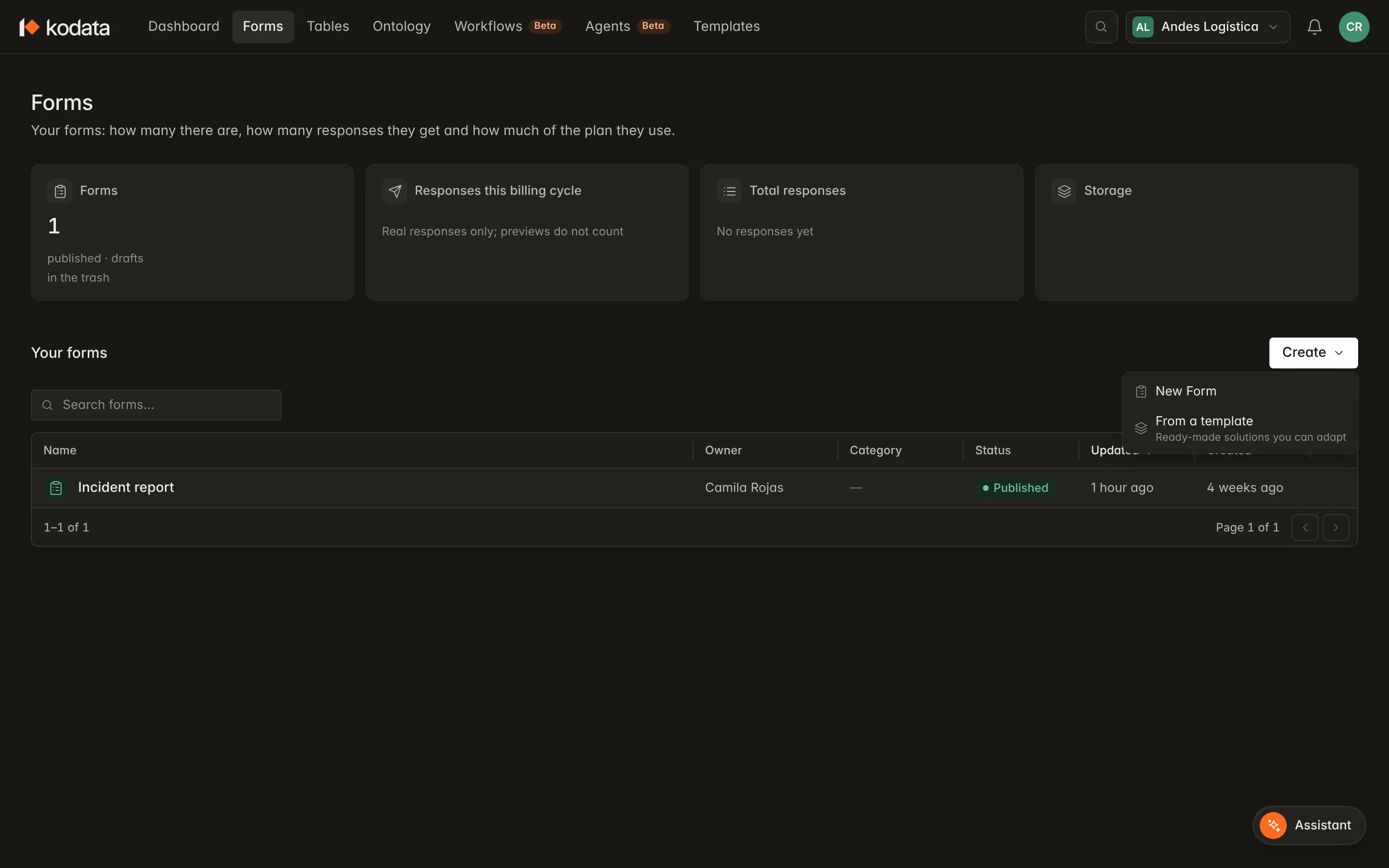
Create a public form that saves to a table
Publish a form with a link and save each response as a row in a table.
Read more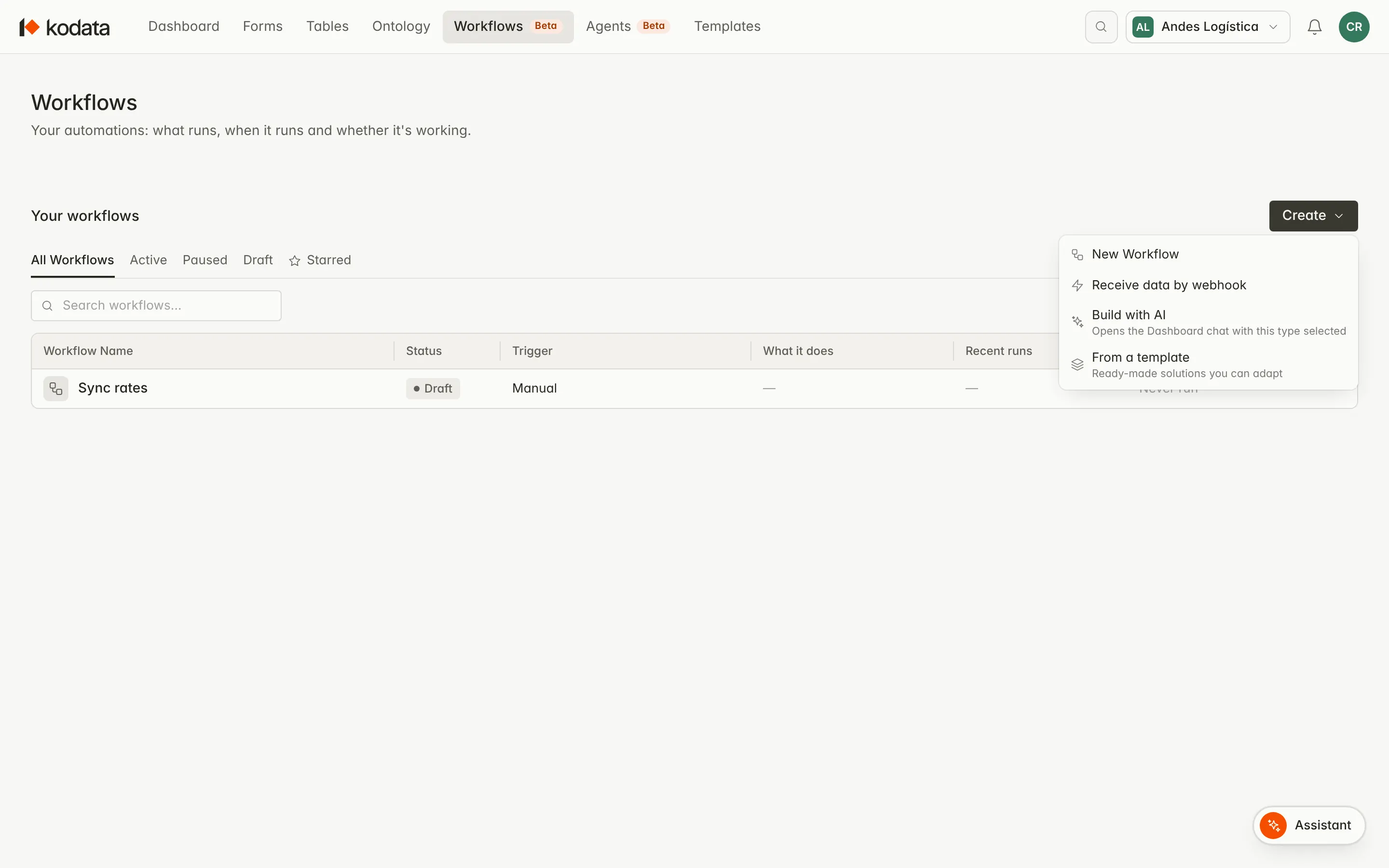
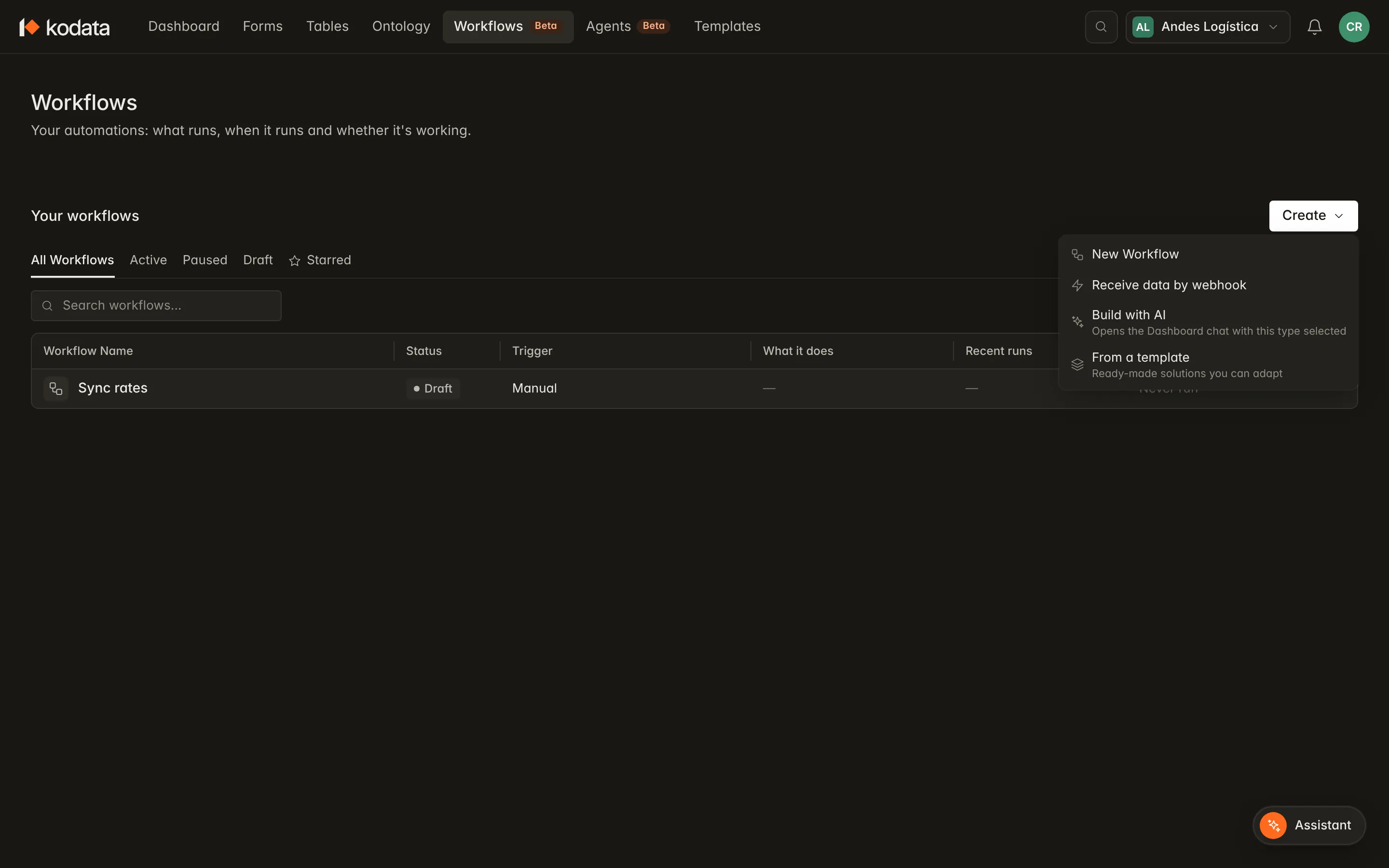
Scheduled workflow: from Google Sheets to a table, with alerts
Every day at 07:00, read a Google Sheets sheet, save its rows to a table and alert by email and Slack if something fails. Workflows is in Beta.
Read more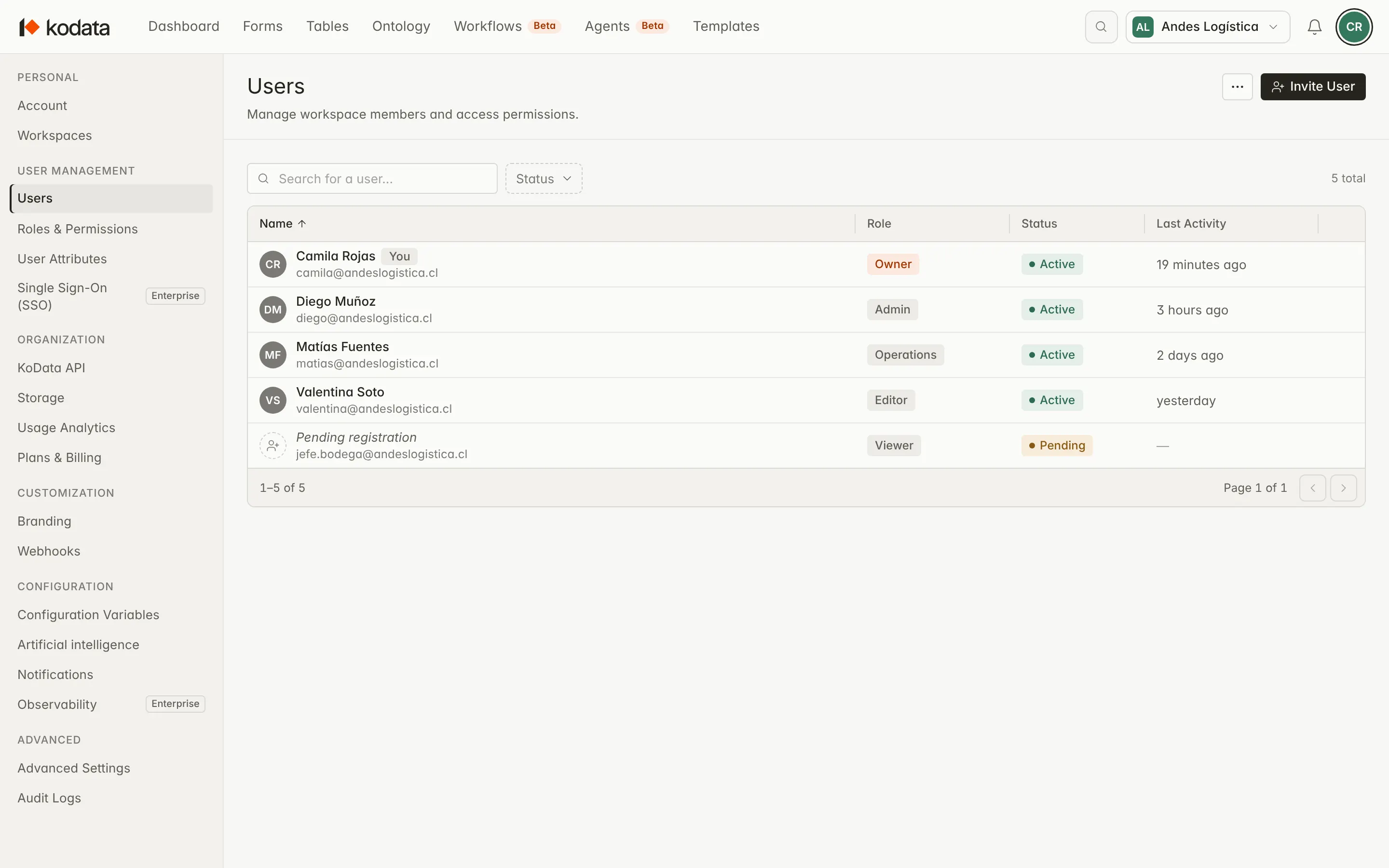
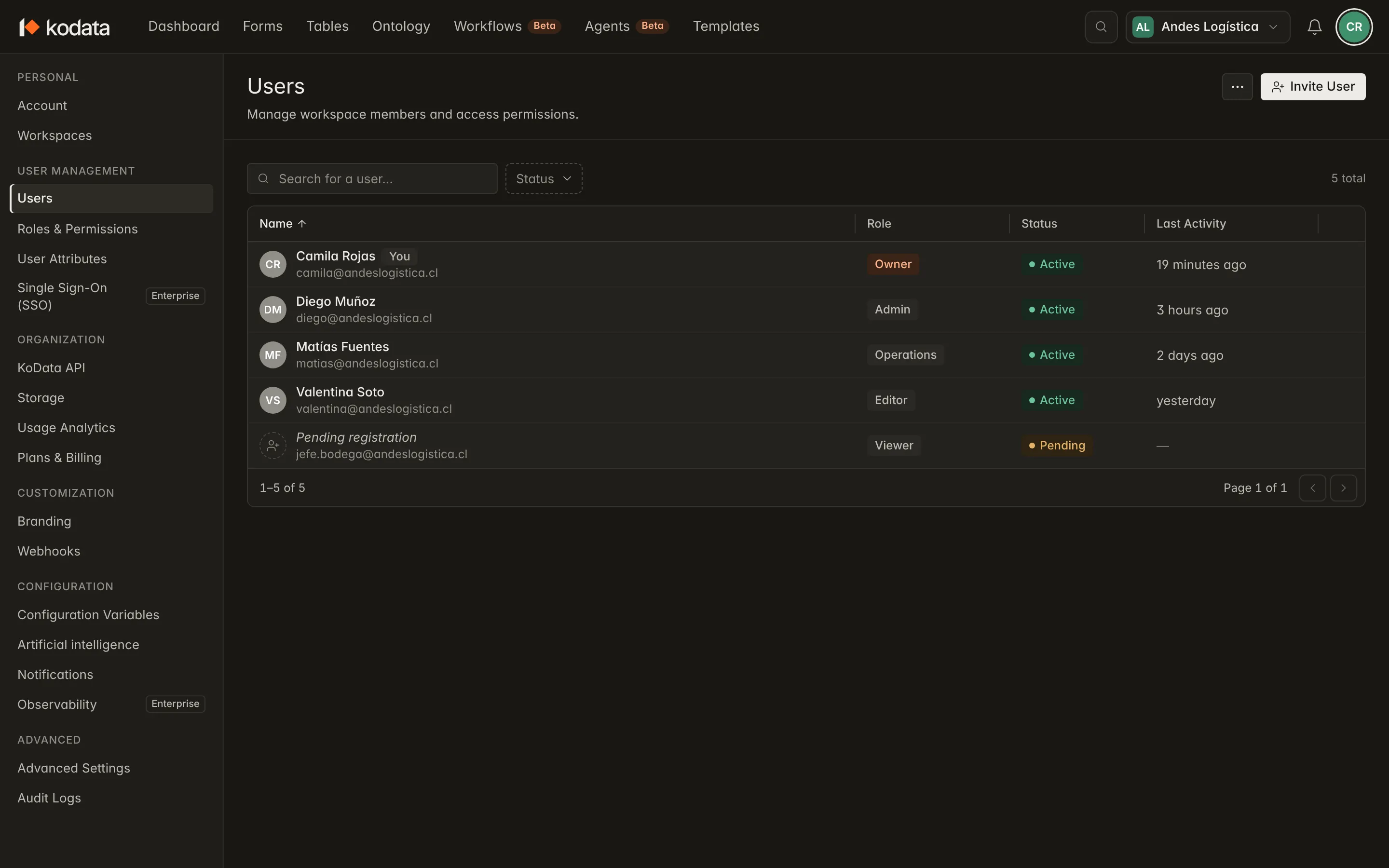
Invite your team and set permissions
Invite your colleagues, give them a role and decide which tables, dashboards and workflows each one can open.
Read more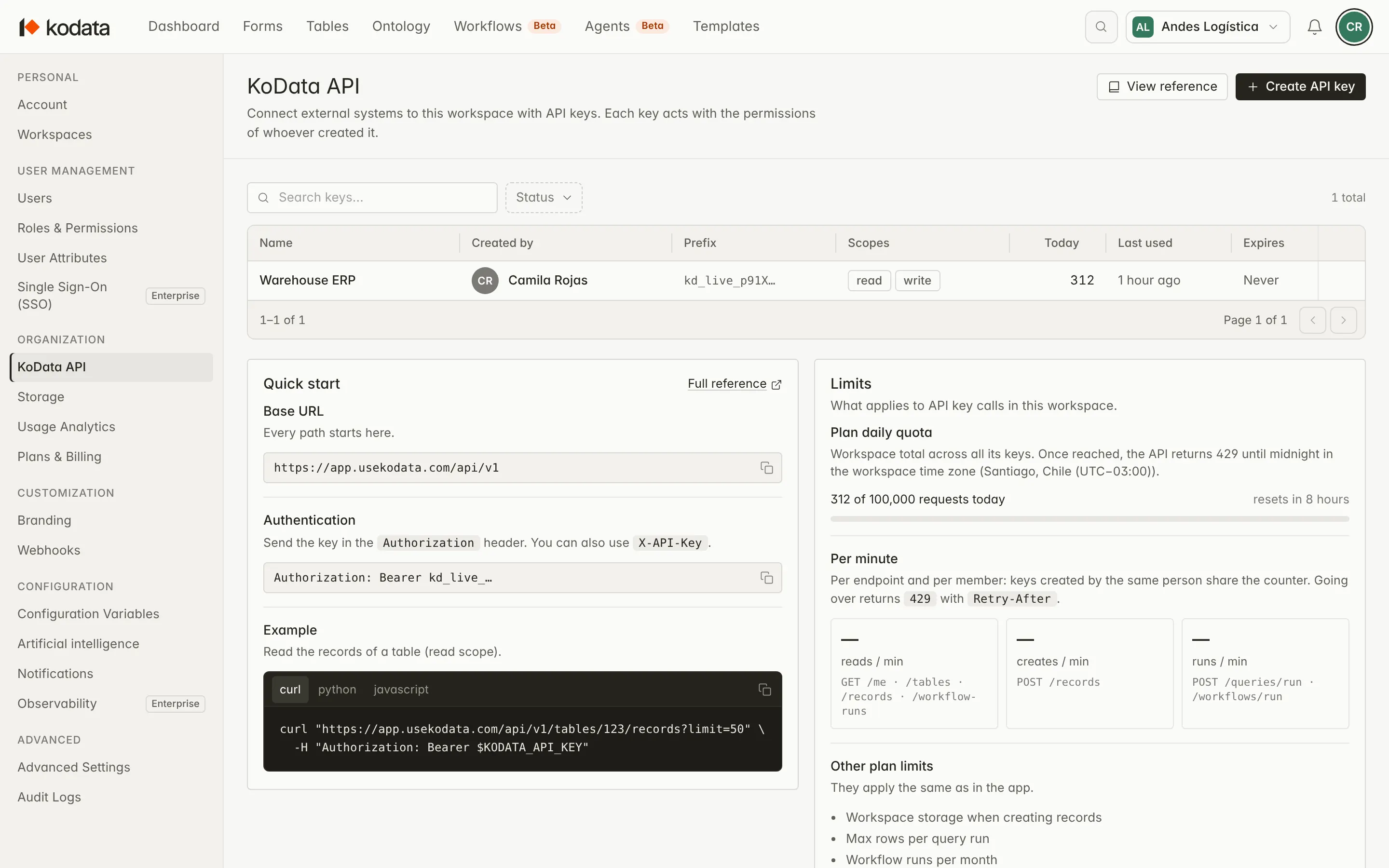
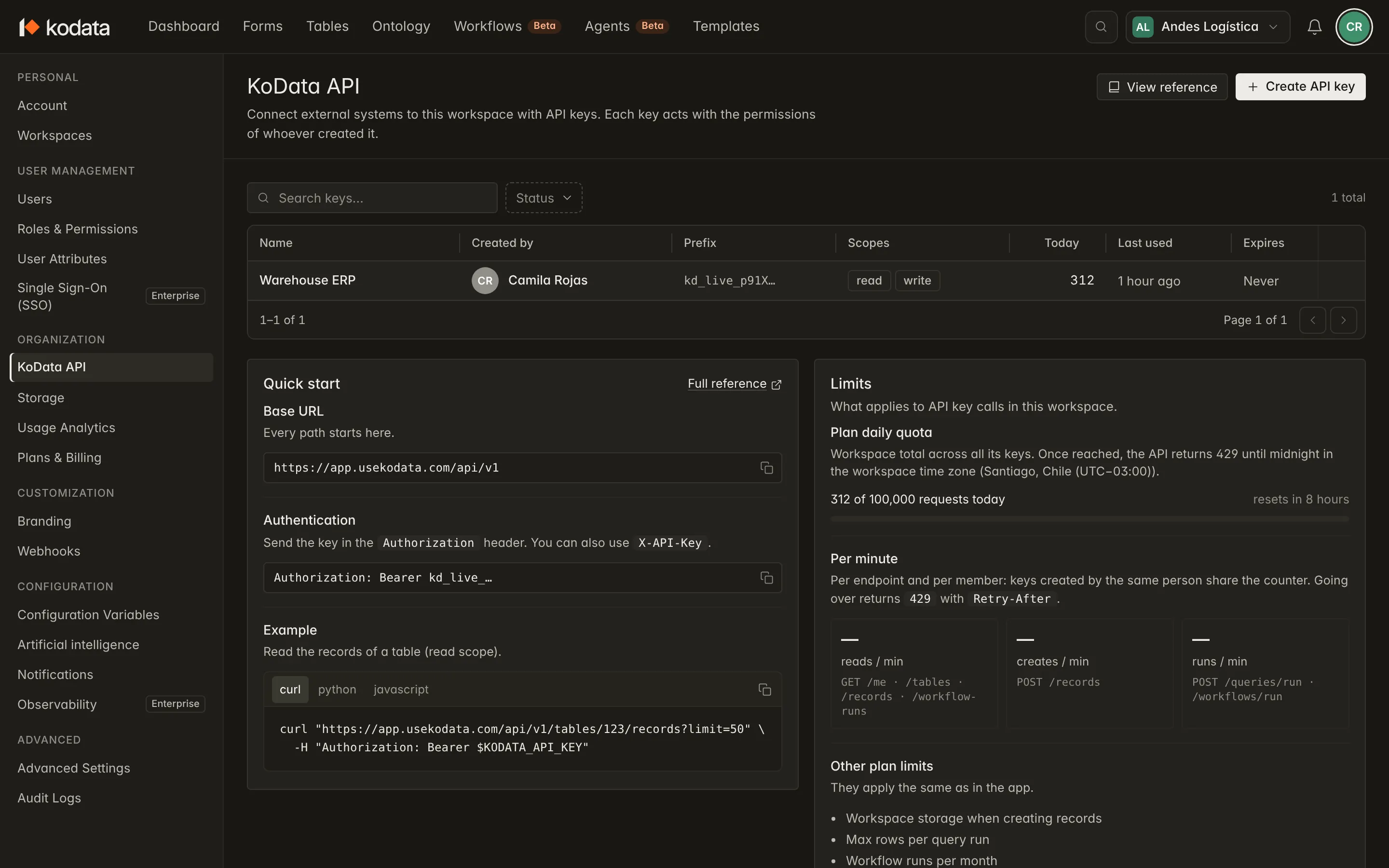
Connect the public API and outgoing webhooks
Let another system read from and write to KoData with an API key, and have KoData notify it when something happens with webhooks.
Read moreReference
Every module in detail: options, limits and permissions.
Tables
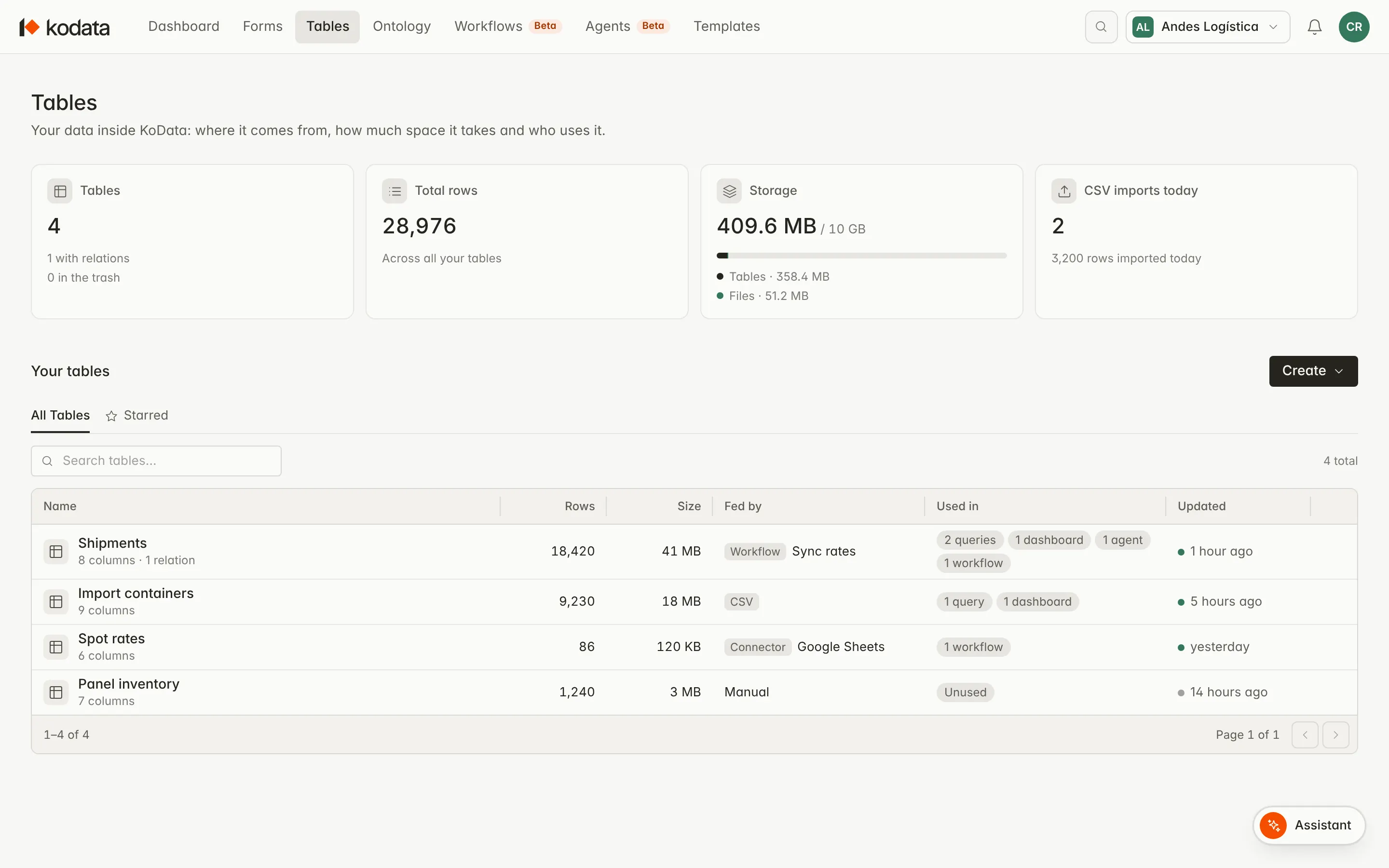
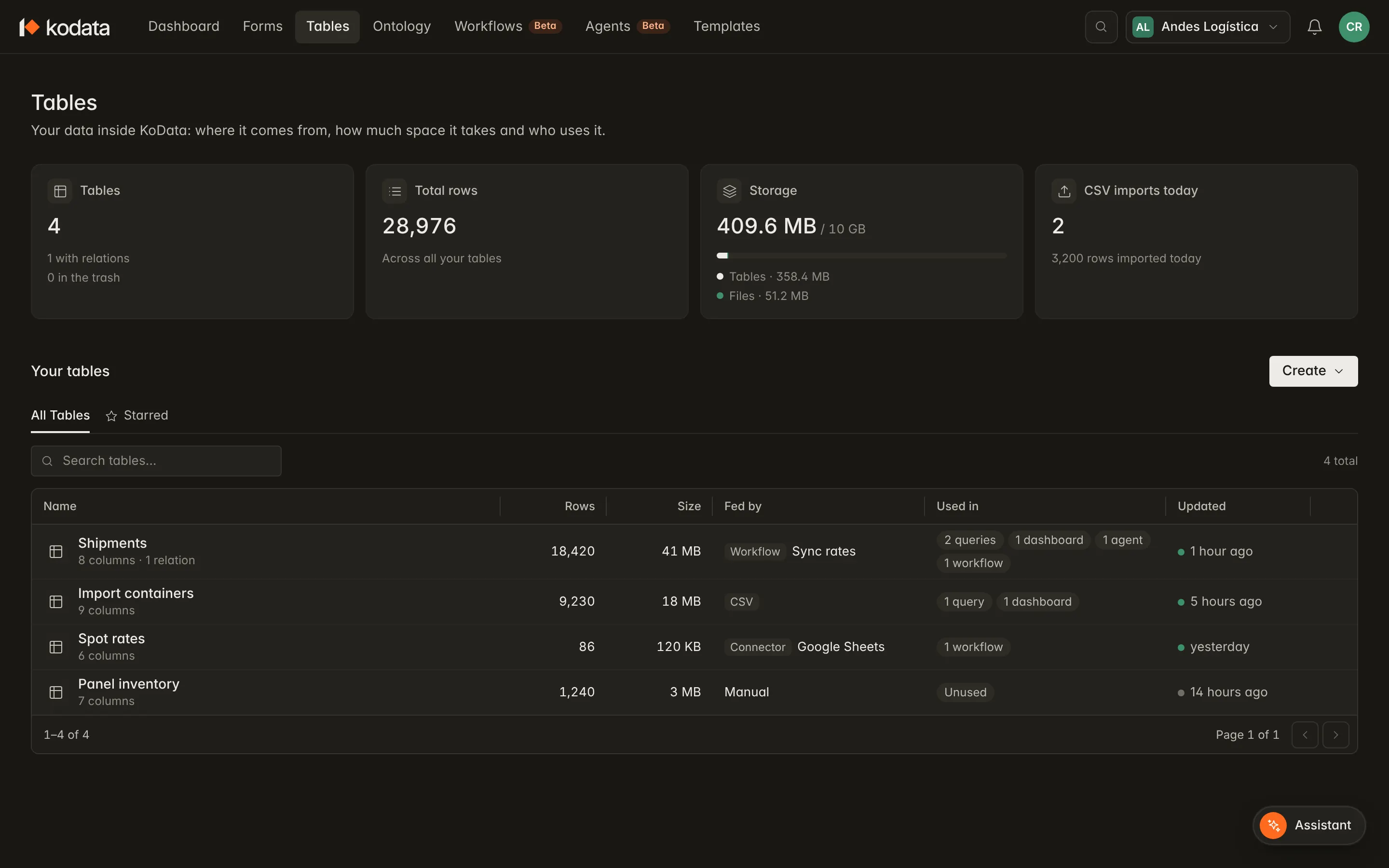
- Tables: the list and the table view
- Create a table and choose column types
- Columns: add, edit, calculate and color
- Rows, filters and views
Queries
- Queries: open, create and the editor
- Write SQL
- Visual editor
- Versions, where it's used and access
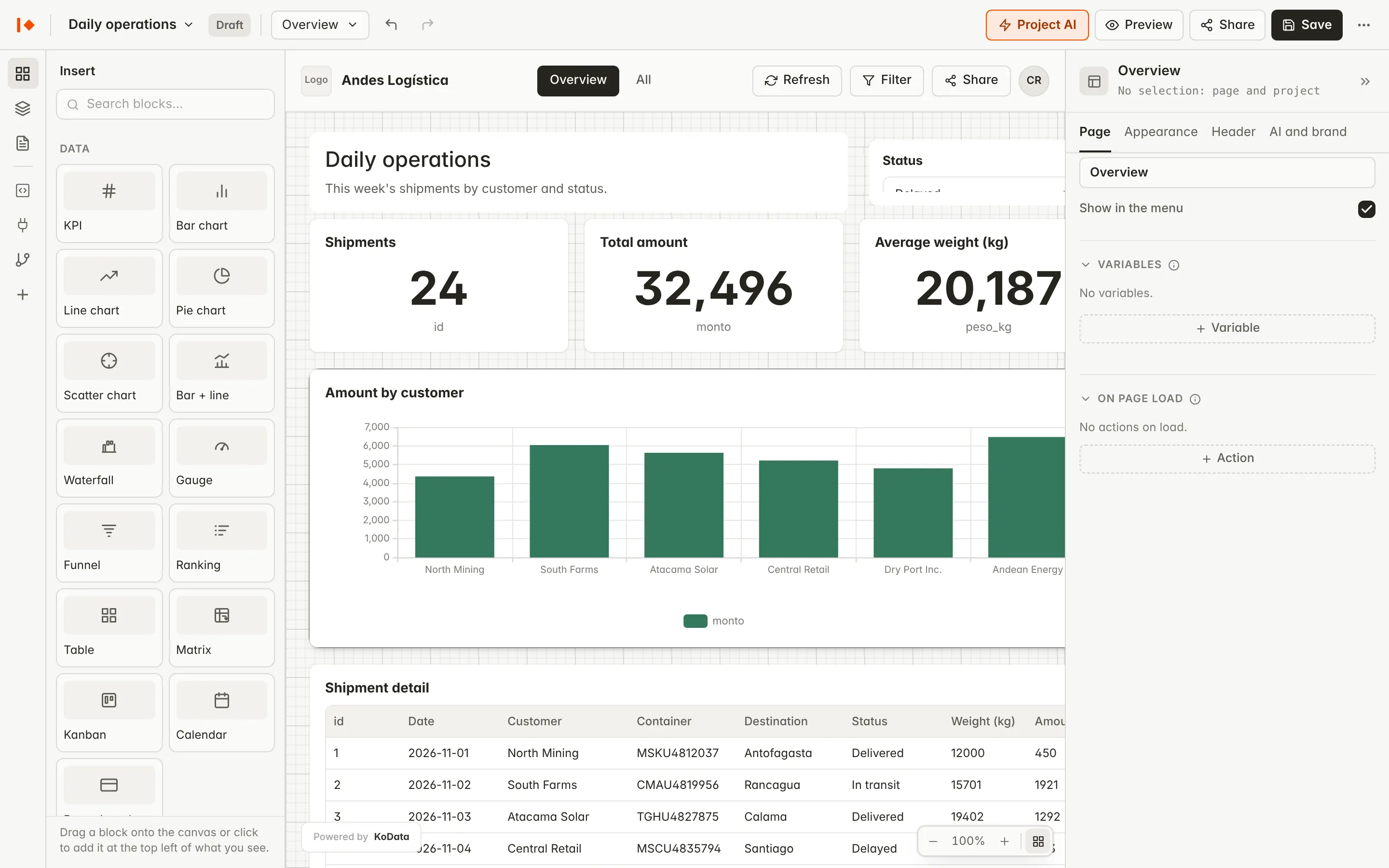
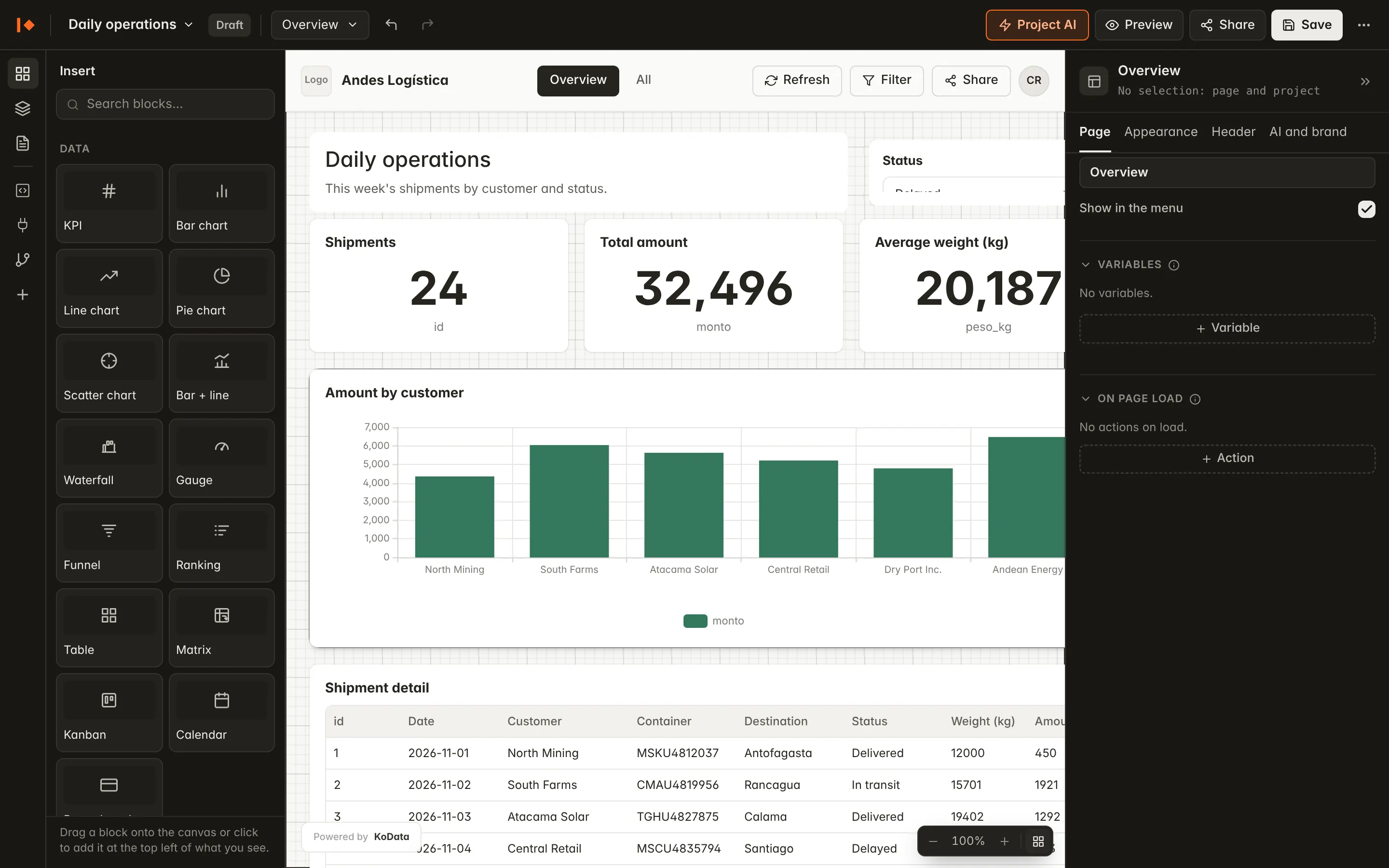
Dashboards (projects)
- Dashboards: open, create and the editor
- Charts, KPIs, tables, matrices and filters
- Text, images, buttons, forms and actions
- Pages, layers and appearance
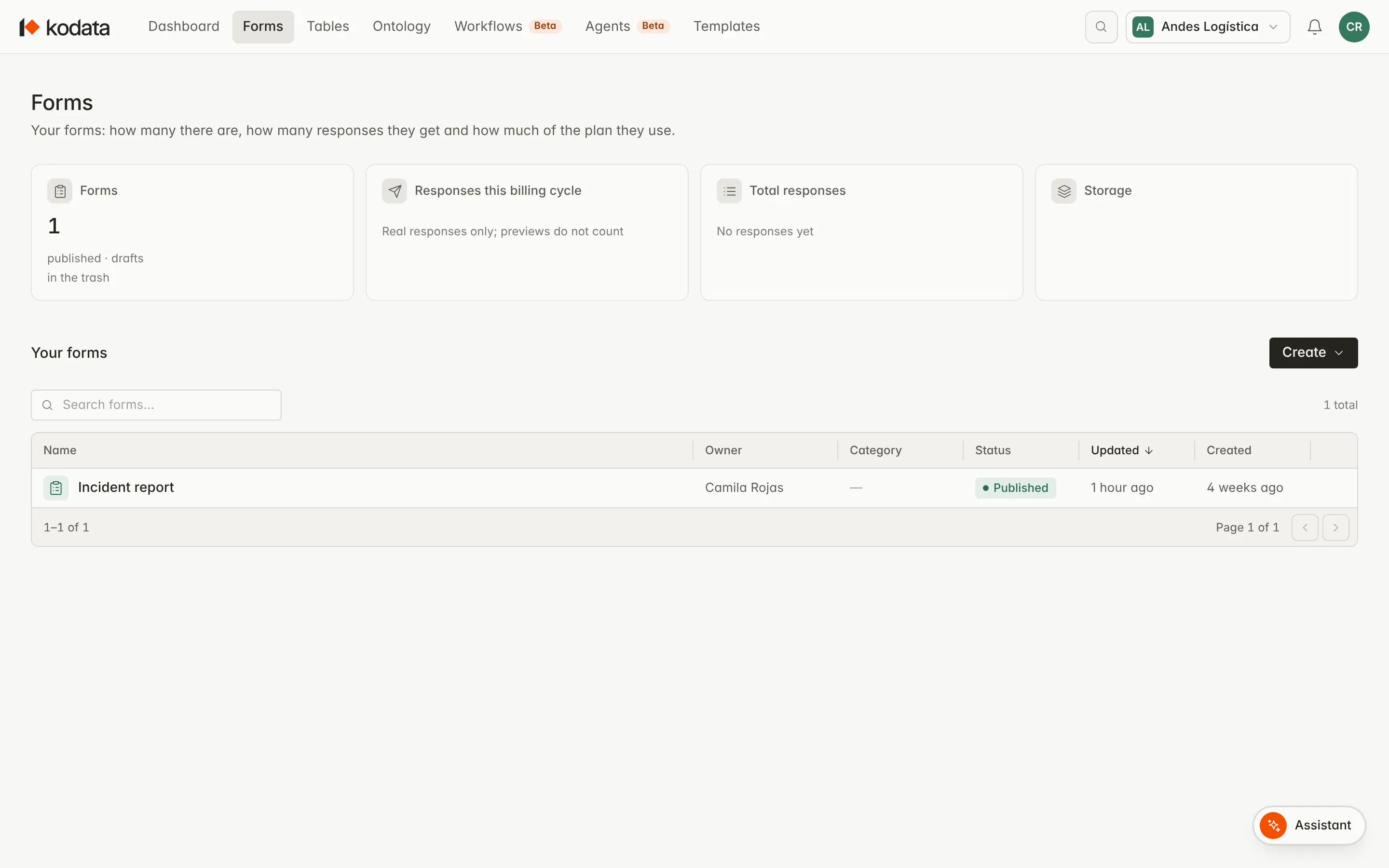
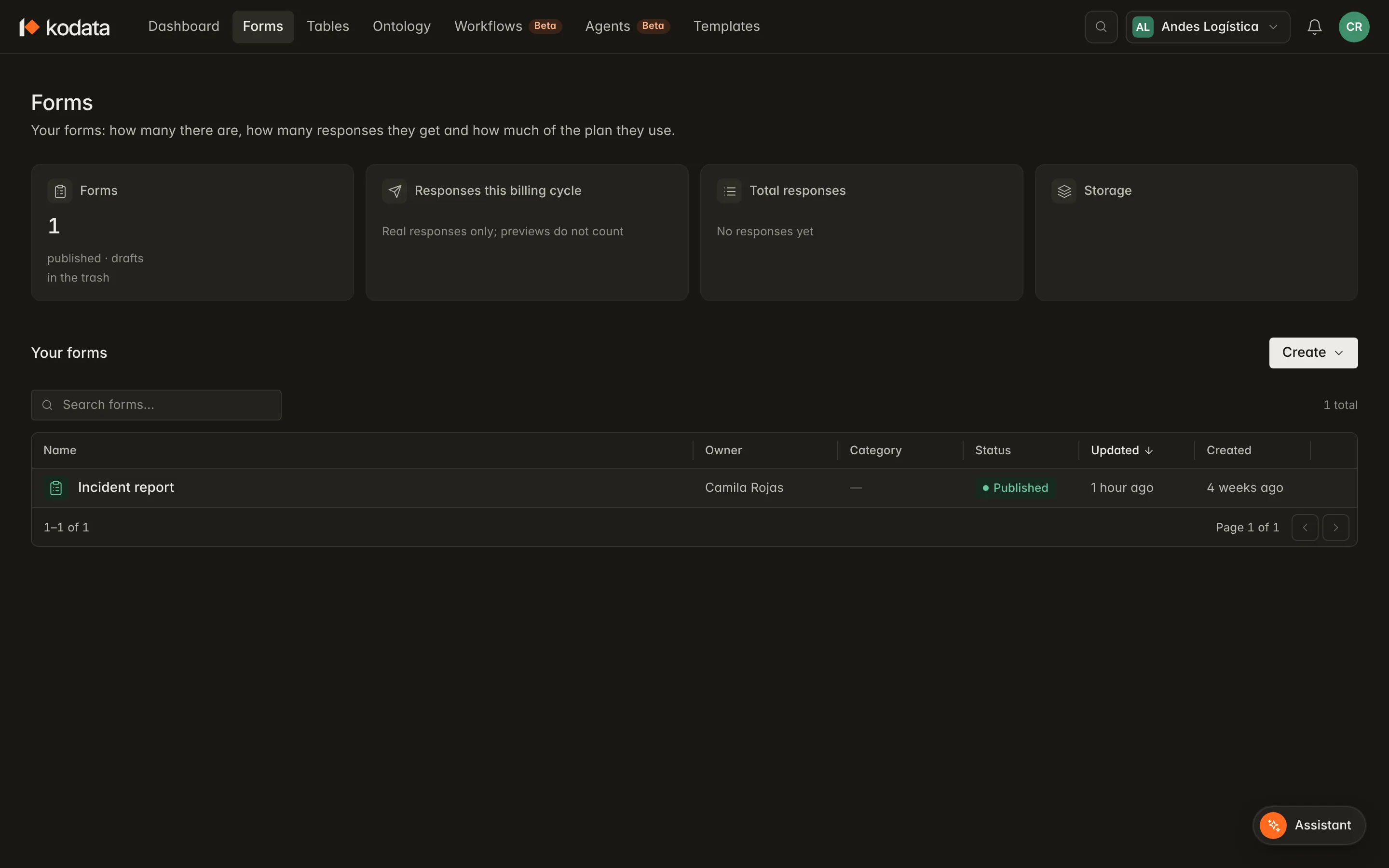
Forms
- Forms: list, create and the editor
- Fields, pages, logic and validation
- Design, identification and ending screen
- Destination, alerts, access and embedding
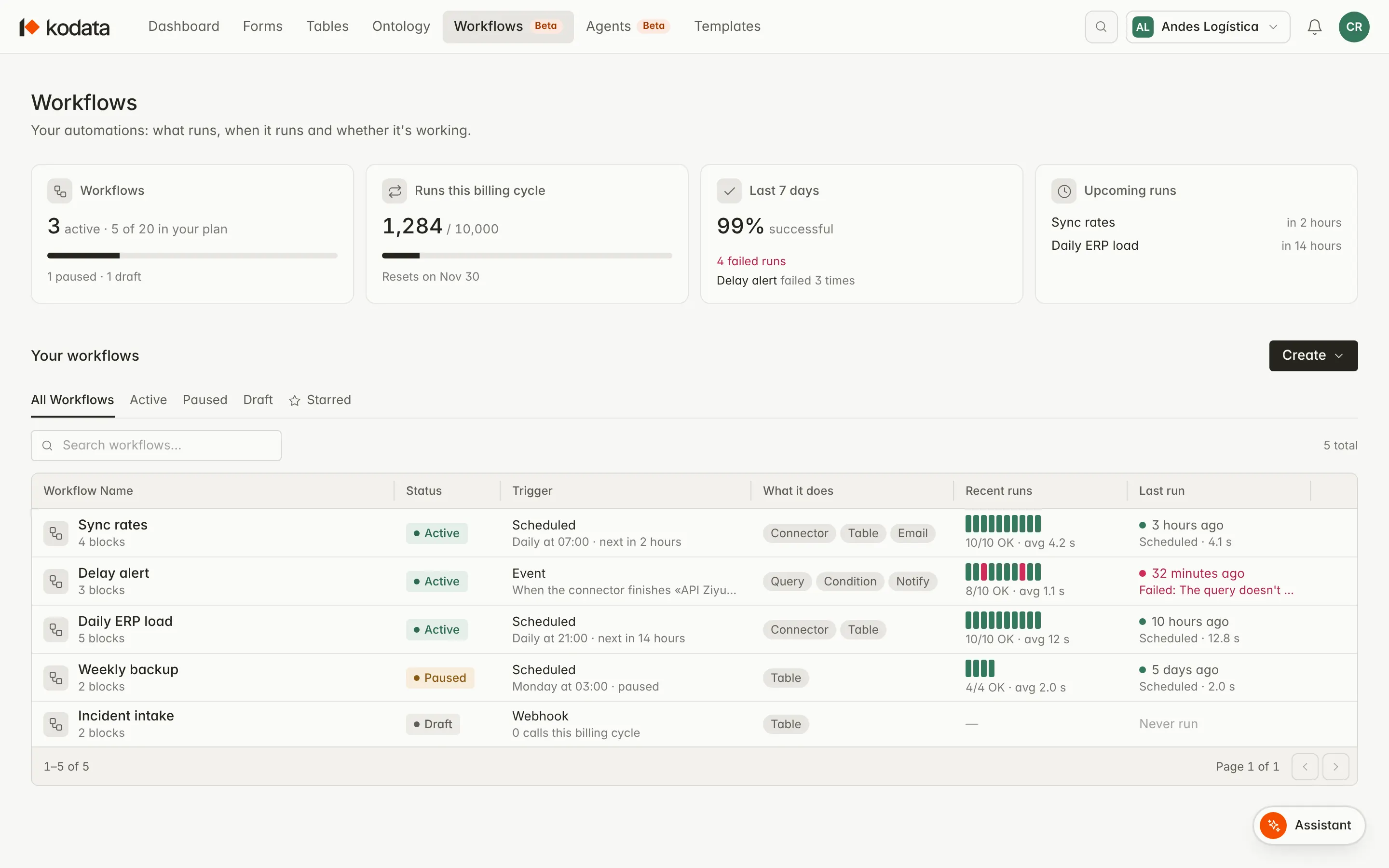
Workflows (Beta)
- Workflows: the list and the editor
- Triggers
- Blocks
- Variables
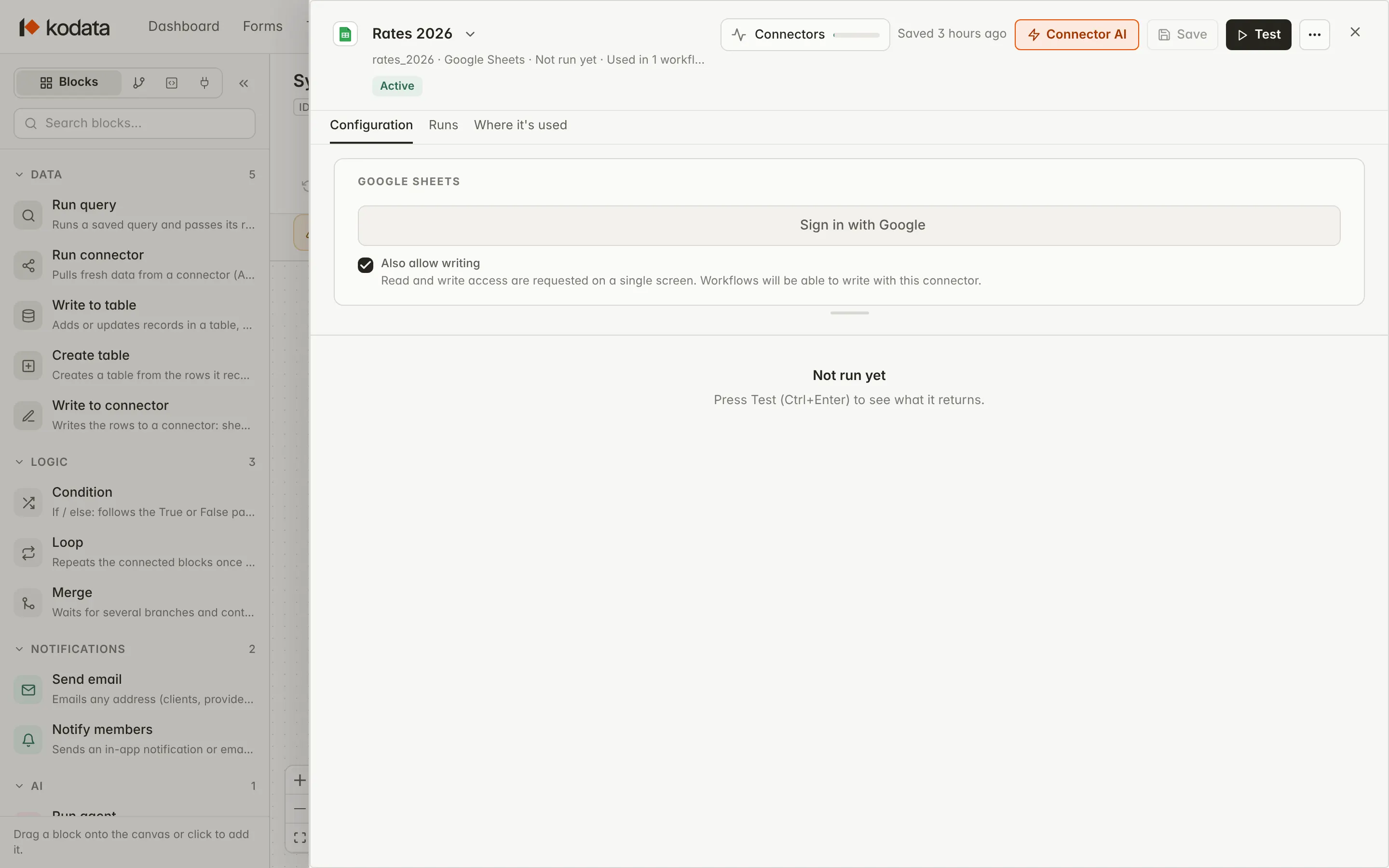
Connectors
- What a connector is
- Available providers
- Create a connector
- Set up: API, databases, Google and Microsoft
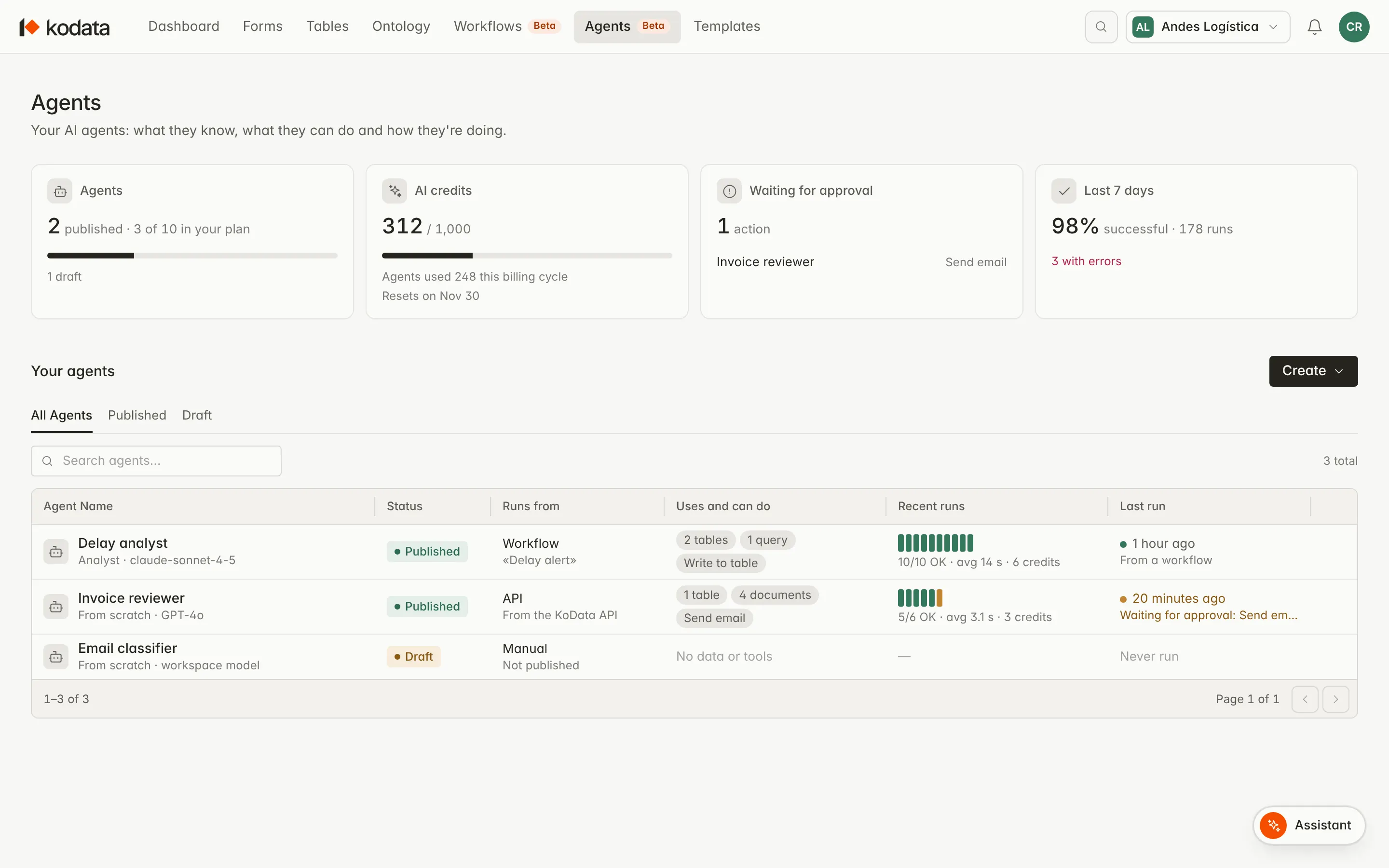
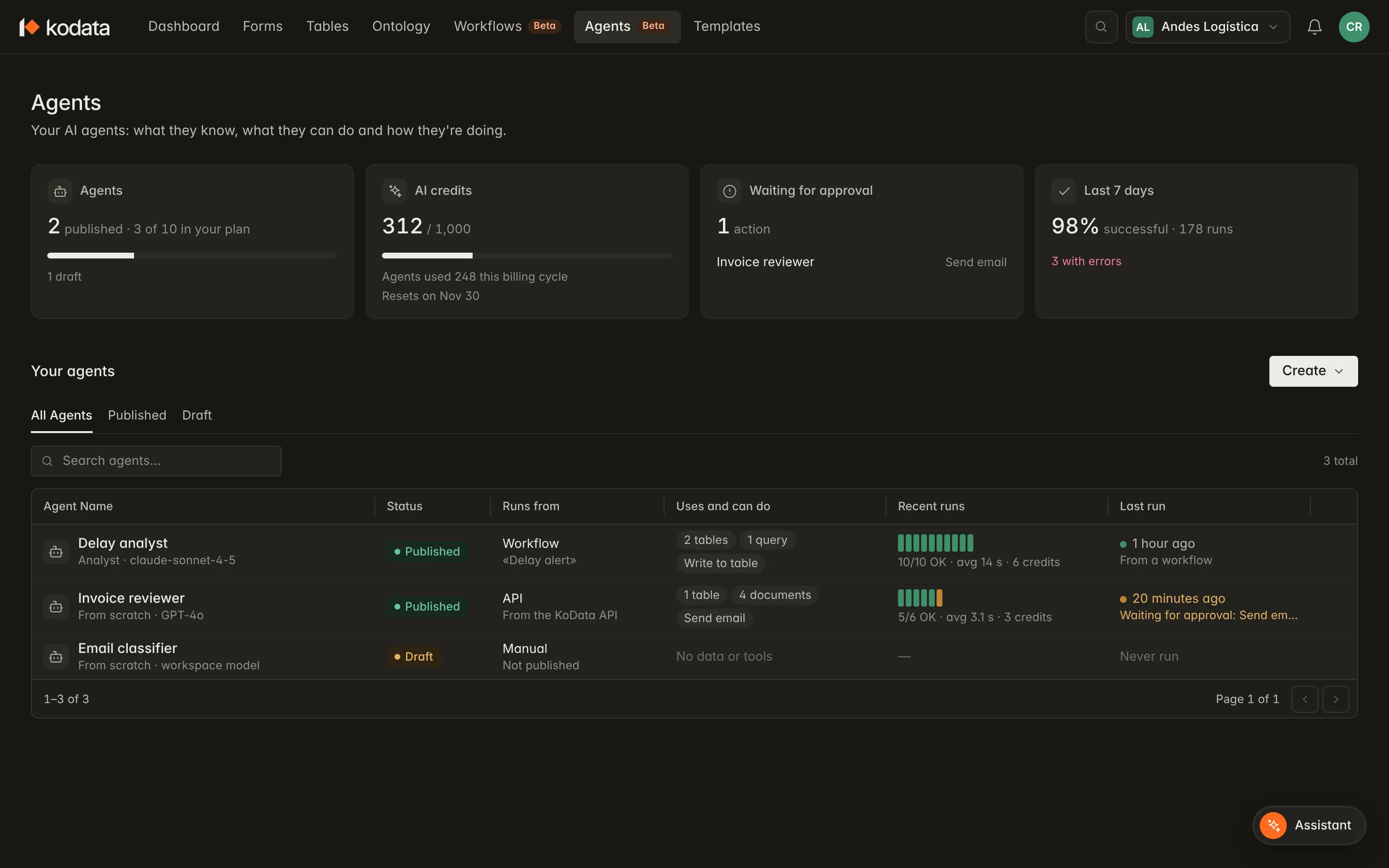
Agents (Beta)
- Agents: what they are and the list
- Create and configure an agent
- Tools and approvals
Ontology
- What the ontology is
- Entities and relations
- KPIs, rules and glossary
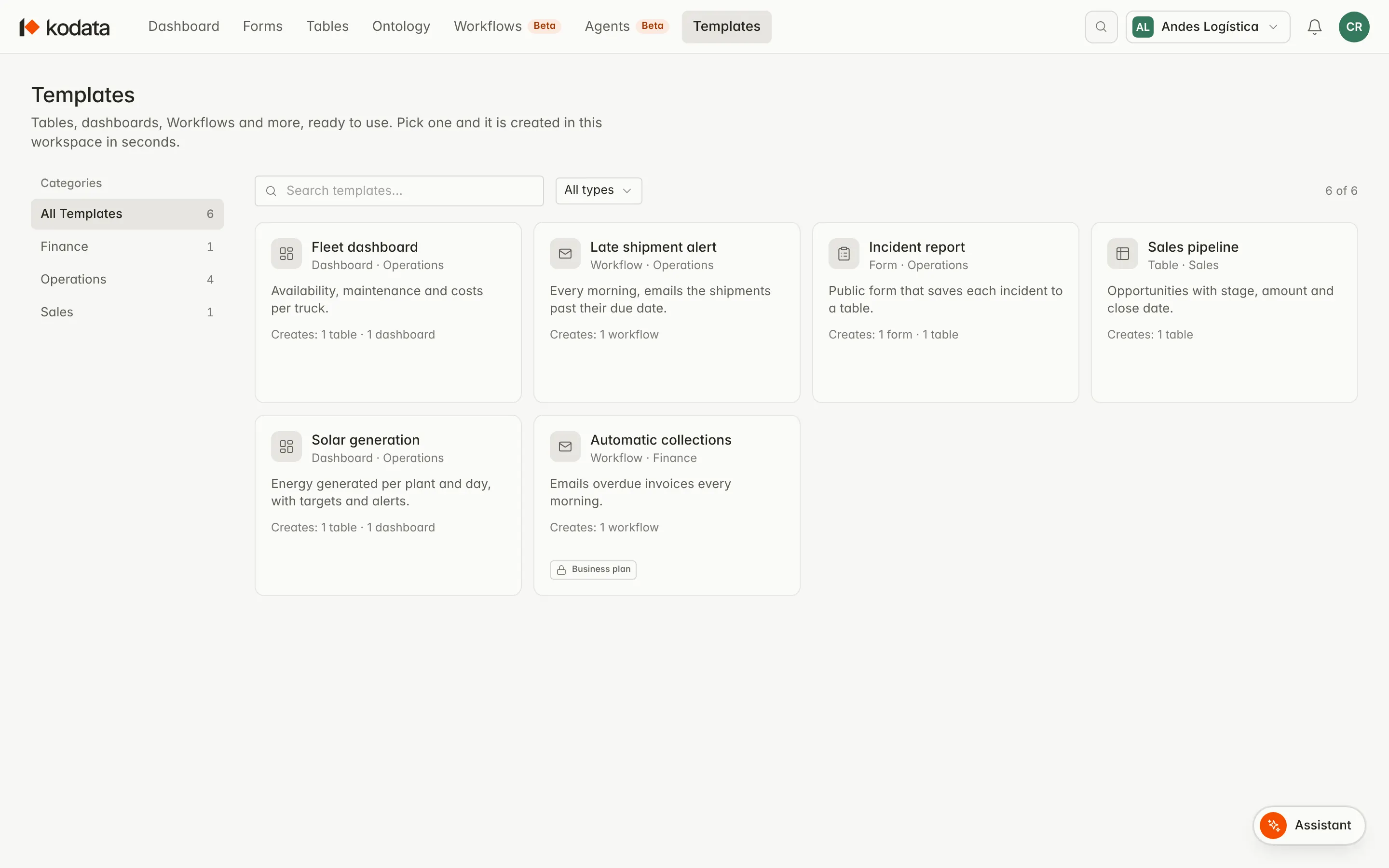
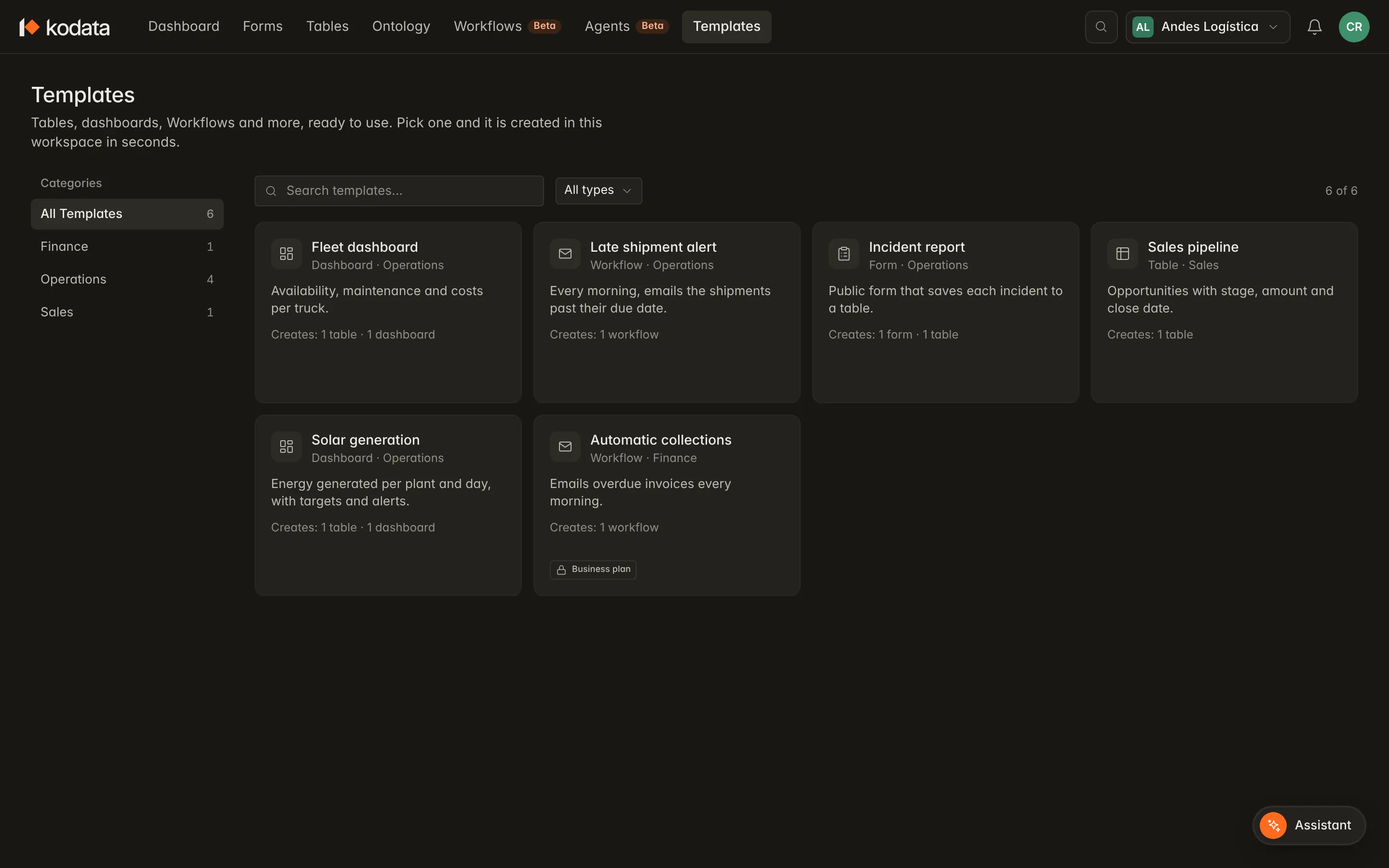
Templates
- Use a template
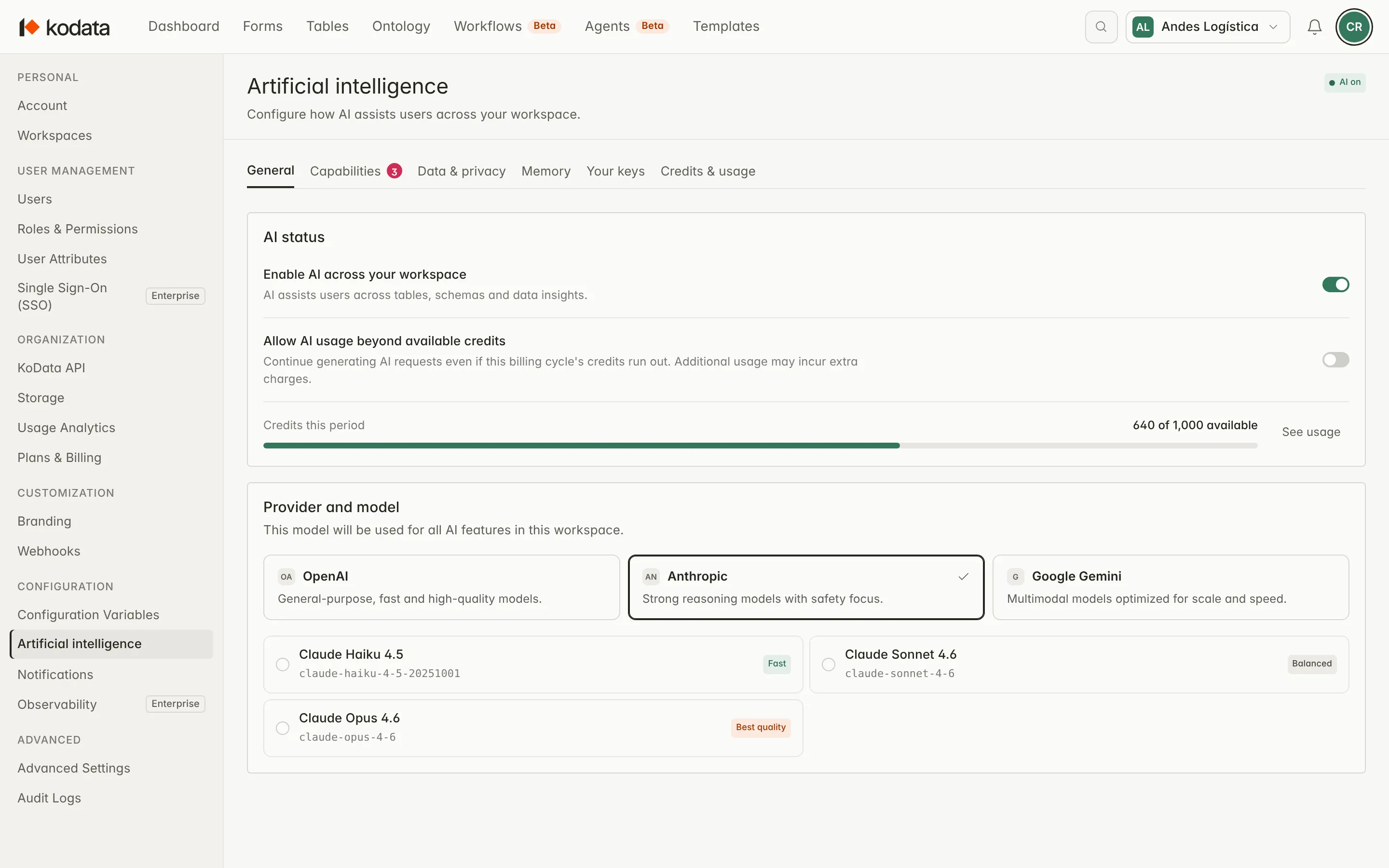
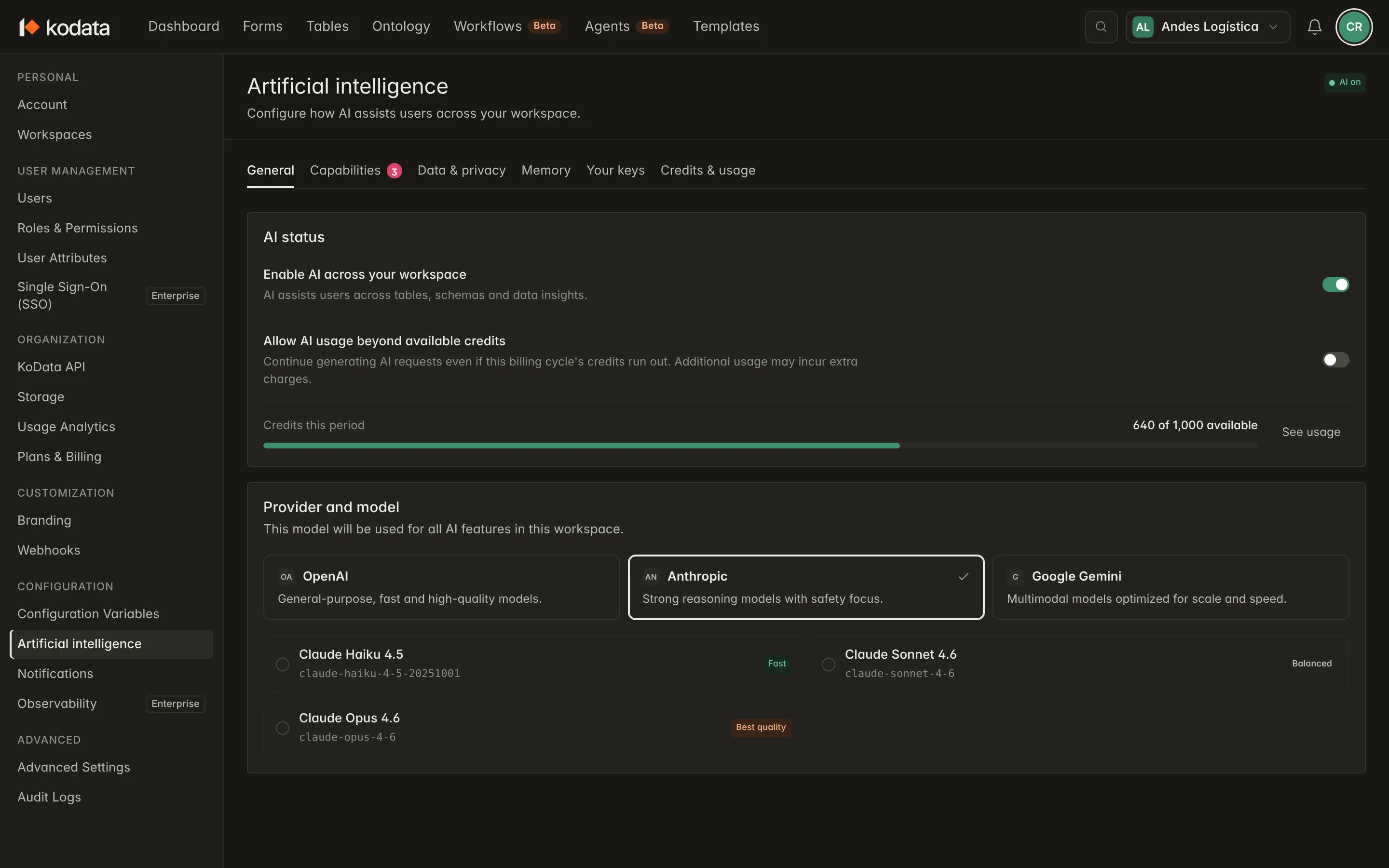
AI
- AI in KoData
- Set up the workspace AI
- AI credits
- Data and privacy
Members and permissions
- Roles and access
- Manage members
- Custom roles
- Archived and suspended workspaces
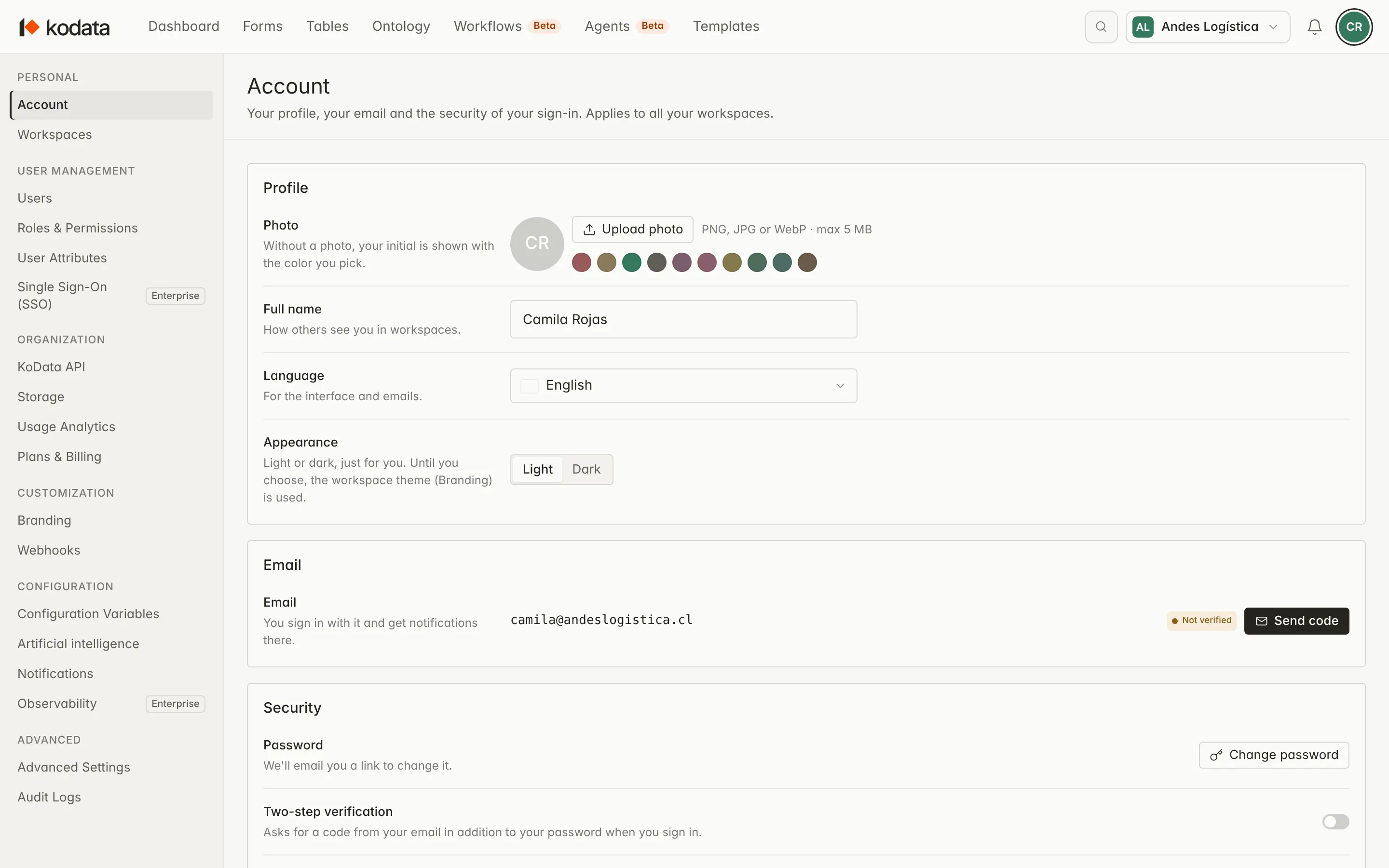
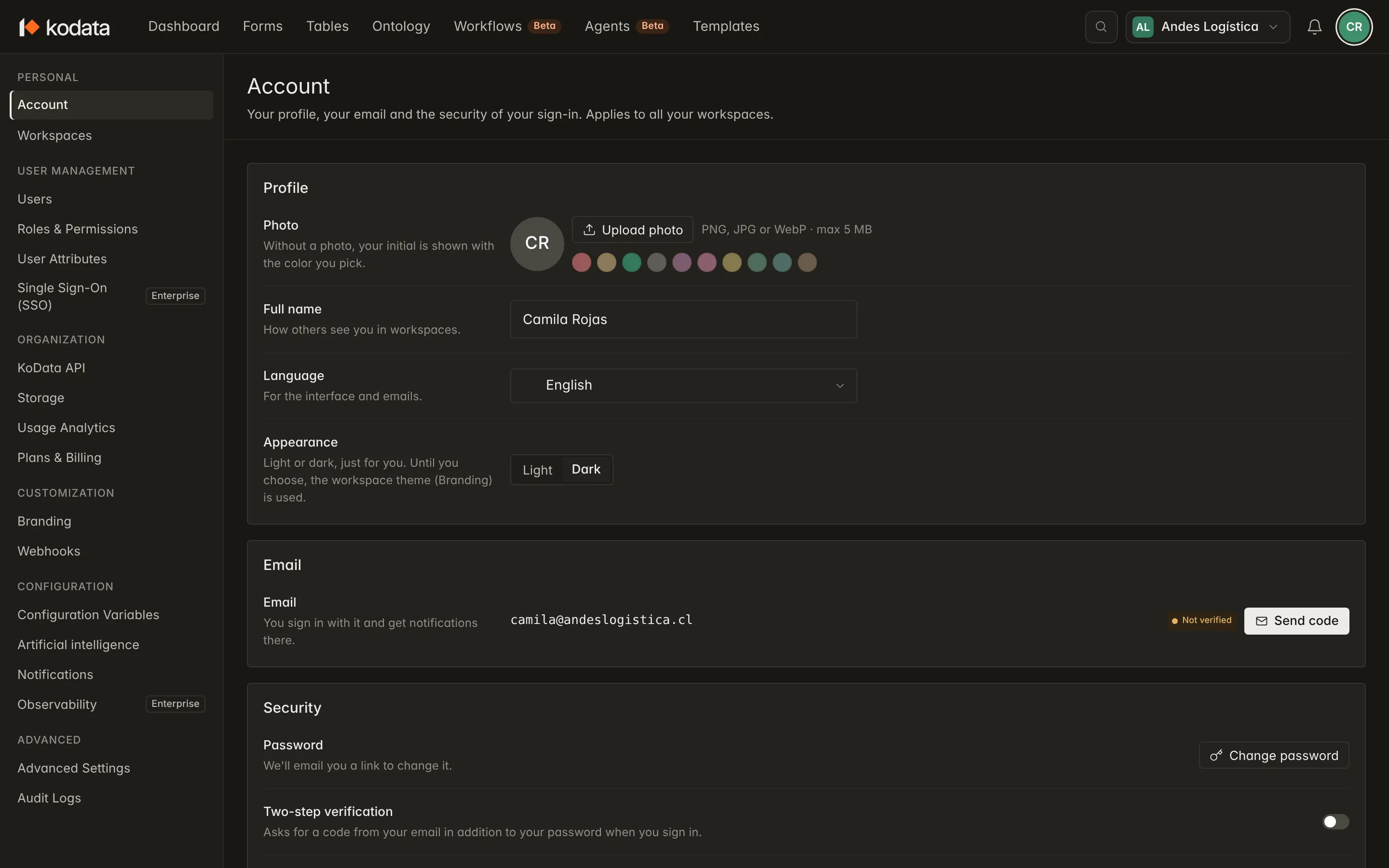
Your account
- Profile, language, appearance and email
- Password, two-step verification and sessions
- Download my data
- Archive your account
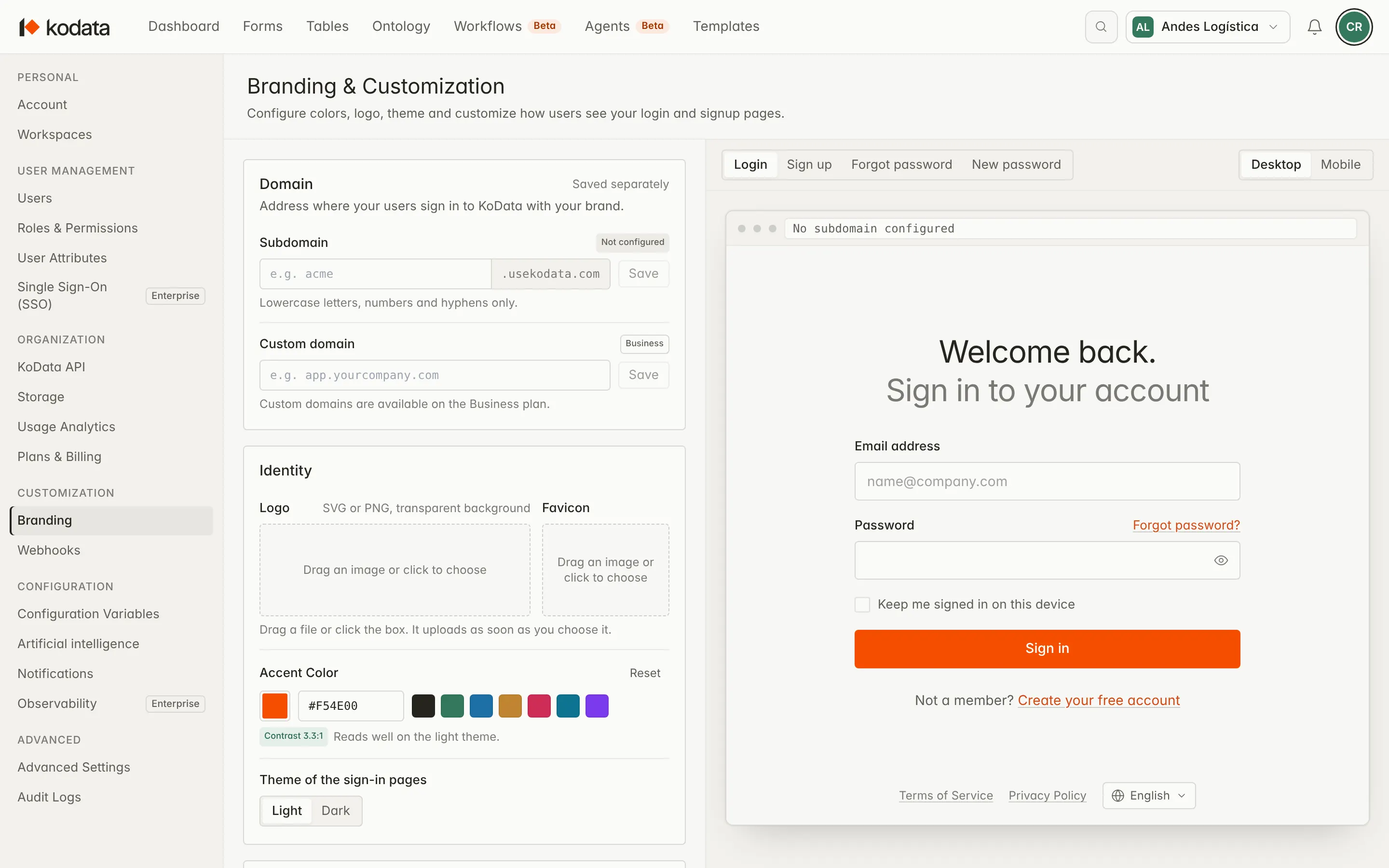
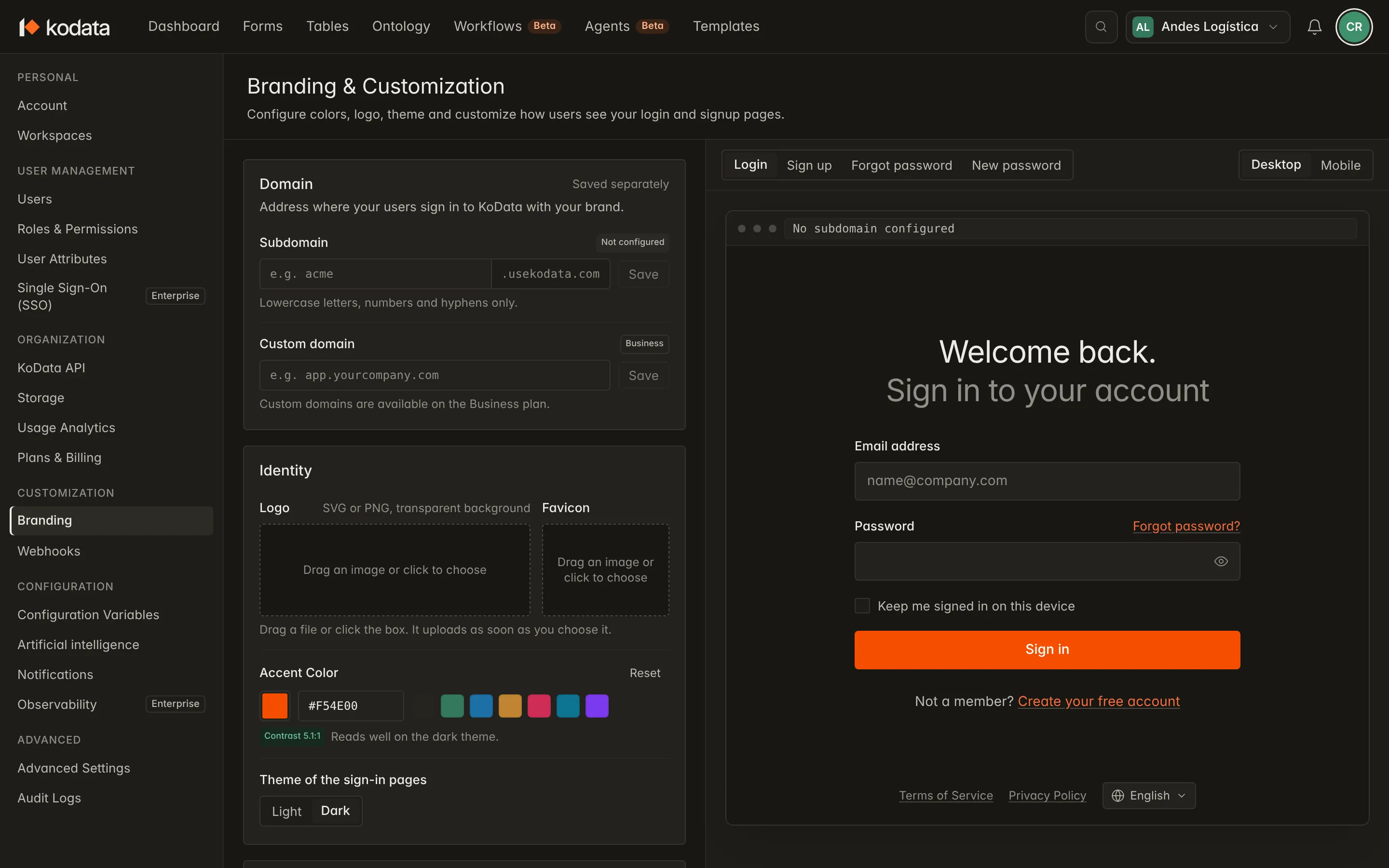
Settings
- Workspace settings
- Branding, subdomain and custom domain
- Configuration variables and environments
- User attributes
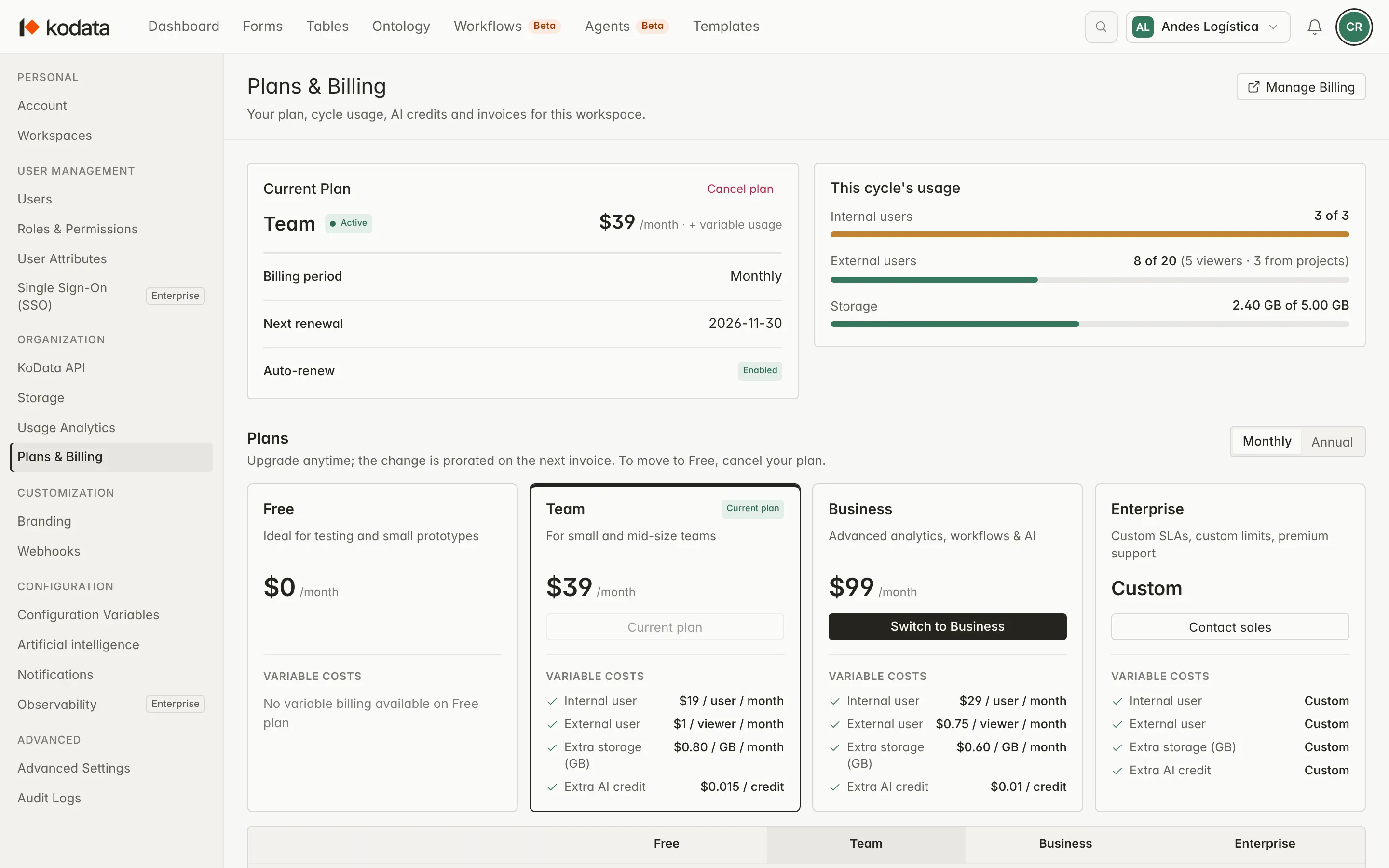
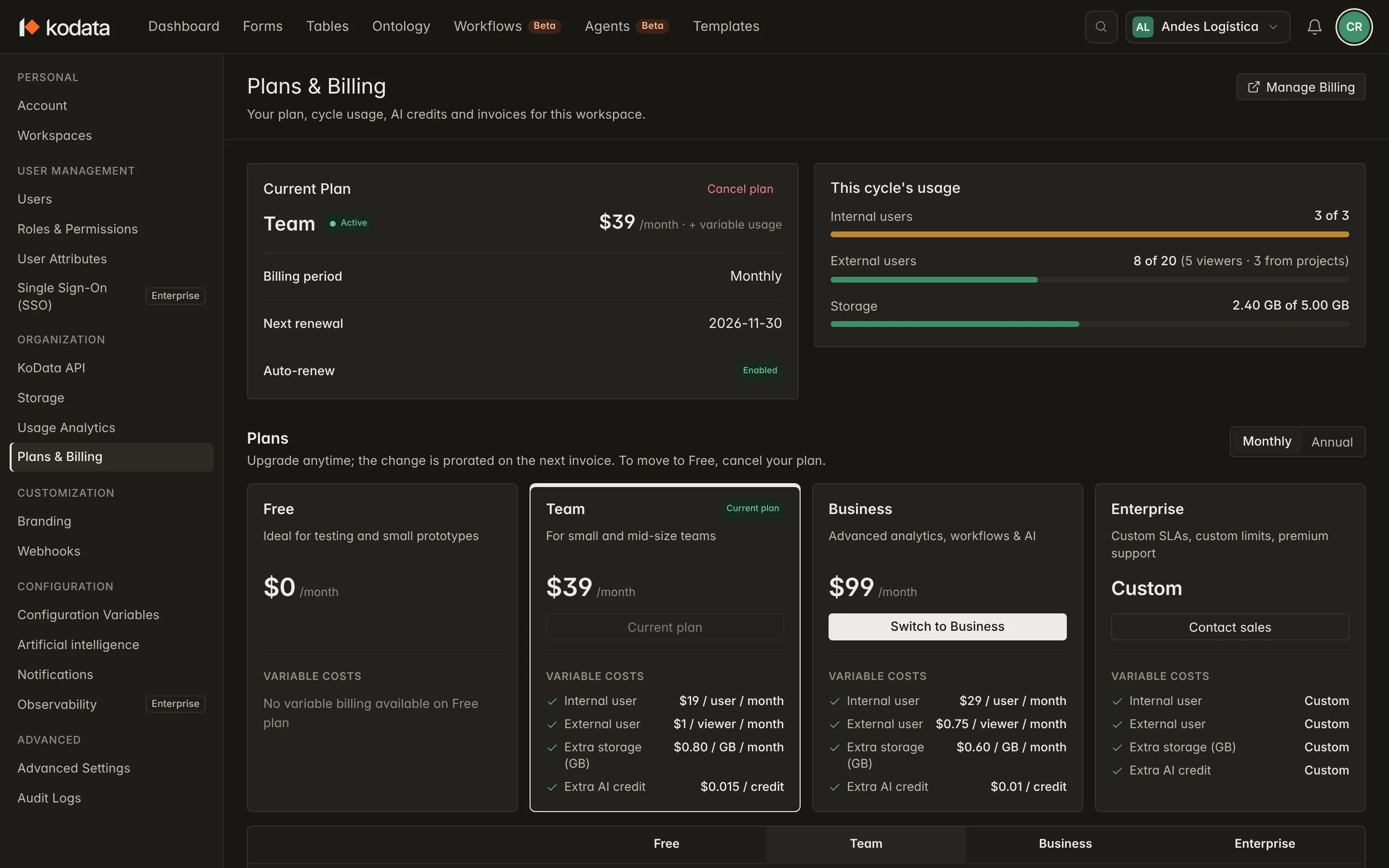
Plans & billing
- Compare plans
- Change, downgrade or cancel the plan
- Invoices, payments and overage
Help
Common errors and how to fix them.
Troubleshooting
- Plan limits
- Permissions and access
- Variables that don't exist or don't resolve
- Connectors and OAuth
- Imports and table data
- Workflows that don't run or fail
- Public links, visitor login and embedding
- AI doesn't show or doesn't answer
API reference
Endpoints, authentication and examples to connect KoData with your systems.
Learn moreDidn't find what you were looking for?
Write to us and we'll help.
Support