Sign in
Sign in with your email and password, or with Google, Microsoft or your company SSO if they are enabled.
Steps
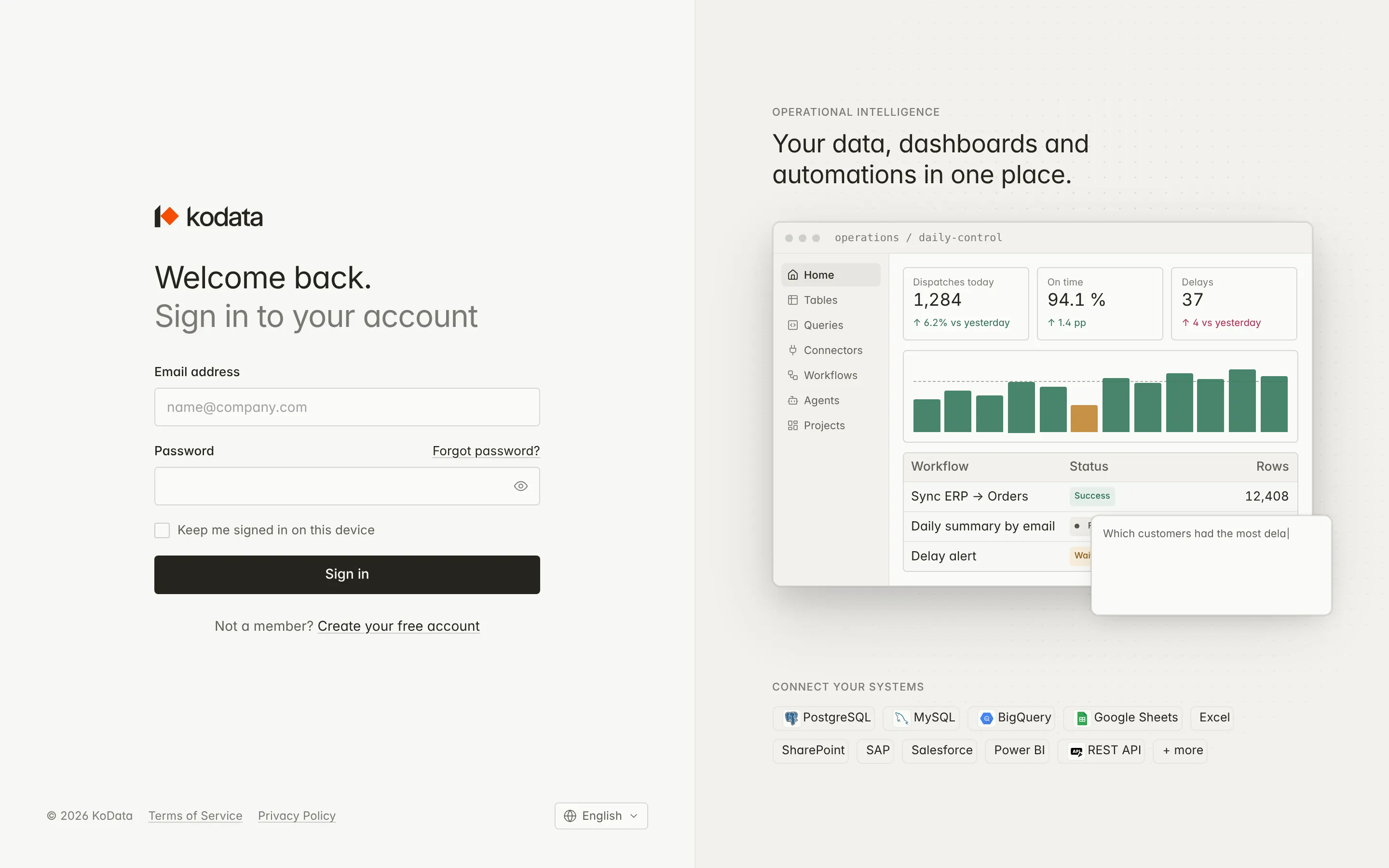
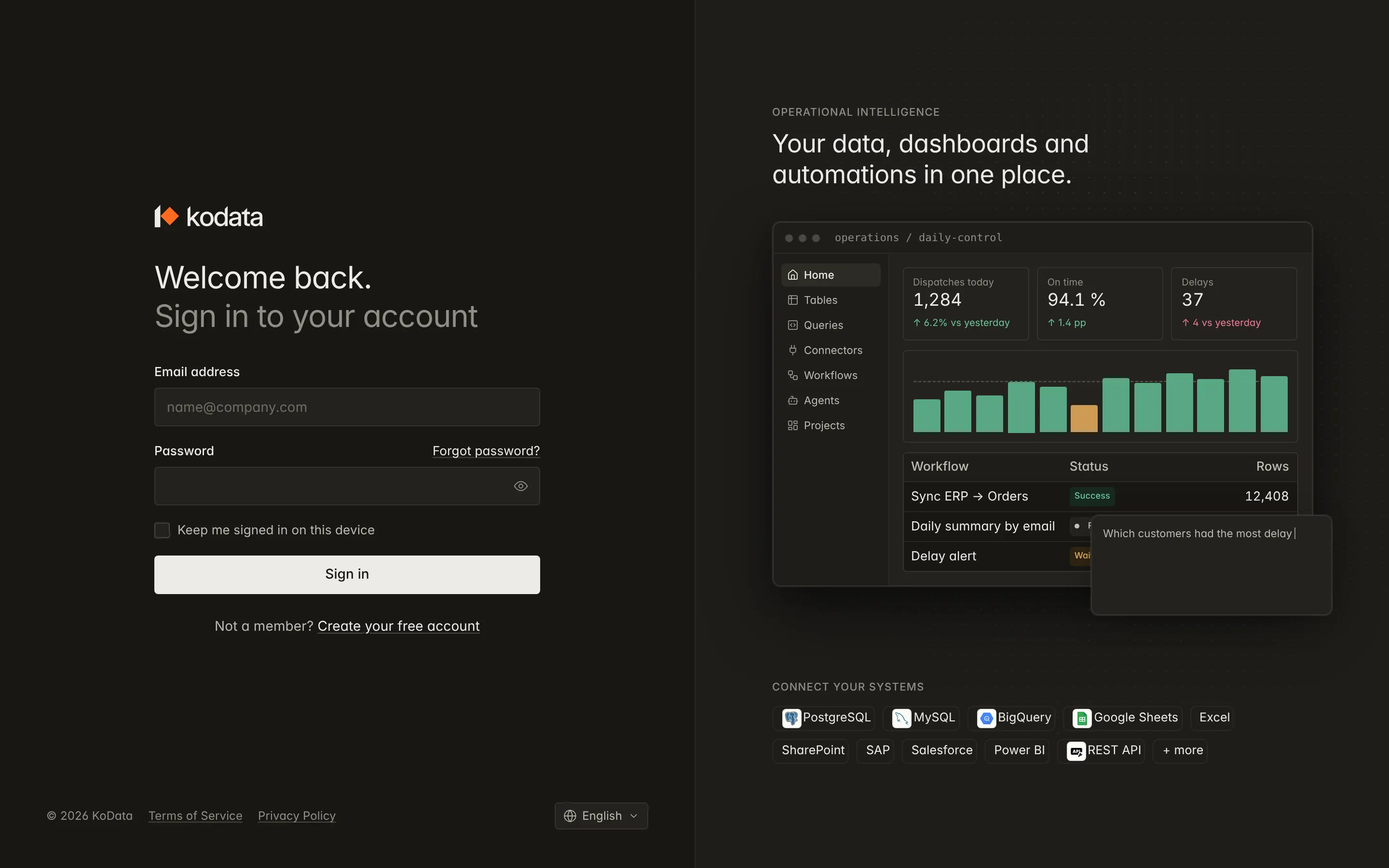
- Open the sign-in page (Welcome back. Sign in to your account).
- Type your Email address and Password.
- If you like, tick Keep me signed in on this device.
- Click Sign in.
- If two-step verification is on, type the 6-digit code sent to your email in Enter verification code and click Verify code.
Result: KoData opens your default workspace (or the first one, if you haven't picked one).
Other ways to sign in
- Google or Microsoft: they show up above the form, before or with your email, when the platform has them enabled. Use the account with the same email as in KoData.
- Your company SSO: if your workspace uses SSO (Enterprise plan), sign in with the SSO button or the link your admin gave you.
- Dashboard visitors: if someone shared a dashboard with login, you sign in on that dashboard's screen, not here. See Guide: dashboard with visitor login.
Sign out
- Click your profile picture, top right.
- Click Logout.
To end all your sessions (for example after using a shared computer), use the session options in Settings › Account. See Sessions and login history.
Troubleshooting
| Message | What to do |
|---|---|
| Invalid credentials | Check your email and password. If you forgot it, use Forgot password? (Reset your password). |
| KoData is in early access and this email does not have access yet. | Your email isn't on the access list. Join the waitlist or ask for an invitation. |
| Invalid authentication code | Use the latest email and type the 6 digits again. |
| Authentication code expired | Codes last 5 minutes. Sign in again. |
| You do not have access to this workspace. | Ask the owner or an admin to invite you. |
| Under maintenance | KoData is in scheduled maintenance. Try again later. |