Connect the public API and outgoing webhooks
Let another system read from and write to KoData with an API key, and have KoData notify it when something happens with webhooks.
Goal: have the warehouse ERP read the Shipments table, create records and get a notice every time a row is created or a form arrives.
Requirements: Team plan or higher. To create keys, the workspace.api_keys.manage permission; for webhooks, workspace.events.manage (by default, the Owner and the Admin have both).
Time: 15 minutes.
Part 1: API key
- Open Settings › KoData API.
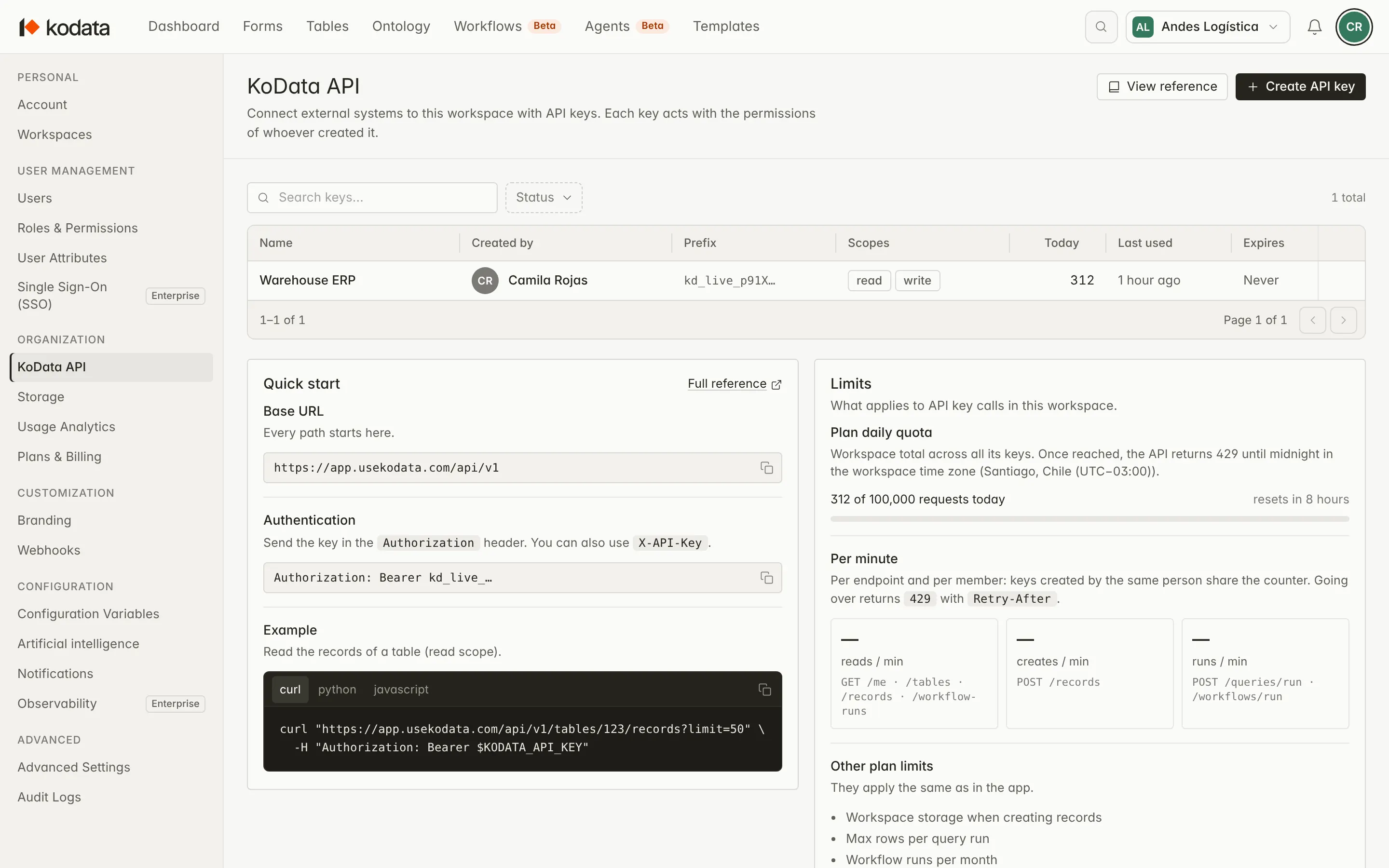
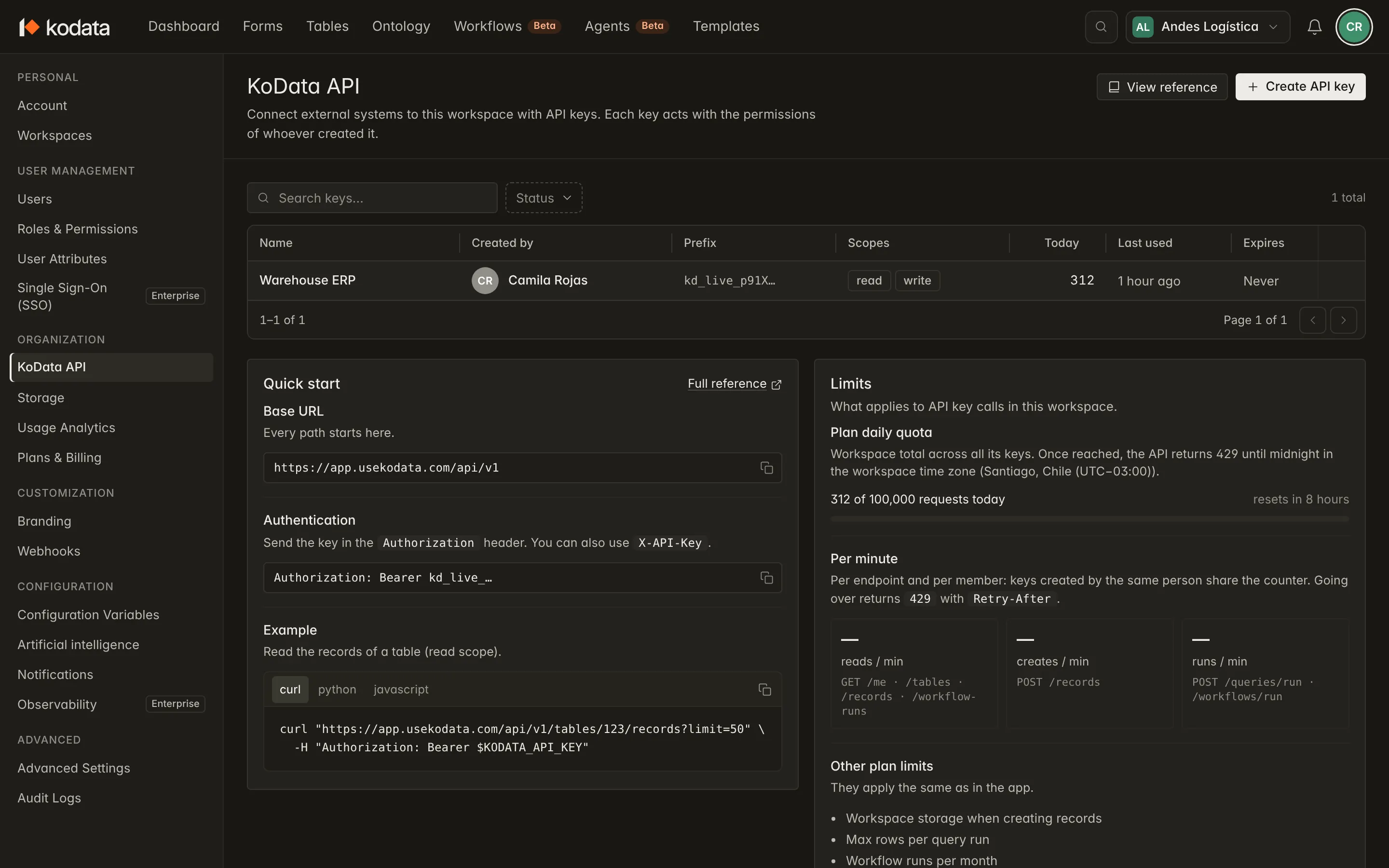
- Click Create API key.
- Type a Name that says who uses it (for example Warehouse ERP).
- Pick the Scopes:
- Read: list tables, read records, run queries and check runs.
- Write: create, edit and delete records, and submit form responses.
- Run: run workflows.
- Pick the Expiration (30 days, 90 days, 1 year or Never).
- Click Create key and copy it now: you won't be able to see it again.
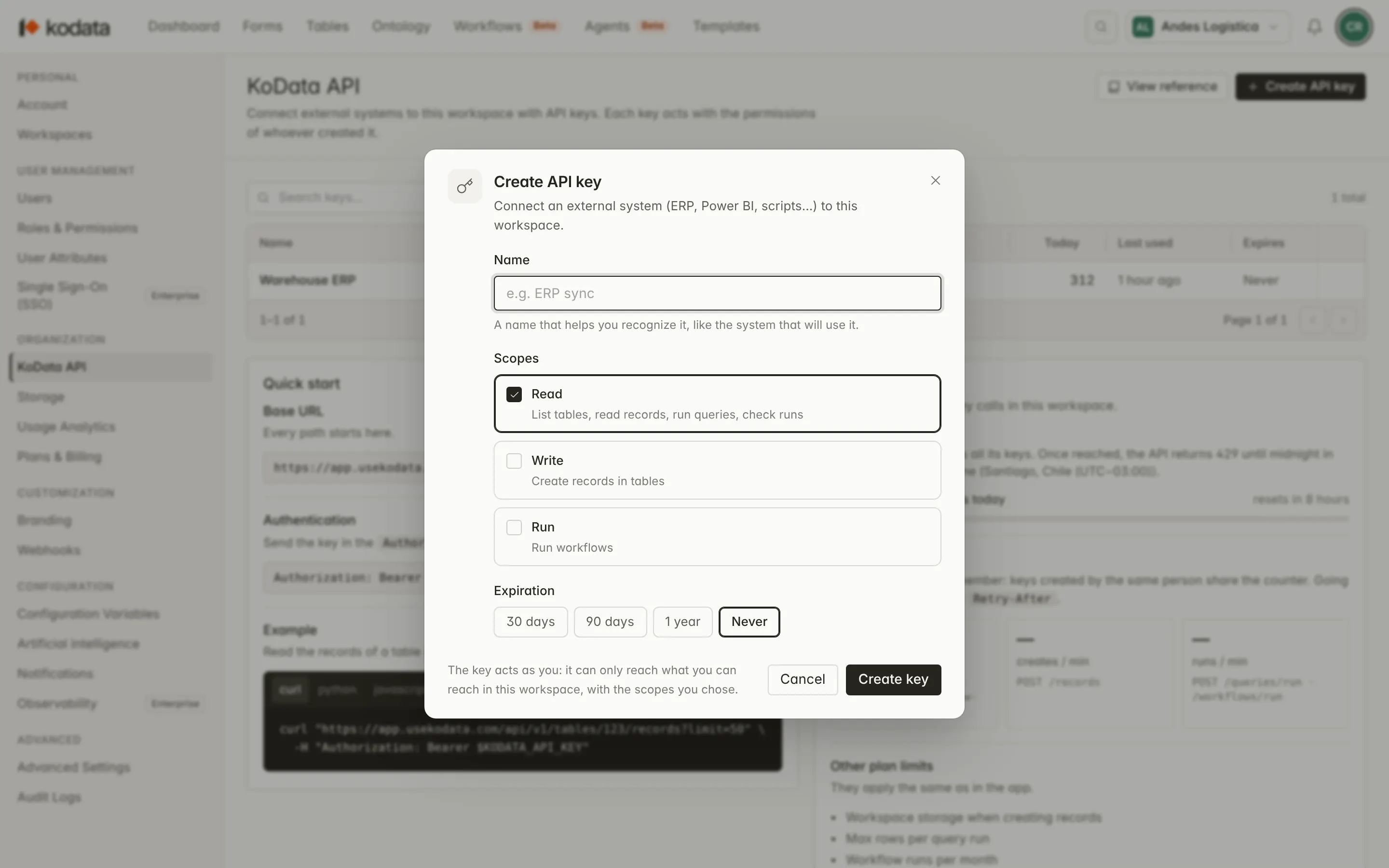
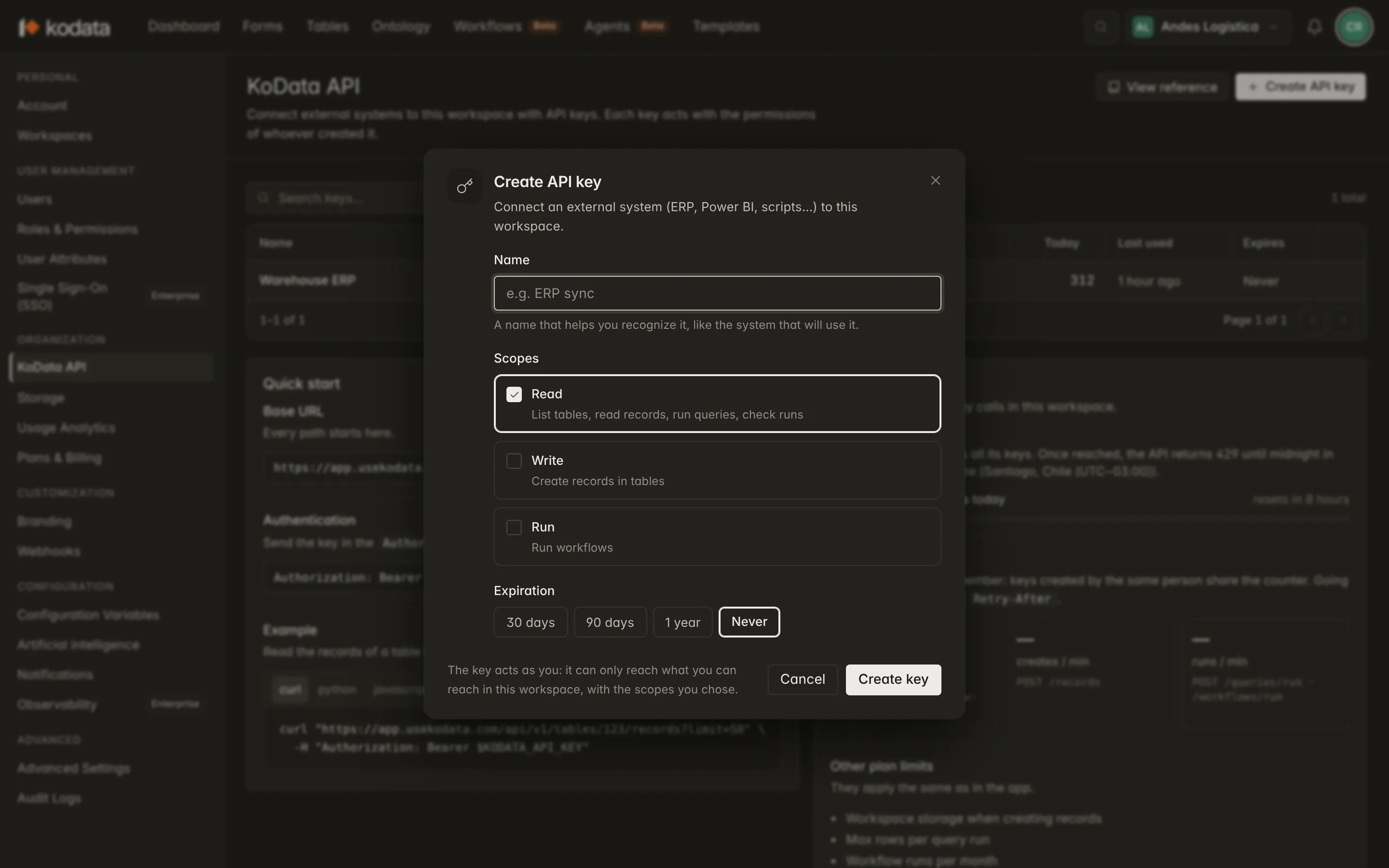
Important: The key acts as you: it can only reach what you can reach in this workspace, with the scopes you chose. Keep it in a secrets manager, never in code.
Make your first call
The public API lives at https://app.usekodata.com/api/v1. Quick start shows that Base URL and examples in curl, Python and JavaScript. Send the key in the Authorization header (X-API-Key is accepted too):
curl "https://app.usekodata.com/api/v1/tables/11/records?limit=50" \
  -H "Authorization: Bearer kd_live_..."
Replace 11 with your table's ID (shown next to its name, for example ID 11).
| Method and path | Scope | What it does |
|---|---|---|
GET /me |
Read | The key's details. |
GET /tables · GET /tables/{id}/records |
Read | Lists tables and their records. |
POST /tables/{id}/records |
Write | Creates a record (or up to 100). |
PATCH · DELETE /tables/{id}/records/{record_id} |
Write | Edits or deletes a record. |
GET /queries · POST /queries/{id}/run |
Read | Lists and runs saved queries. |
GET /workflows · POST /workflows/{id}/run |
Read / Run | Lists workflows and runs one. |
GET /workflow-runs/{run_id} |
Read | A run's status. |
GET /forms · GET and POST /forms/{id}/submissions |
Read / Write | Lists forms, reads responses and submits one. |
Every endpoint, with examples, is in the API reference.
API limits
- Plan daily quota: the total of every key in the workspace. When it's reached, the API returns
429until the workspace's midnight. - Per minute: per endpoint and per person; going over returns
429withRetry-After. - Calls follow the same plan limits (storage, rows, runs).
To revoke a key: row menu › Revoke key. It stops working right away.
Part 2: outgoing webhooks
- Open Settings › Webhooks.
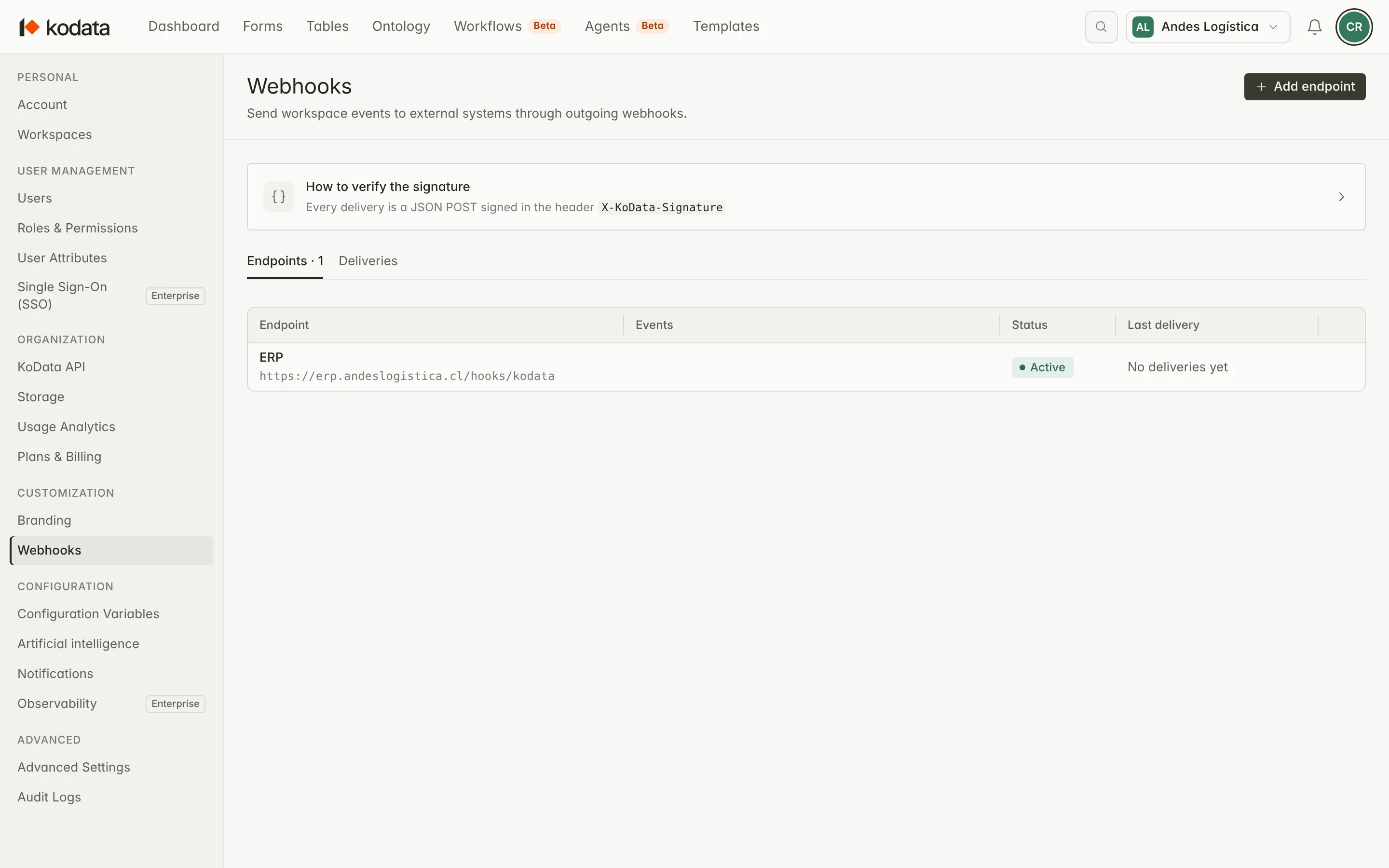
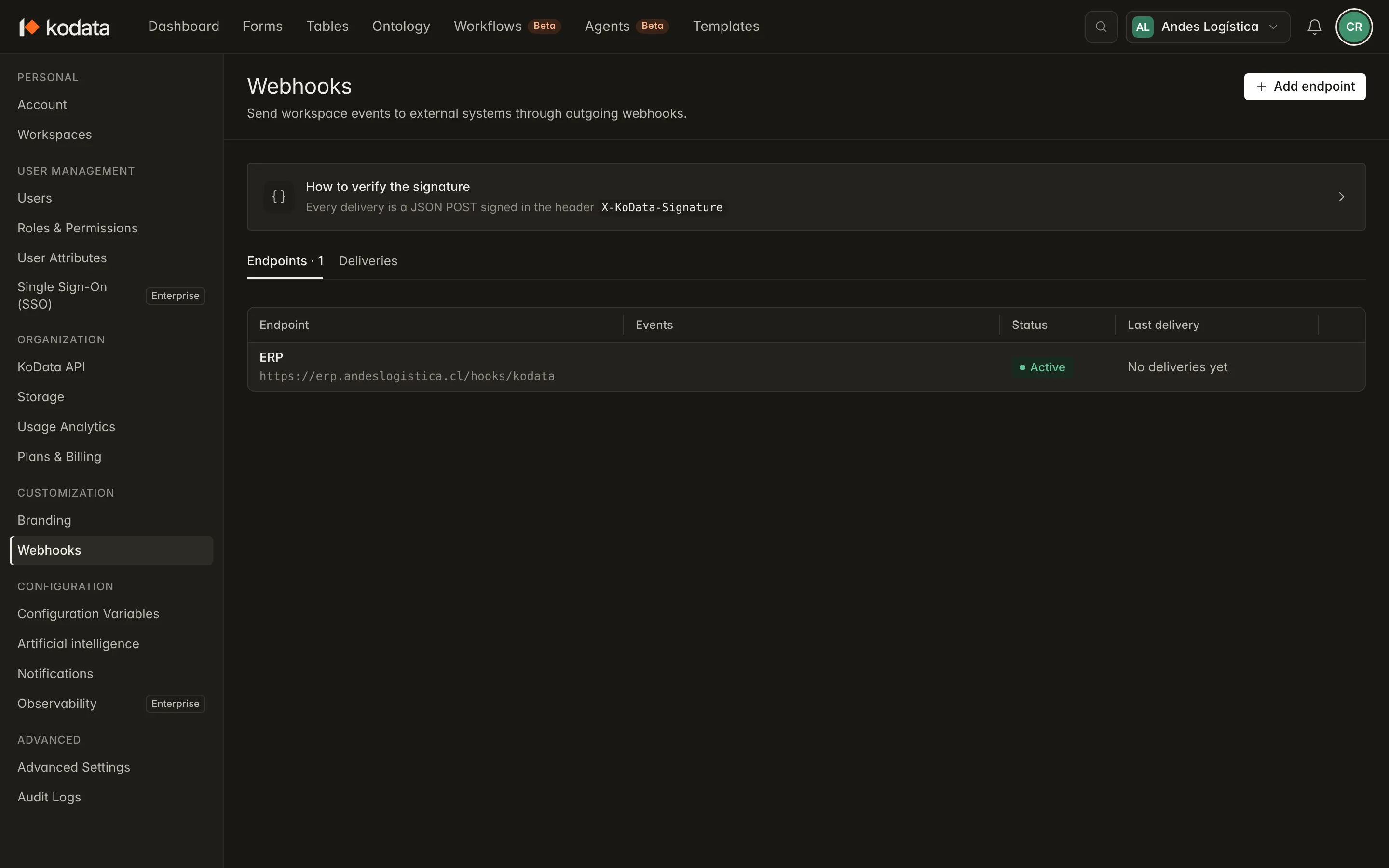
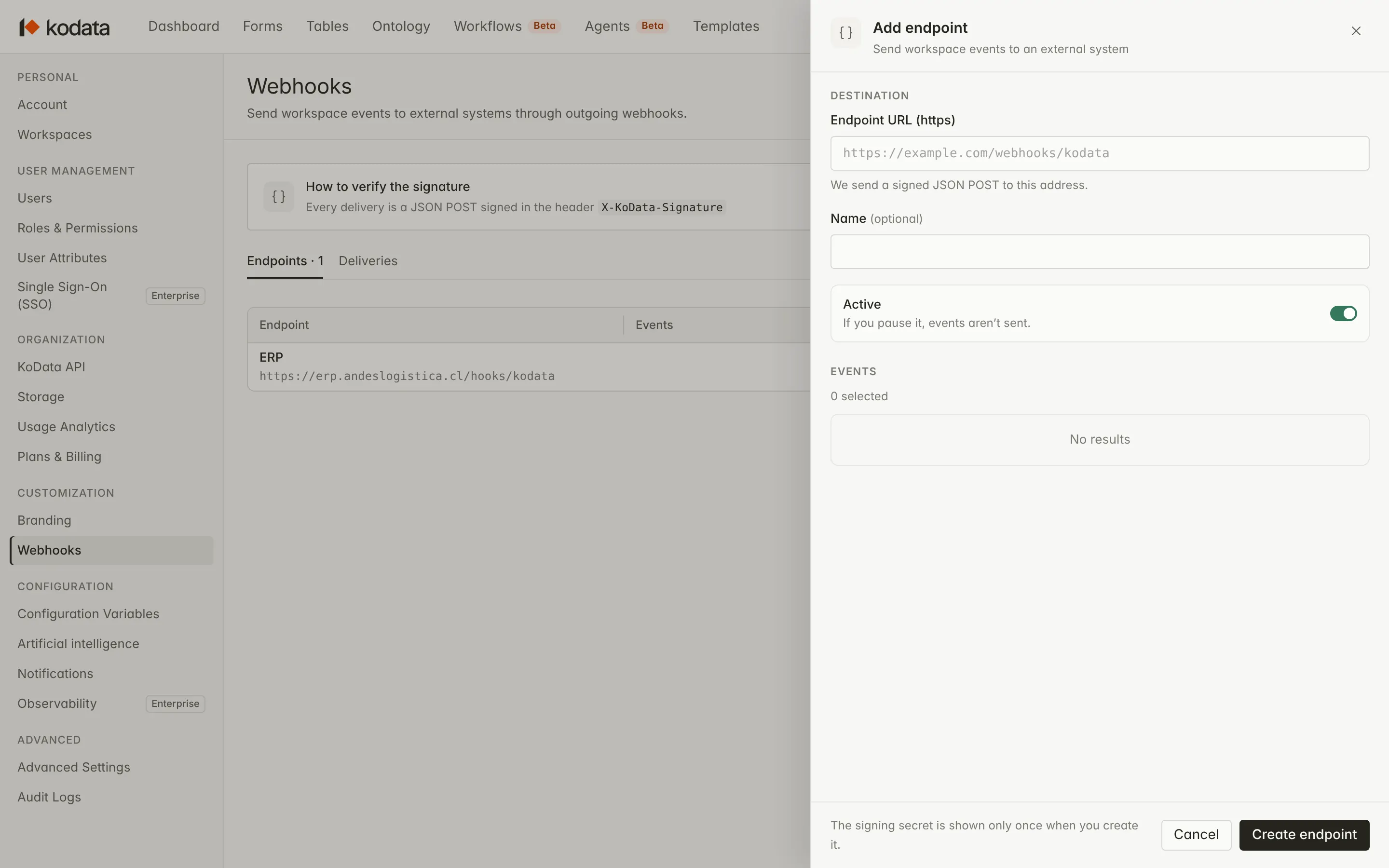
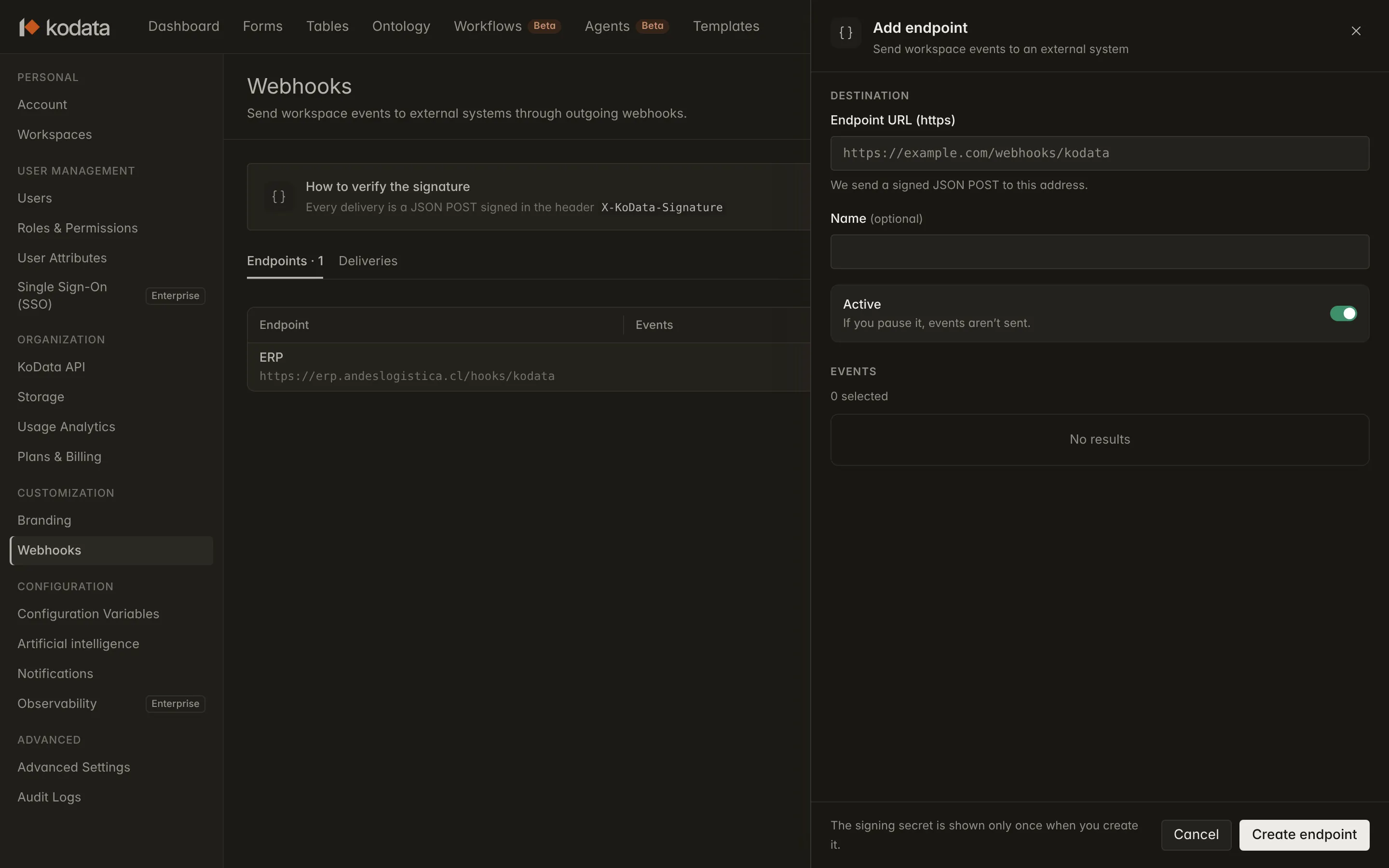
- Click Add endpoint.
- Type your system's Endpoint URL (https) and a Name (optional).
- Tick the Events:
| Event | When |
|---|---|
form.submitted |
A form received a new response. |
workflow.run.finished |
A workflow run finished (success or error). |
connector.run.finished |
A connector run finished. |
record.created |
A table row was created (app, API or dashboard). |
record.updated |
A row was edited. |
record.deleted |
A row was deleted. |
record.* events can be limited to certain tables.
- Click Create endpoint and keep the Signing secret.
Result: each event arrives as a POST with JSON at your URL. Under Deliveries you see each delivery and its response, and you can retry it. If your server doesn't answer 2xx, KoData tries up to 5 times in total, waiting longer each time.
Verify the signature
Each delivery carries the X-KoData-Signature header in the format t=<unix>,v1=<signature>. The signature is an HMAC-SHA256 of the text <t>.<body> with your secret. Reject it if it doesn't match or if t is more than 5 minutes old:
import hashlib, hmac, time

def is_valid(header, body, secret):
    parts = dict(p.split("=", 1) for p in header.split(","))
    signature = hmac.new(secret.encode(), f"{parts['t']}.{body}".encode(), hashlib.sha256).hexdigest()
    recent = abs(time.time() - int(parts["t"])) < 300
    return recent and hmac.compare_digest(signature, parts["v1"])
If you think the secret leaked, use Regenerate signing secret.
Next step
Check the API reference or automate inside KoData with workflows (a workflow with a Webhook trigger receives data at its own URL).
If something fails
| Symptom | What to do |
|---|---|
401 |
Key copied wrong, revoked or expired. Create another one. |
403 |
Missing scope, or the person who created the key has no access to that table. |
429 |
Daily quota or per-minute limit. Wait or spread your calls. |
402 or the section doesn't show |
The plan doesn't include API or webhooks (Free). |
| Deliveries stay Failed | Your URL didn't answer 2xx. Check the detail under Deliveries and retry. |