What is KoData
KoData is an operational intelligence platform. You bring your data from files and other systems, keep it in tables with rules, query it with SQL, automate the repetitive work and share the result in dashboards and forms.
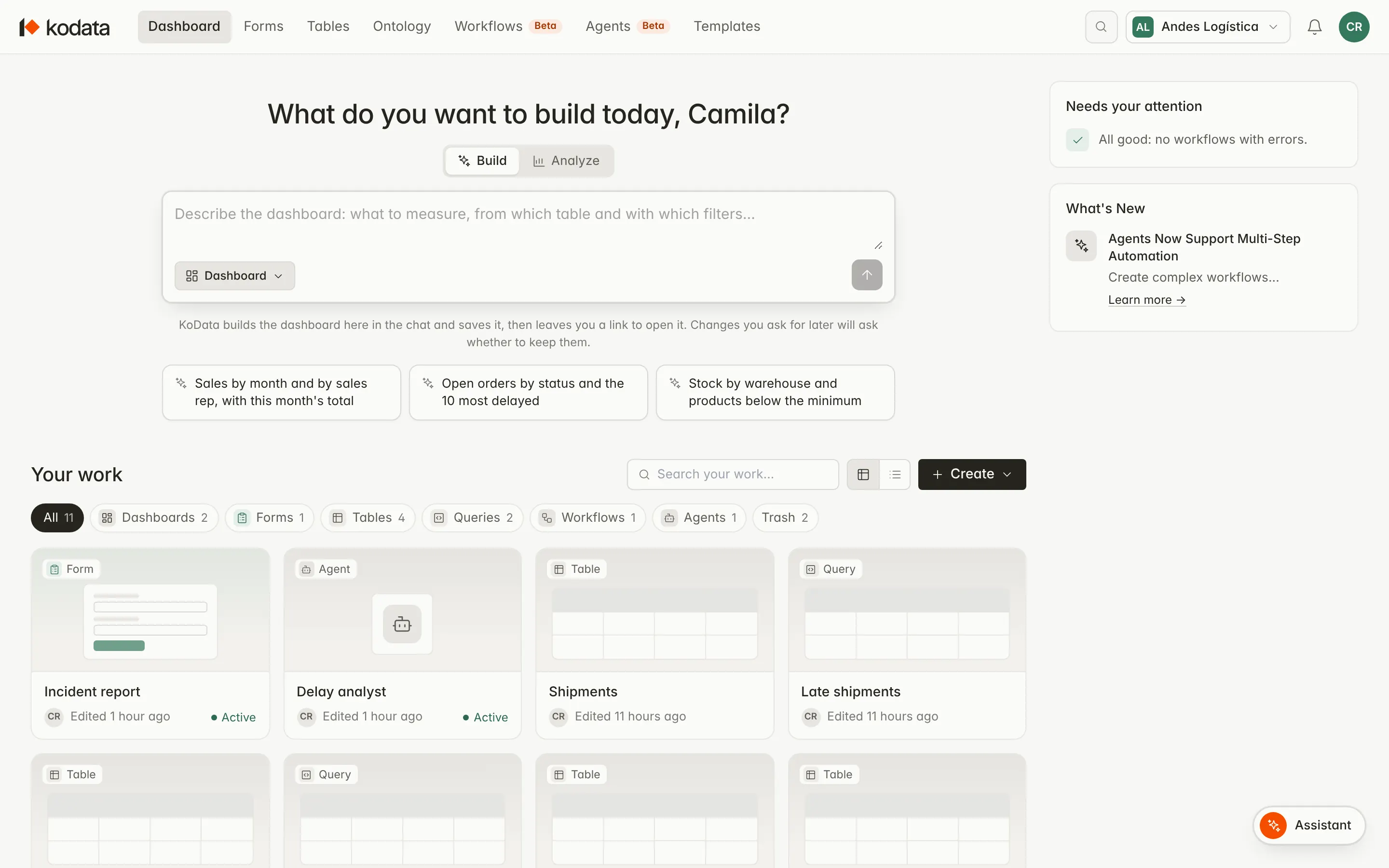
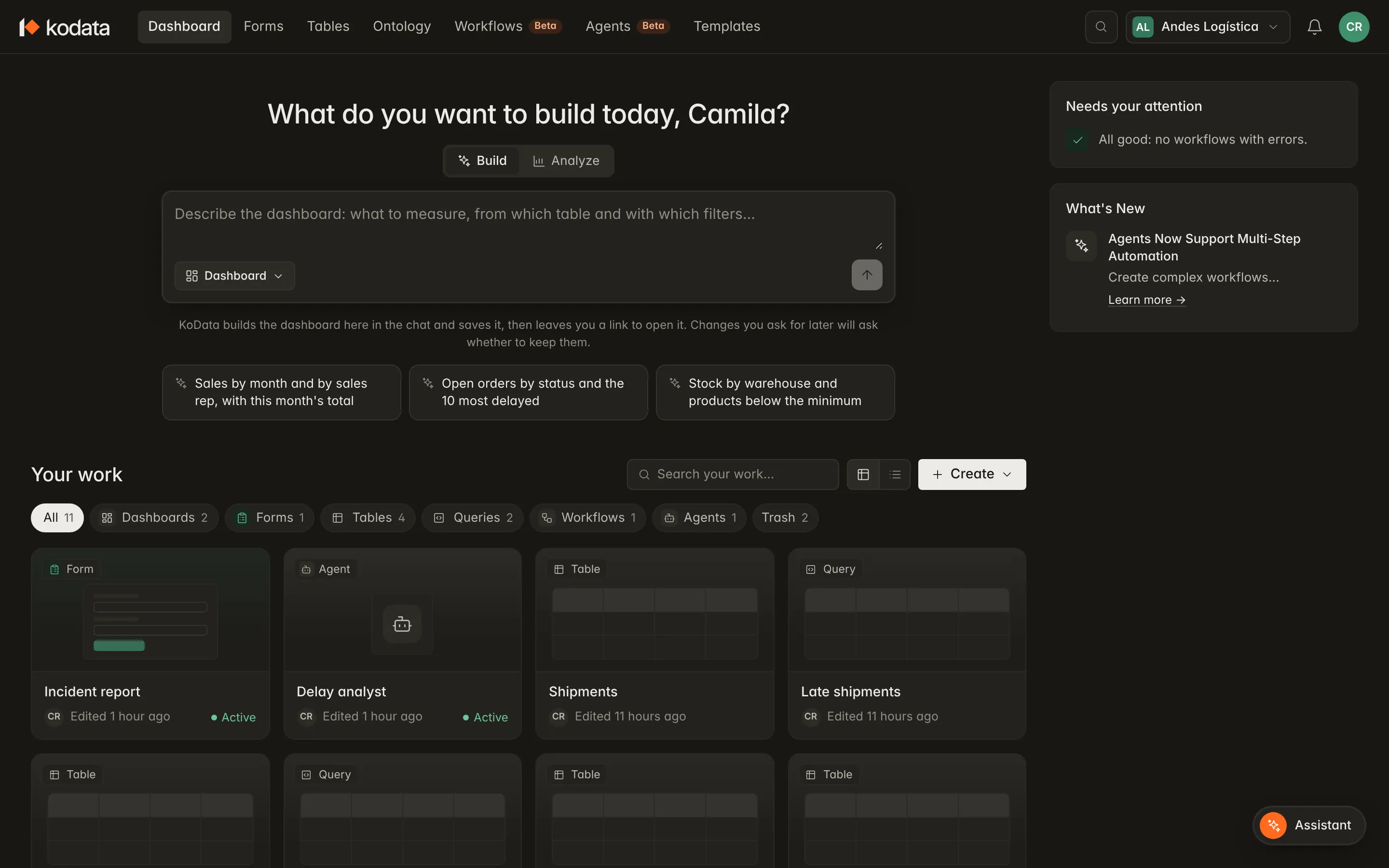
The building blocks
| Block | What it's for | Where it is |
|---|---|---|
| Workspace | Holds everything else: data, members, settings and plan. | Workspace switcher, top right |
| Tables | Store your data with typed columns and validation. | Tables |
| Queries | Join, filter and aggregate tables with SQL. | Its panel: Dashboard › Your work (Queries tab), the editor panels or Ctrl+K |
| Dashboards (projects) | Charts, KPIs, tables and filters on your data, for your team or for outsiders. | Dashboard |
| Forms | Collect data from your team or from outsiders and save it to a table. | Forms |
| Workflows (Beta) | Automate loads, alerts, emails and data writes. | Workflows |
| Connectors | Read from or write to other systems (Google Sheets, databases, APIs…). You use them inside workflows. | Its panel: Dashboard › Your work (Connectors tab), the editor panels or Ctrl+K |
| Agents (Beta) | AI agents that work with your data. | Agents |
| Ontology | The AI's brain: your business entities, KPIs, rules and glossary. | Ontology (when AI is on) |
| Templates | Ready-made solutions to adapt. | Templates |
How it fits together
- Data lands in a table: from a CSV or Excel file, a form, a workflow that reads a connector, or the API.
- A query joins and summarizes it.
- A dashboard shows it; a workflow reacts to it (alerts, emails, loads).
- Roles and per-entity access decide who sees and edits each thing.
Where to start
- Create your account and sign in.
- Check your workspace and the main screen.
- Read the key concepts.
- Follow your first guide: Import a CSV or Excel file into a table.
Note: Not everyone sees the same menus. What shows up depends on your role, the workspace plan and whether AI is on.