Profile, language, appearance and email
Your account is personal: it's the same in all your workspaces.
Open your profile picture › Settings › Account.
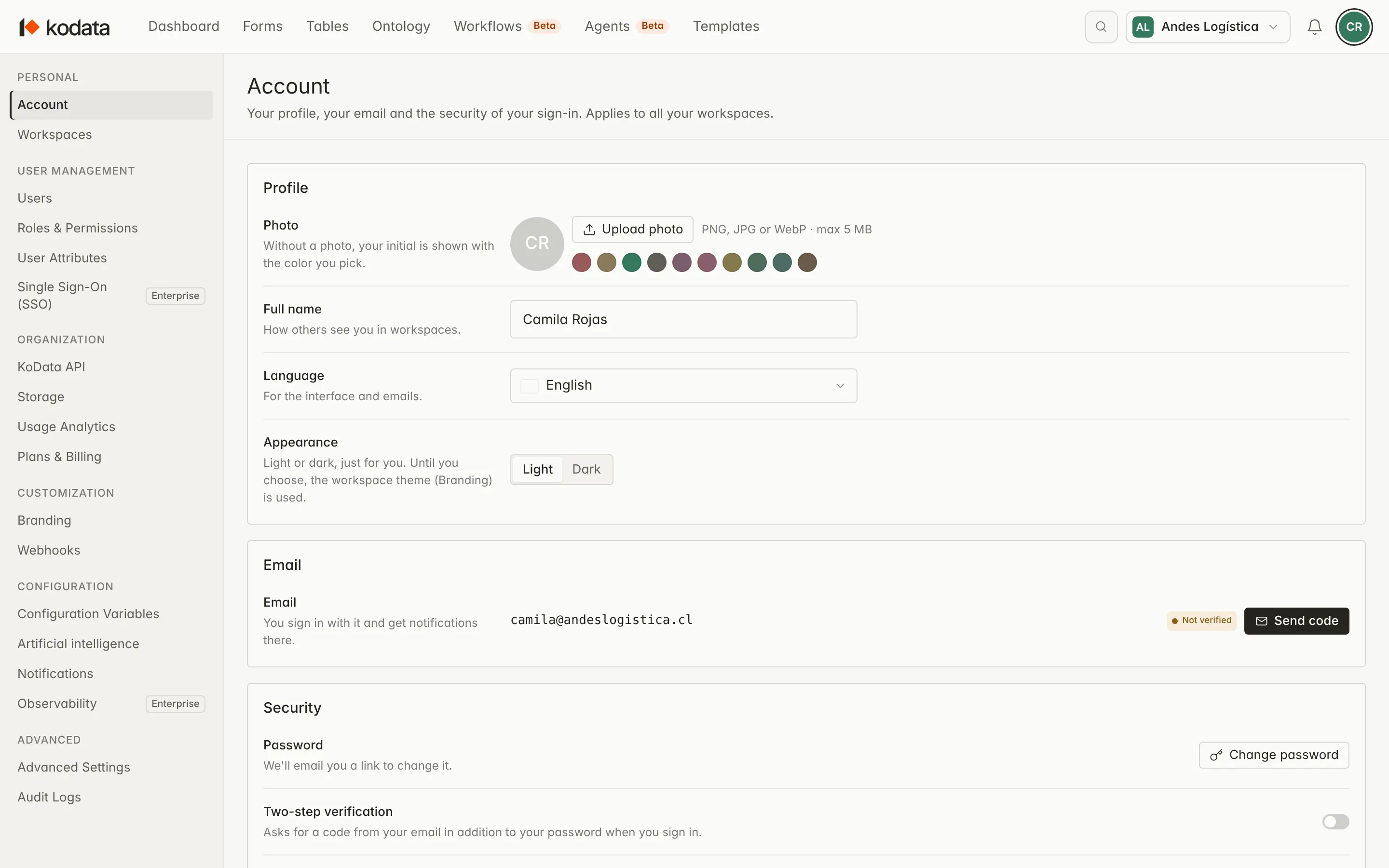
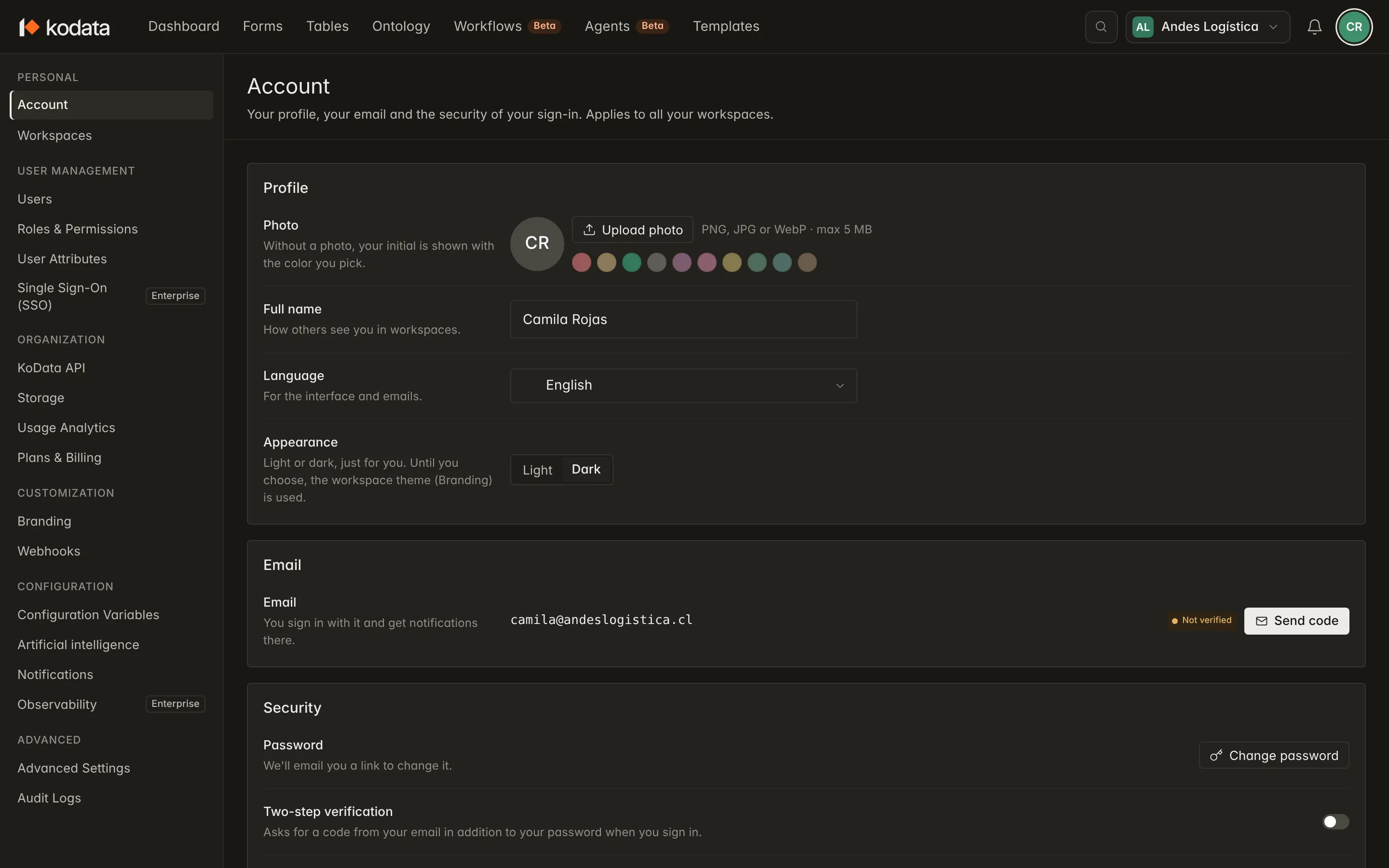
Profile
- Photo: Upload photo (PNG, JPG or WebP, max 5 MB) or Remove photo. Without a photo, your initial is shown with the Avatar color you pick.
- Full name: how others see you in workspaces.
- Language: for the interface, emails and the Assistant's answers (Spanish or English).
- Appearance: Light or Dark (or the workspace theme).
Name and language are saved with Save changes; the photo, with Save photo; avatar color and appearance are saved as you pick them.
You sign in with your Email and get notifications there. If it says Not verified, click Send code and type the 6-digit code you receive (Verify).