AI in KoData
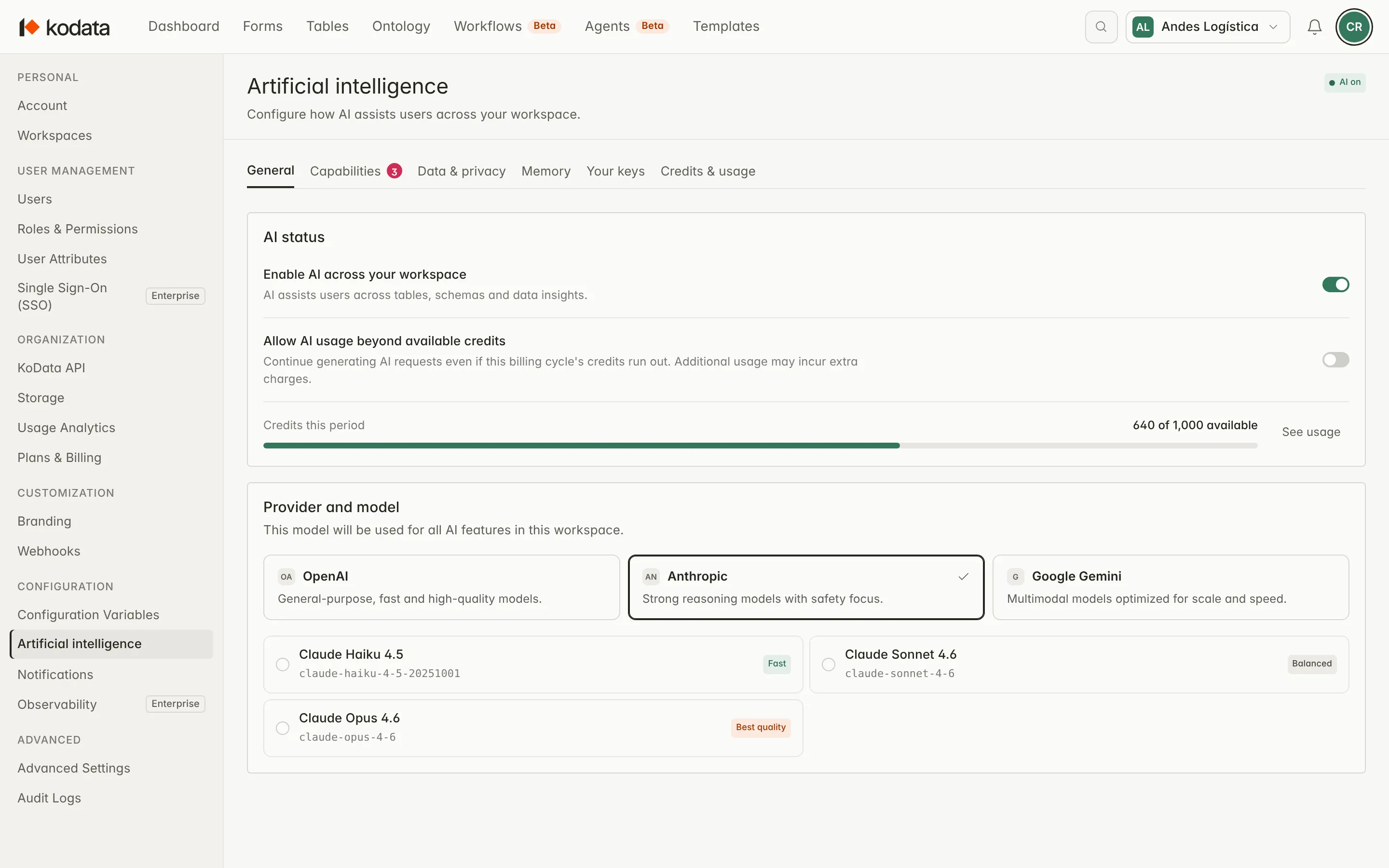
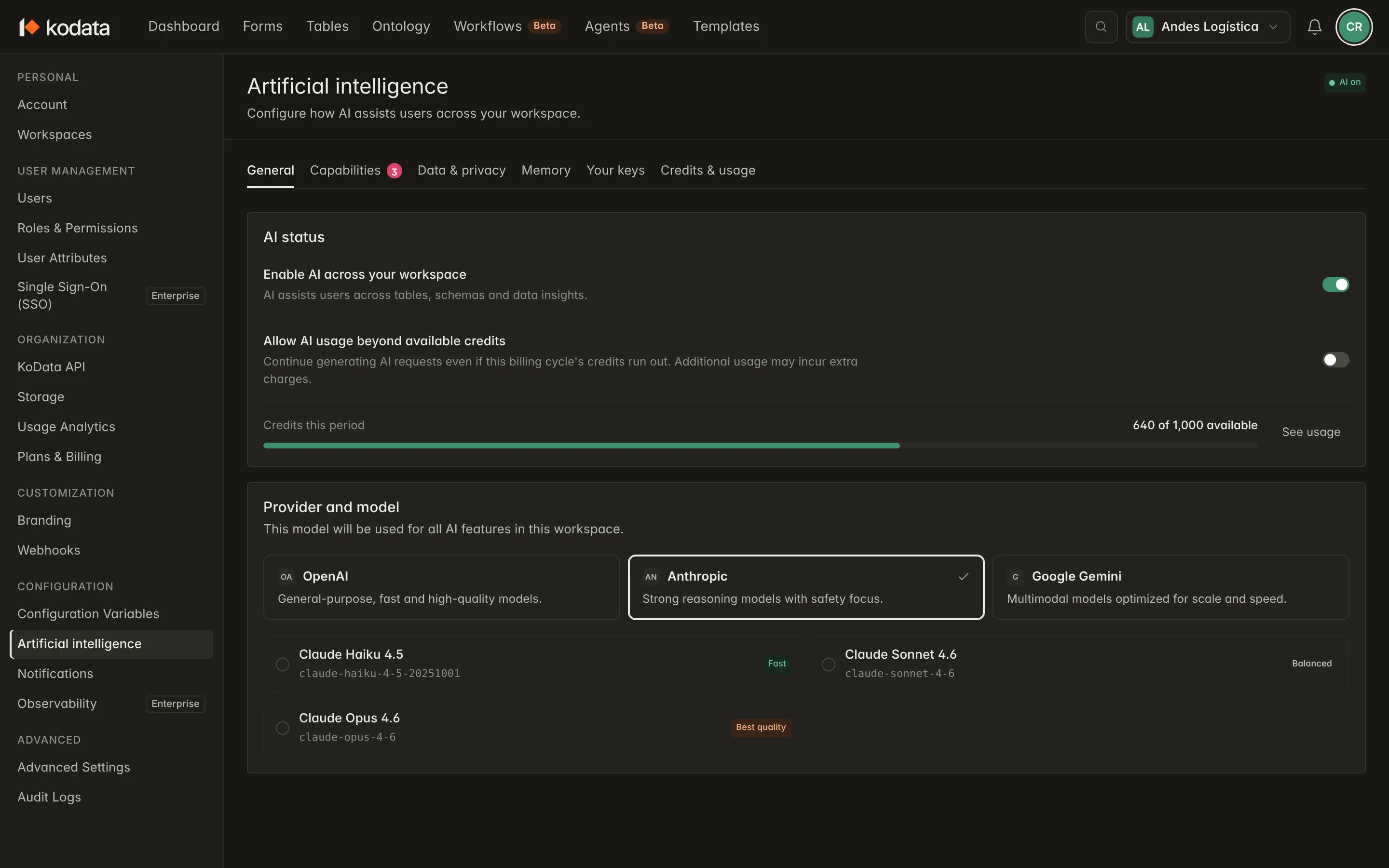
AI helps you build and understand your data across KoData. It always works with your permissions: it only sees what you can see.
Requirements: AI turned on in the workspace (and allowed by the platform). Each use spends the plan's AI credits, unless the workspace uses its own keys (see Set up the workspace AI).
Where it shows up
| Where | What it does |
|---|---|
| Dashboard › What do you want to build today? | Build: creates dashboards, forms, workflows and tables from a description. Analyze: answers questions about your data. |
| Tables | AI in the table: proposes columns, calculated columns and charts. |
| Queries | Query AI: writes, improves or fixes SQL. |
| Dashboards | Project AI: builds or changes pages; explains charts. |
| Forms | AI in the editor. |
| Workflows | Workflow AI: creates or improves the workflow. |
| Agents | AI agents (Beta). See Agents. |
| Assistant | Explains how to use KoData (on Dashboard, Forms, Tables, Workflows, Agents, Templates, Ontology and Settings). It can't see your data and makes no changes. It always answers in your account's language. |
| Ontology | The business knowledge the AI uses. See Ontology. |
When it creates something, the AI saves it right away and gives you the link. When it improves something that exists, it shows you the proposal and you decide whether to keep it or discard it.
If AI is off
If the platform turns AI off, its buttons, the Dashboard box, the Ontology, the Assistant and Settings › Artificial intelligence disappear. If only your workspace turns it off, all of that stays visible but the AI doesn't answer: the Dashboard box says AI is turned off in this workspace (Settings → Artificial intelligence). Either way, everything else works the same. See AI doesn't show.