Use a template
Templates are ready-made solutions: a table, query, form, workflow, agent, dashboard or a set of them, with sample data and settings.
Requirements: the view.templates permission (view.templates) and the permissions to create what each template brings.
Steps
- In the main menu, click Templates (or Create › From a template in any list).
- Pick a category under Categories (side) and the Type (All types…), or use Search templates....
- Open a template to see its description and What will be created.
- Type a Name (optional) and click Use template.
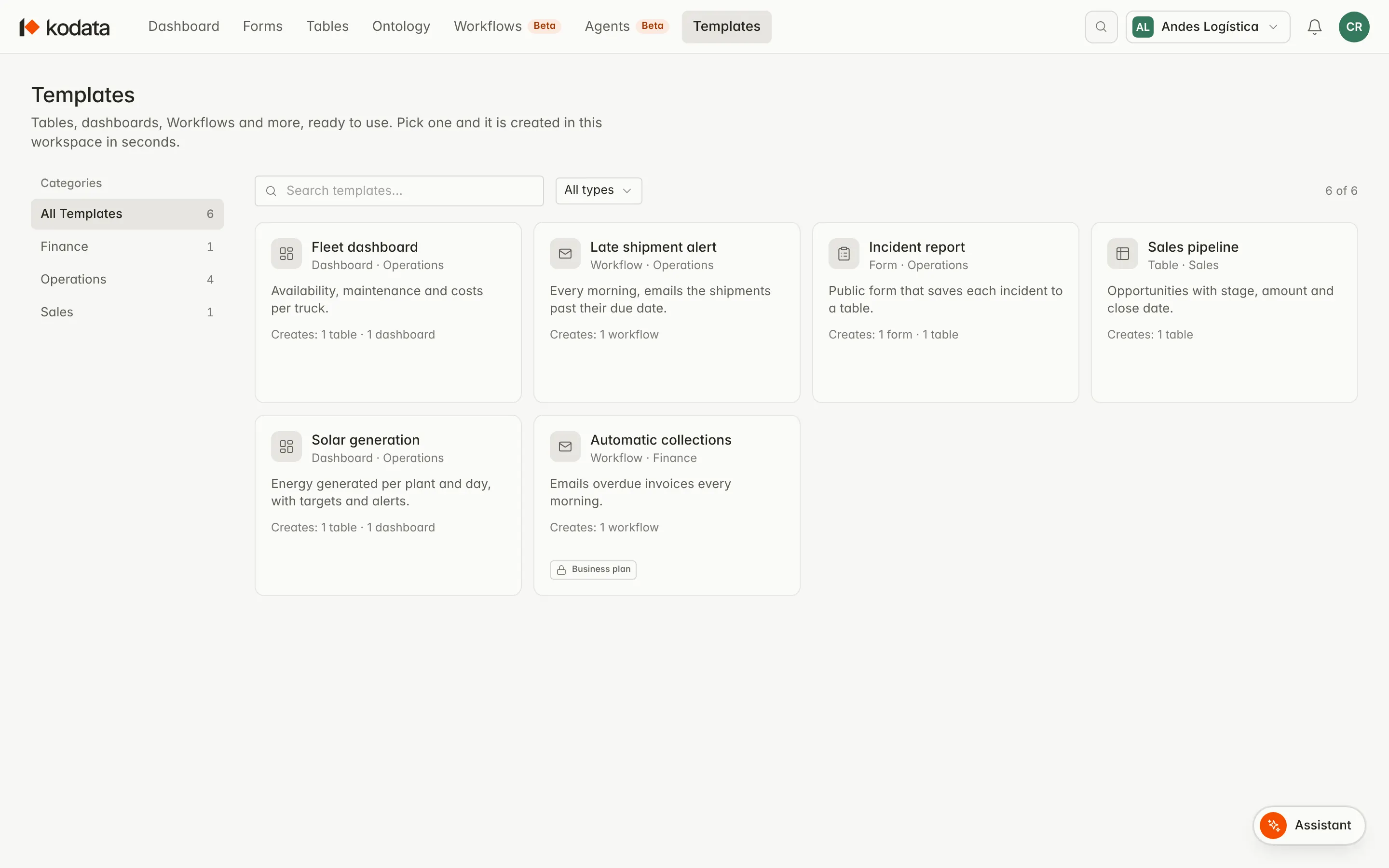
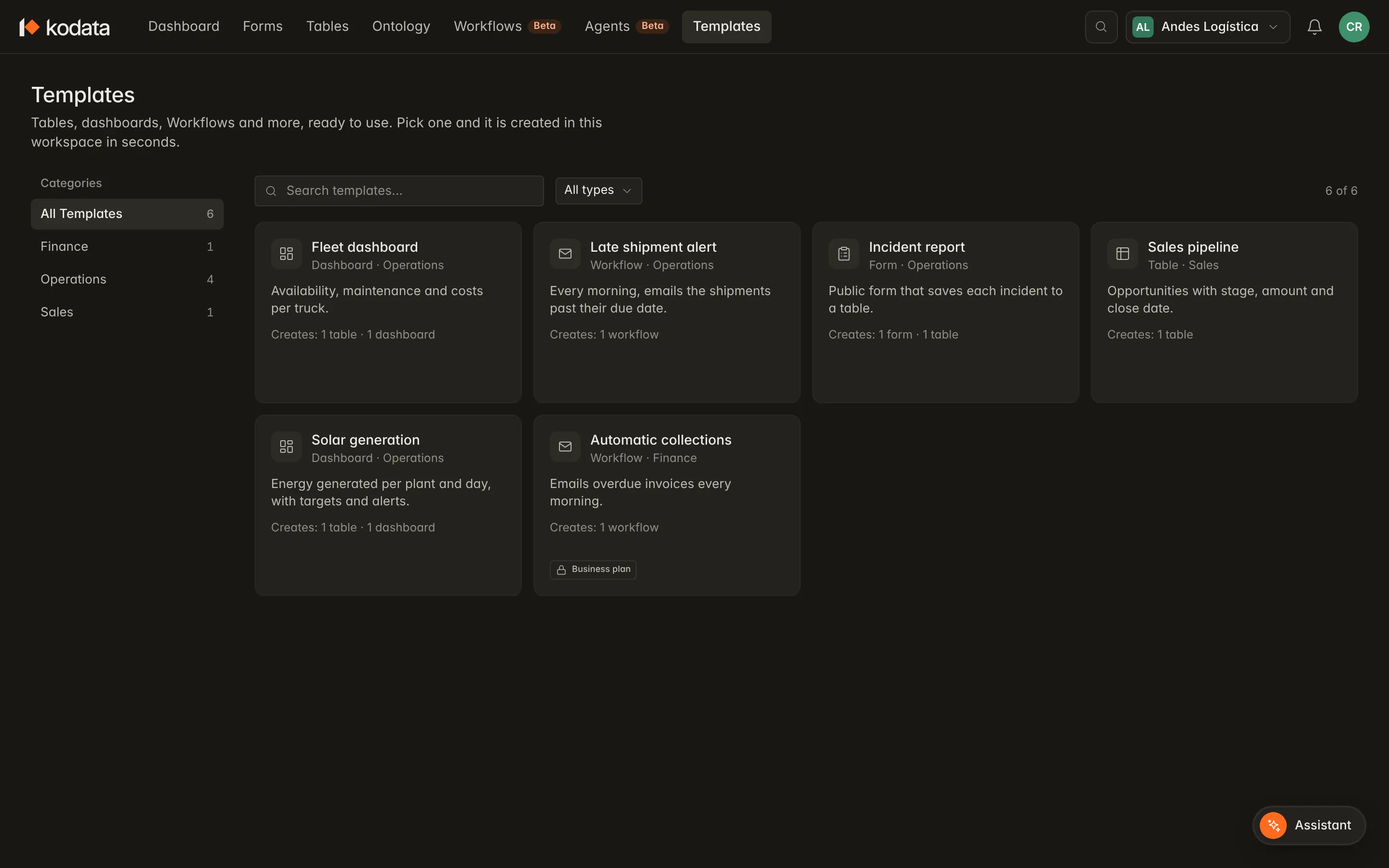
Result: KoData creates everything in your workspace and tells you what's left to set up (for example, connecting an account or picking a table).
Needs setup
Templates marked Needs setup need a step after they're created: connect a provider, fill in a variable or activate a workflow. If you lack a permission the template needs, you'll see You don't have the permissions this template needs. Some templates need a minimum plan: their badge says which (… plan).
What you create counts toward the plan limits (dashboards, forms, workflows, agents).