Forms: list, create and the editor
A form collects data from your team or from outsiders. Each response stays in the form and, if you want, also in a table.
Requirements: seeing forms needs the view.resource permission (view.resource) and access to each one. Creating them, anyone with the form.create permission (form.create); editing them, form.update.
The list
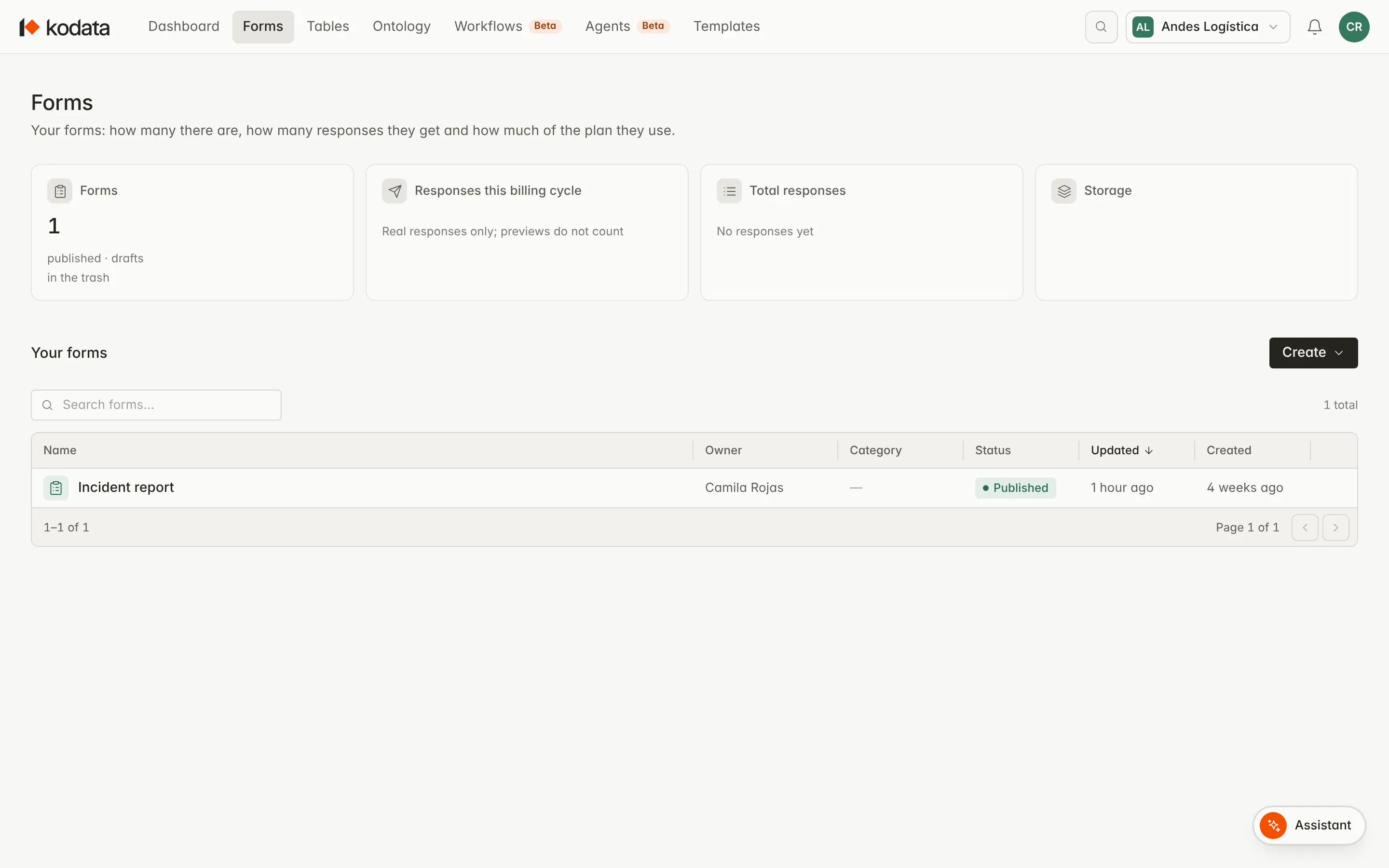
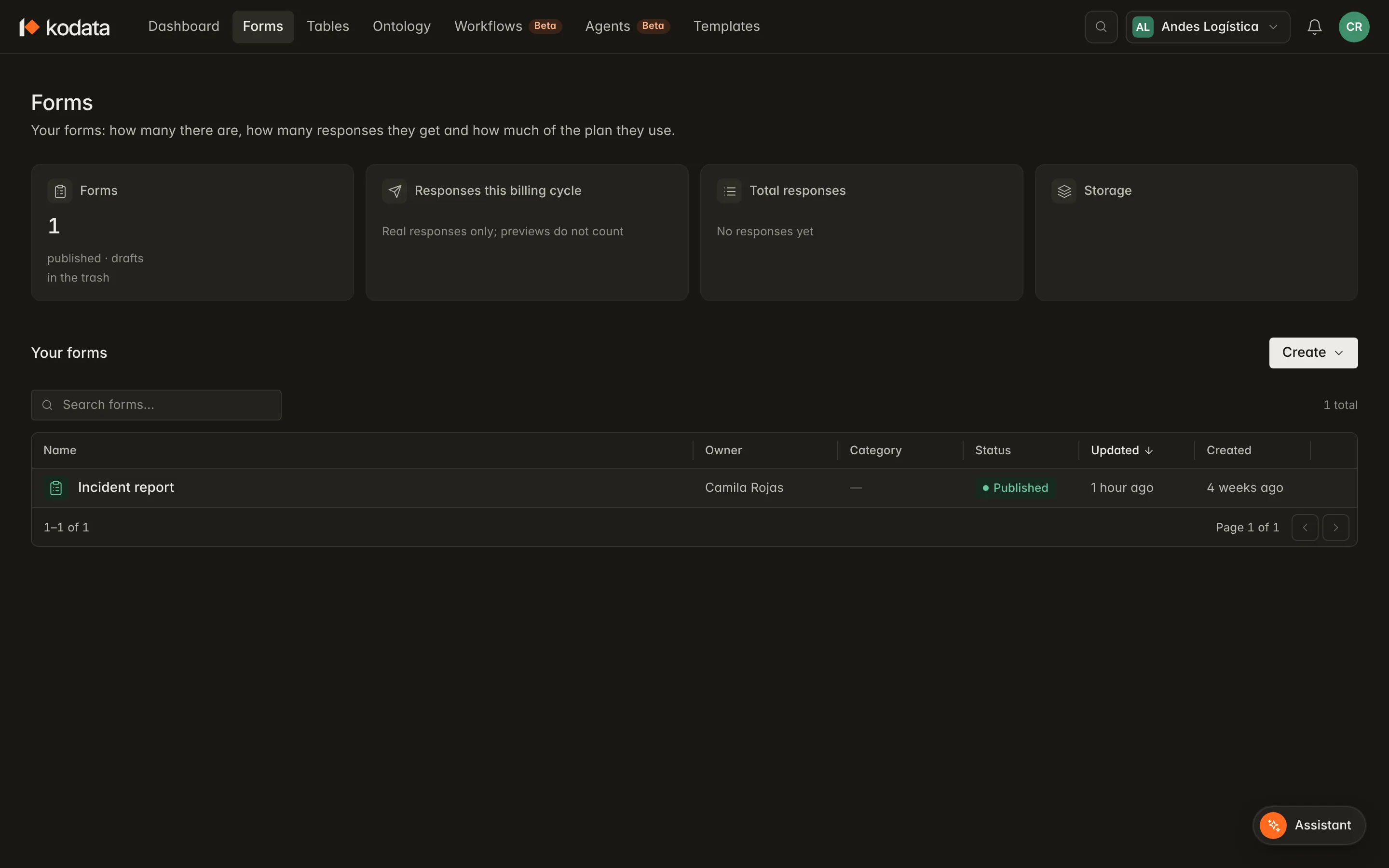
- In the main menu, click Forms.
- At the top you see the summary (forms, responses this cycle, total responses and storage). Under Your forms, each row shows owner, status and dates.
- Create › New Form or From a template.
The editor
| Area | What it has |
|---|---|
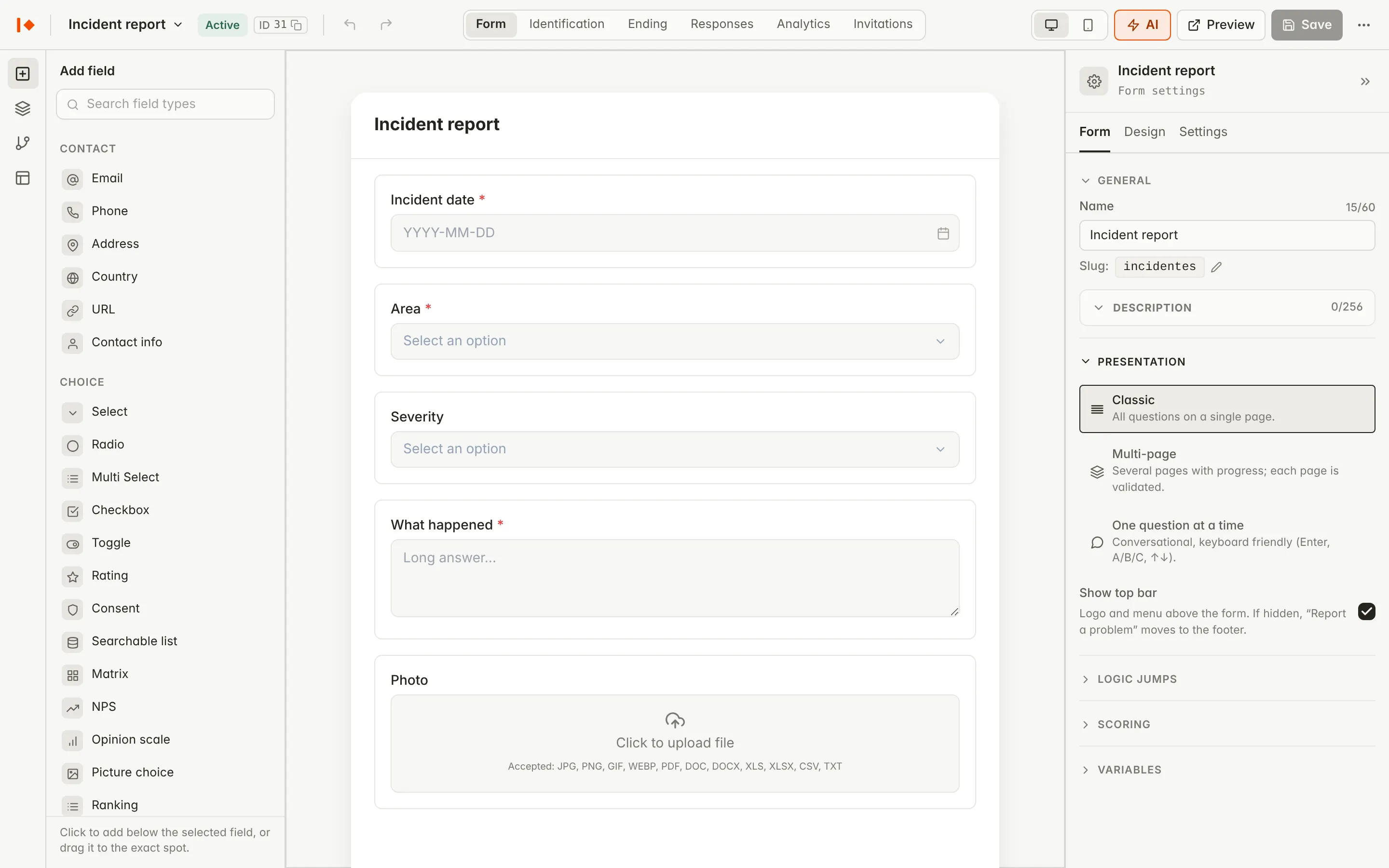
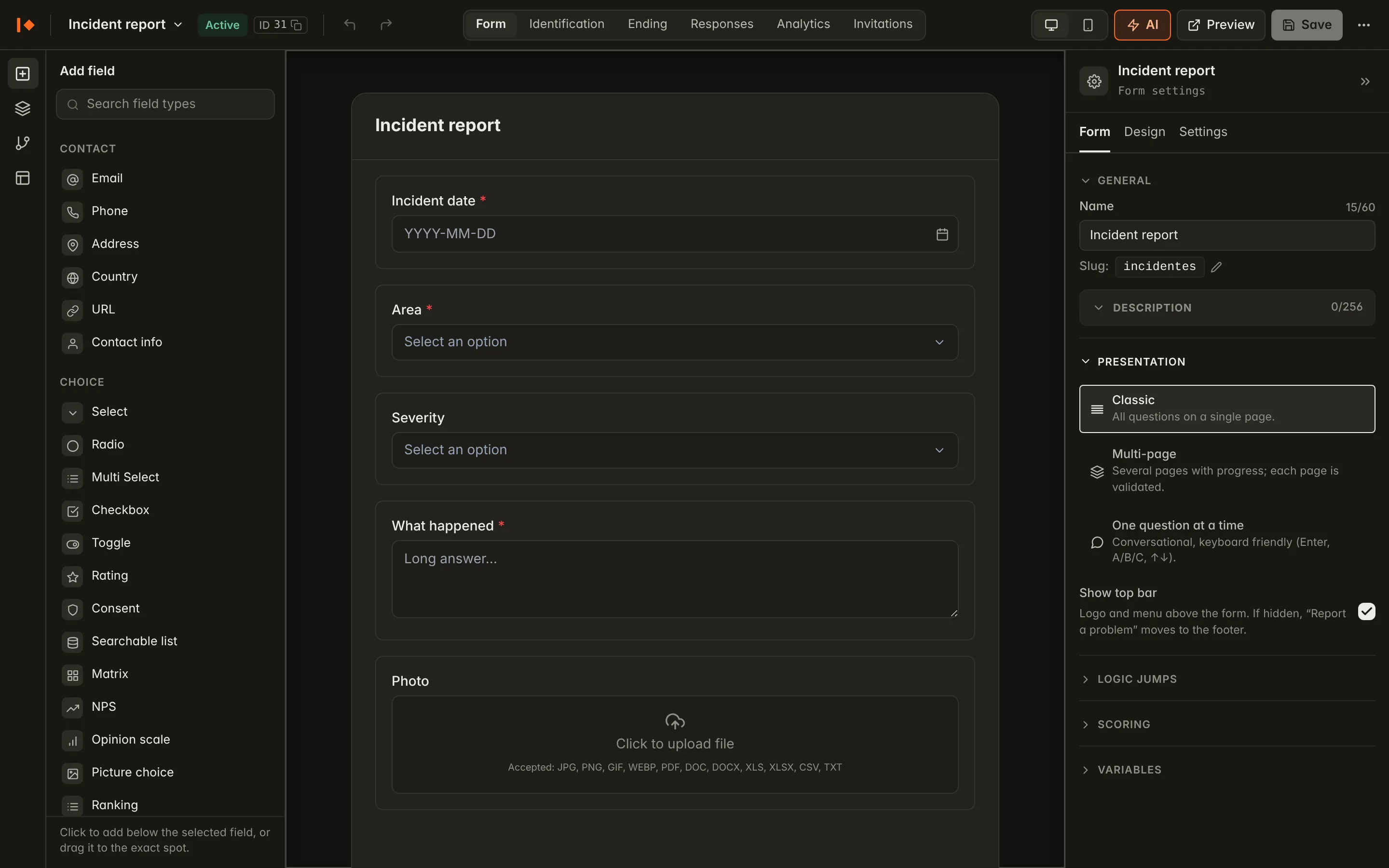
| Top bar | Name (and Switch form), Active / Inactive status, ID, undo, the Form, Identification, Ending, Responses, Analytics and Invitations views, Desktop / Tablet / Mobile (how it looks on each screen; on a phone the form shows in one column), AI, Preview, Save and ⋯. |
| Left bar | Add field, Outline, Logic and Forms. |
| Canvas | The questions, by page. Click a field to edit it; click an empty spot to see the Form settings. |
| Inspector | The field's or the form's settings. |