Publish and share: access, users, visitors and embedding
Draft and published
A Draft dashboard is only seen by members with access inside KoData; the link and the embed code don't open until you publish it. Publish with ⋯ › Publish and go back with Move to draft.
The Share panel
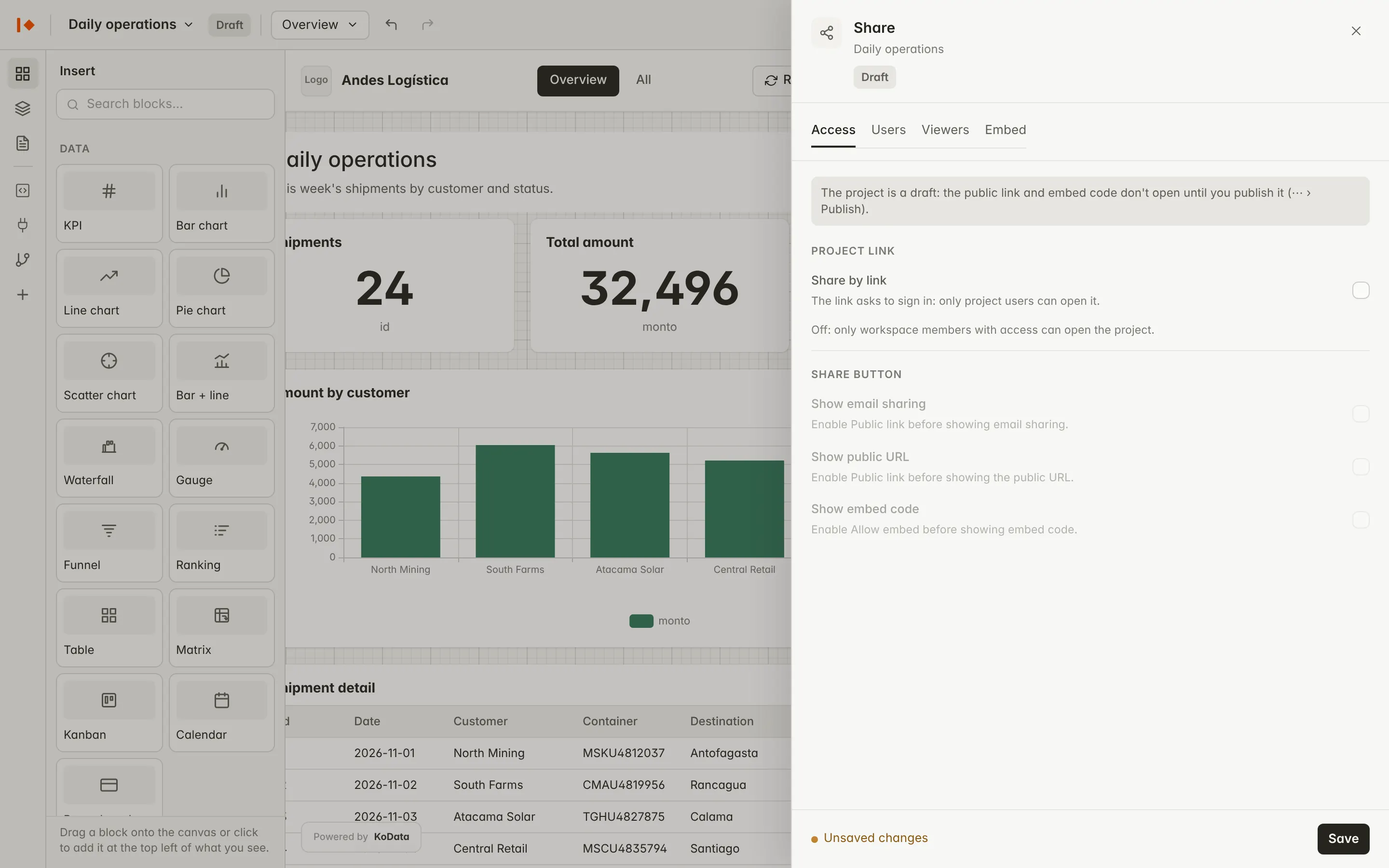
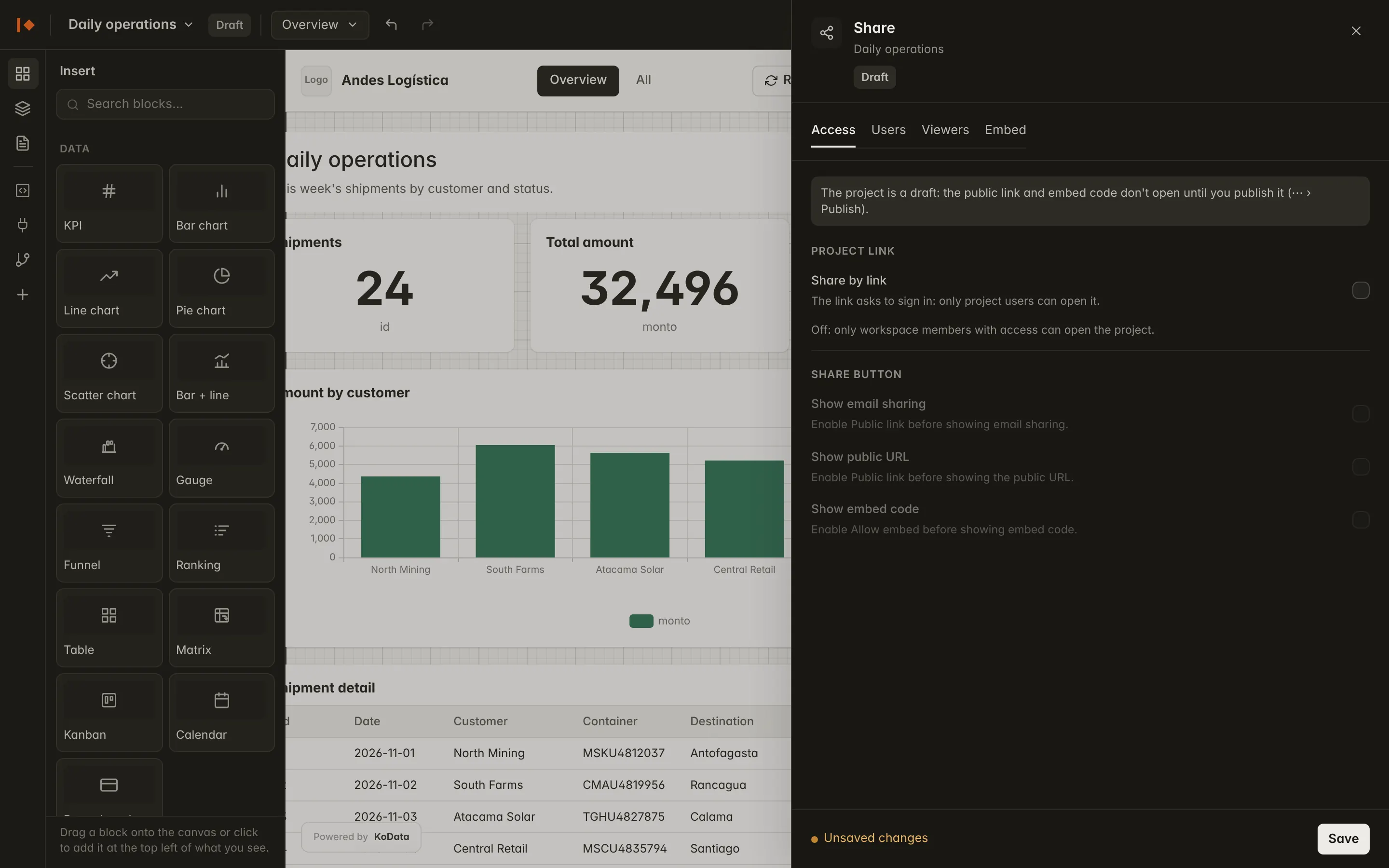
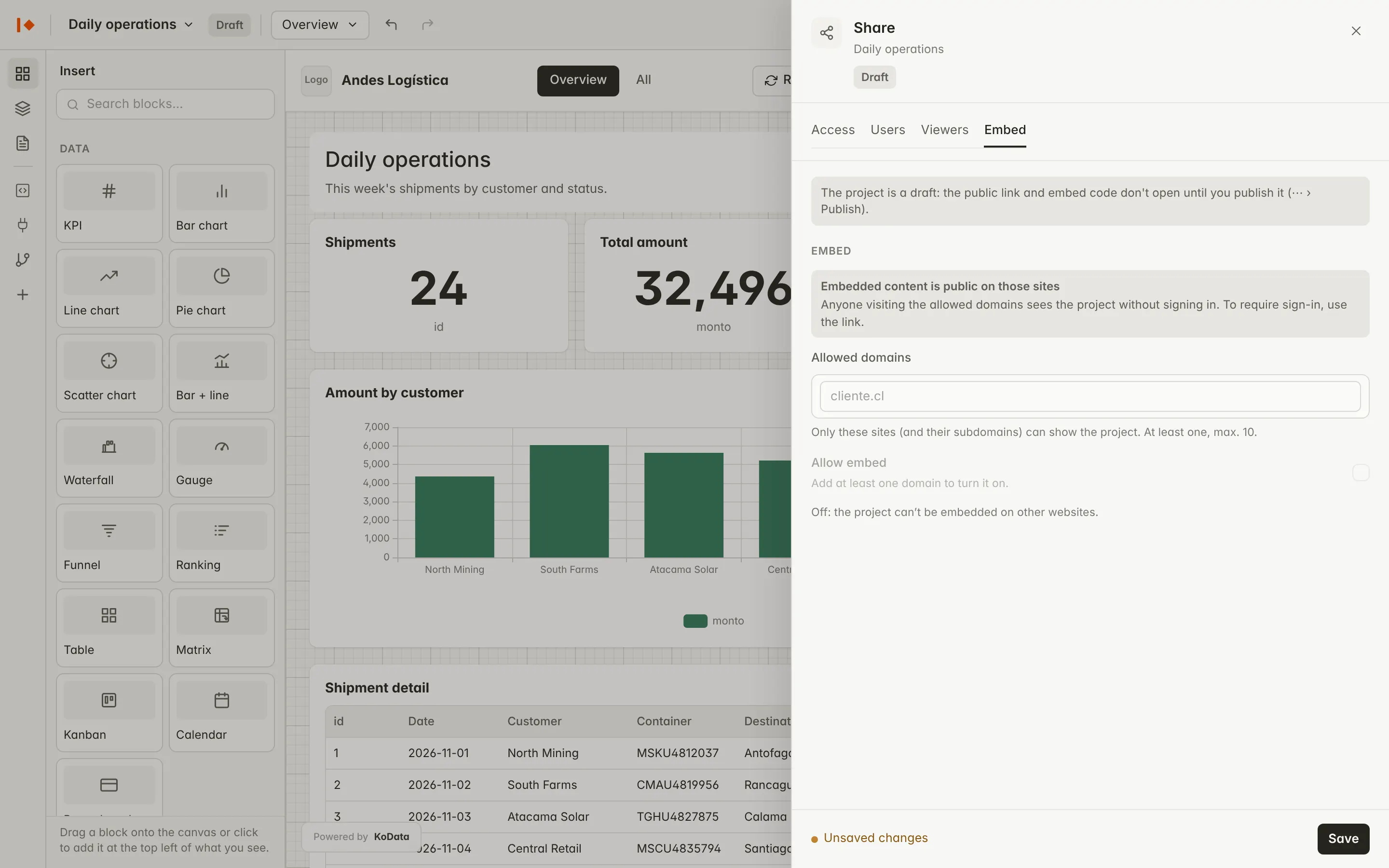
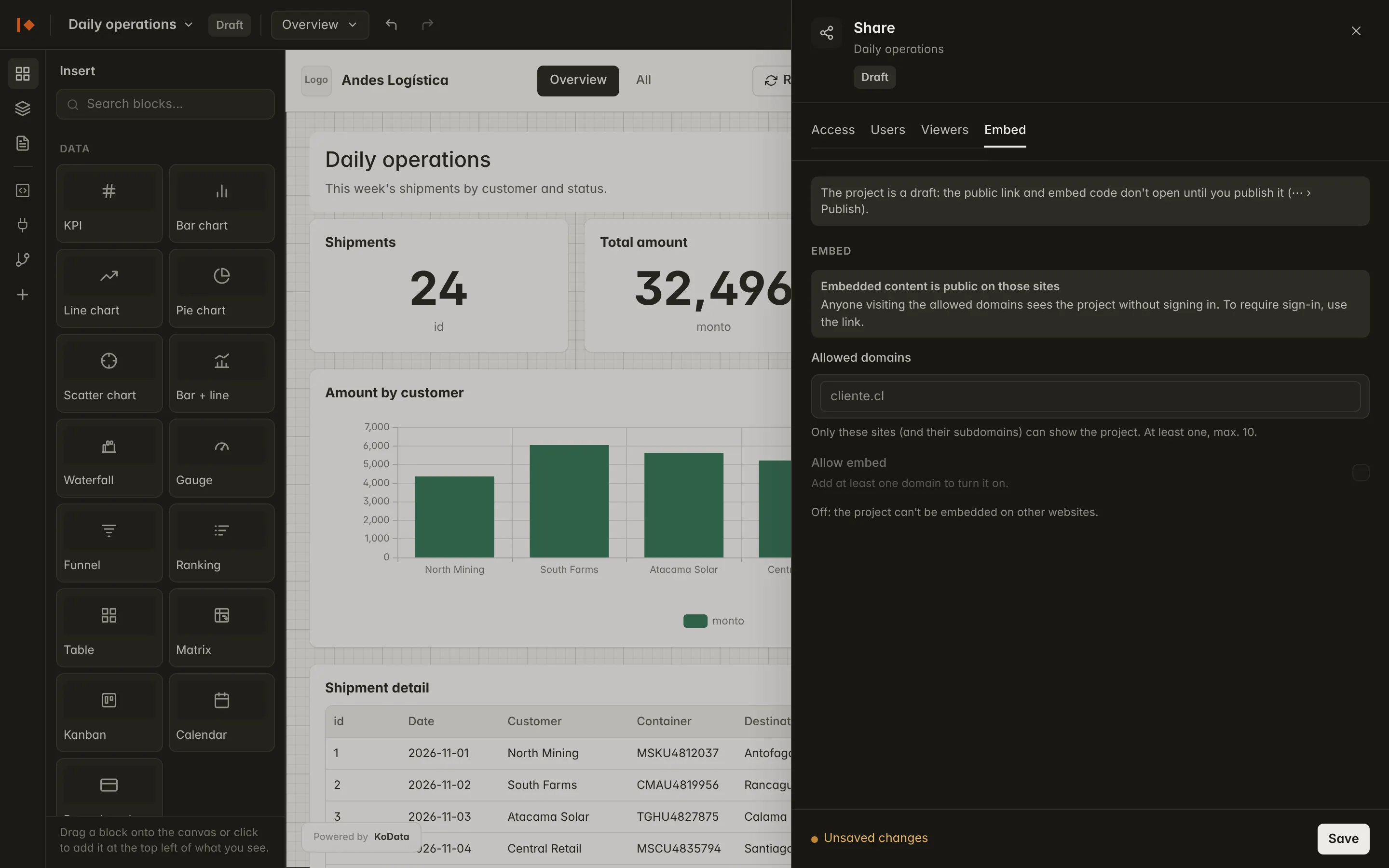
Click Share. It has four tabs and a Save button (access changes are saved with it).
| Tab | What you do |
|---|---|
| Access | Project link: turn on Share by link. The link asks people to sign in and only project users get in. Under Sign-in you set Open sign-up, password recovery, the screen's title and subtitle, extra User fields and Allowed email domains. |
| Users | Project users: create users (Create user), invite them, turn them off or reset their password; Export CSV. |
| Viewers | Who came in, via Login or Embed, with date, device and IP. You can close a session. |
| Embed | The code for an iframe on your site (Business plan). The embedded view doesn't ask for sign-in. |
Per-visitor data
The data of whoever signs in is in {{visitor.email}}, {{visitor.name}} and {{visitor.<field>}}. Use them in queries and texts so each visitor sees their own: KoData doesn't filter anything on its own.
Workspace members
⋯ › Members with access sets which workspace members open the dashboard inside KoData (separate from link users).
Limits
| Free | Team | Business | |
|---|---|---|---|
| Dashboards | 2 | 10 | Unlimited |
| Share link | ✓ | ✓ | ✓ |
| Embed (iframe), remove the KoData badge | — | — | ✓ |