Design, identification and ending screen
Design
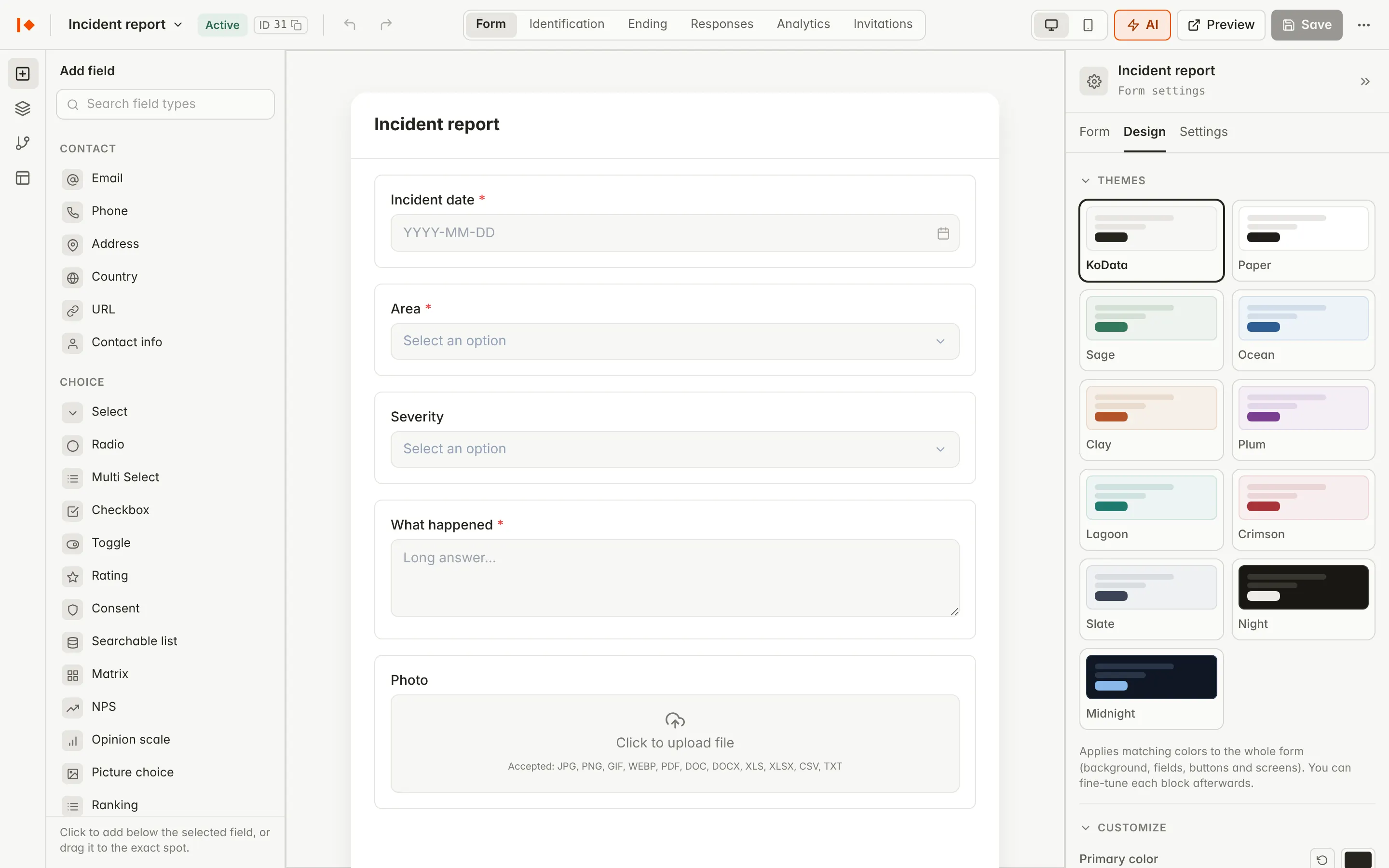
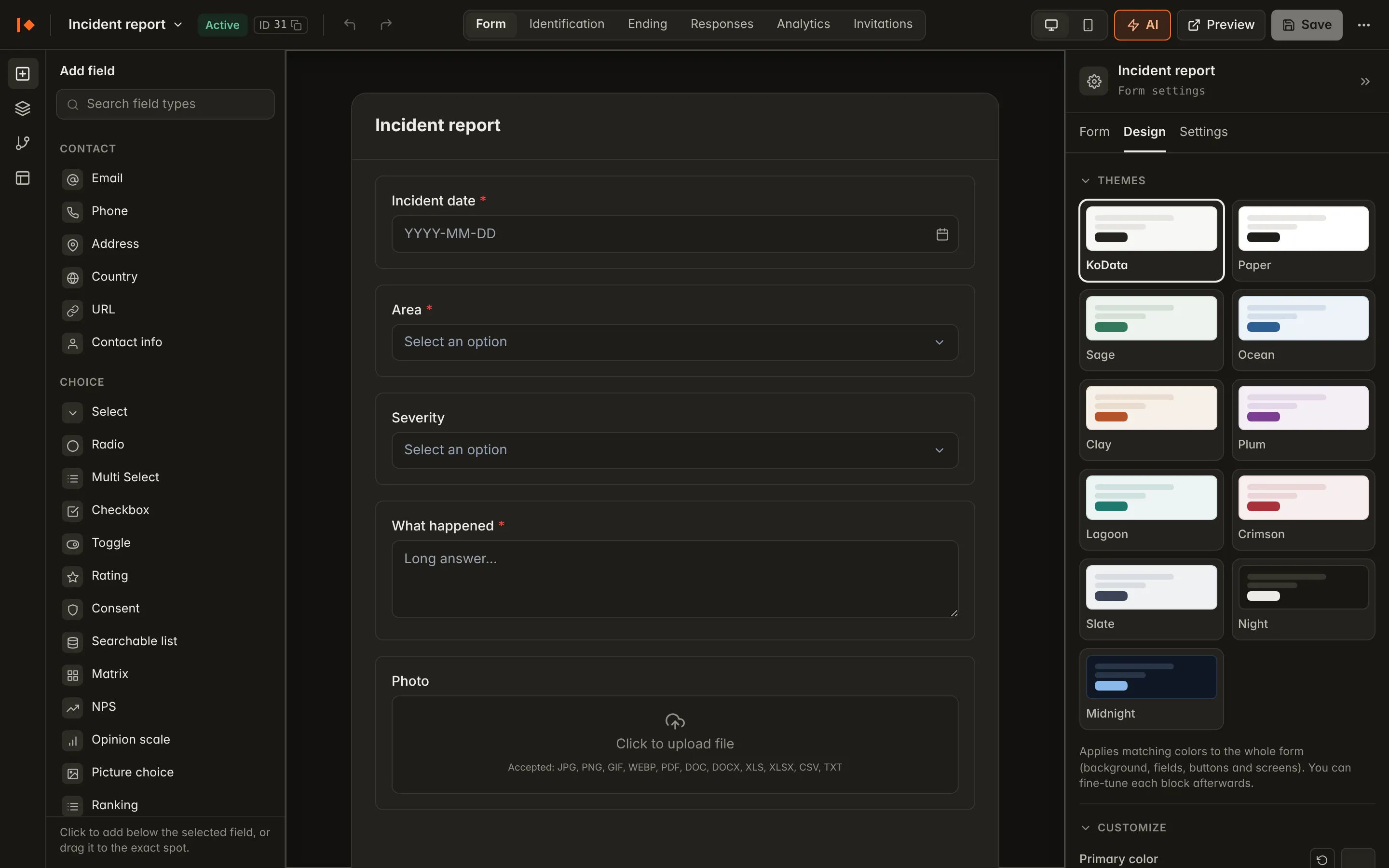
In the Form settings (click an empty spot), Design tab: Themes (for example KoData, Paper or Night), Customize (primary color, typeface, background, corners and button style), Columns, Max Width, Show Header, Show Cover, banner and borders. Show Powered by KoData can only be removed on Business.
Identification
The Identification view asks for name and email before answering. It's turned on with Identify respondent in Settings › Access. From there you can also ask for One response per email and Verify respondent email.
Ending
The Ending view is the thank-you screen: title, message and, if you like, a link to go back.