KoData API and webhooks
Requirements: Team plan or higher; for the API, the workspace.api_keys.view and workspace.api_keys.manage permissions; for webhooks, workspace.events.view and workspace.events.manage (by default, Owner and Admin).
KoData API
Settings › KoData API lists your API keys (name, creator, prefix, scopes, today's usage, last use and expiration) and shows the Quick start (base URL https://app.usekodata.com/api/v1, authentication and examples) and the Limits (plan daily quota and per-minute limits).
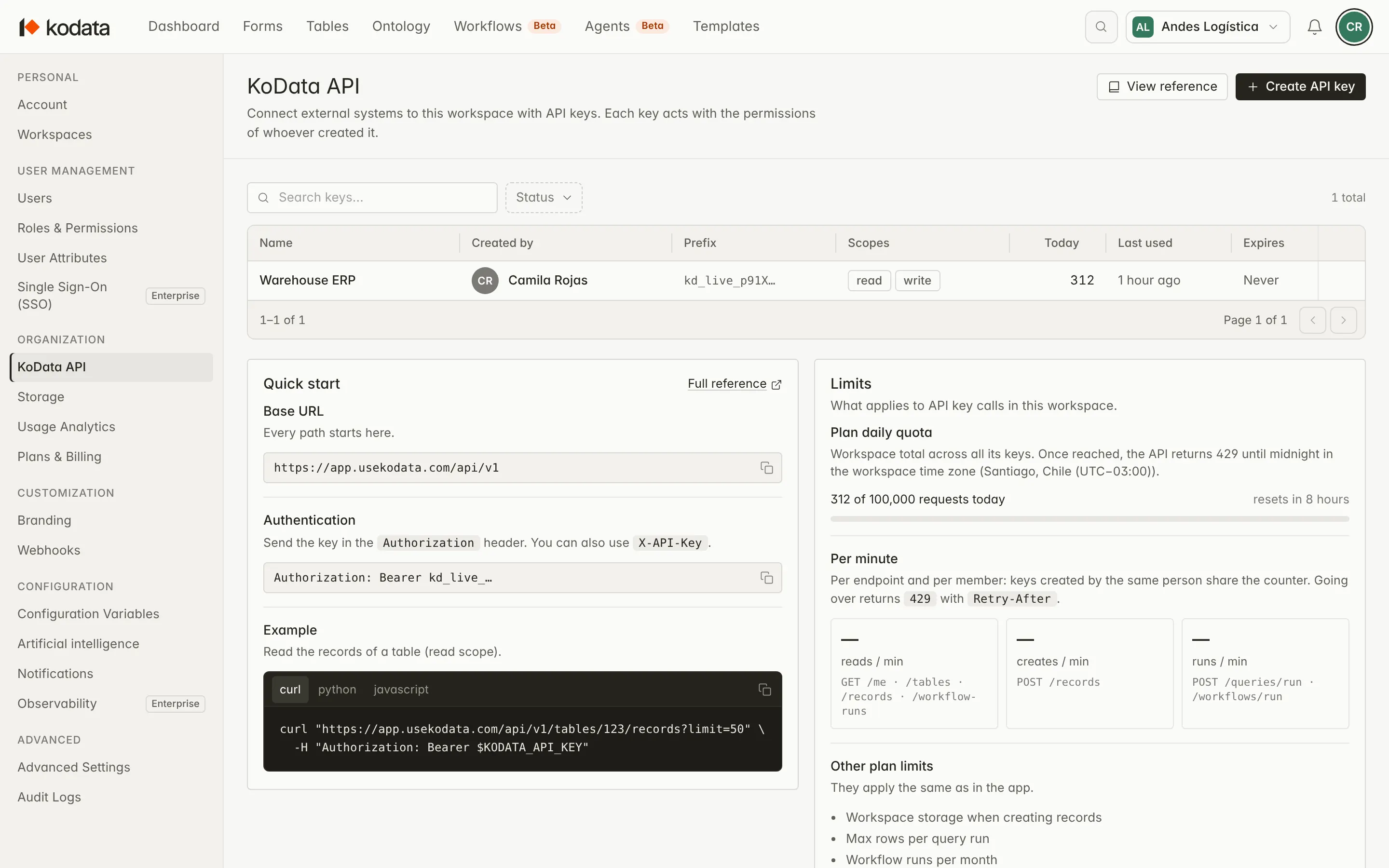
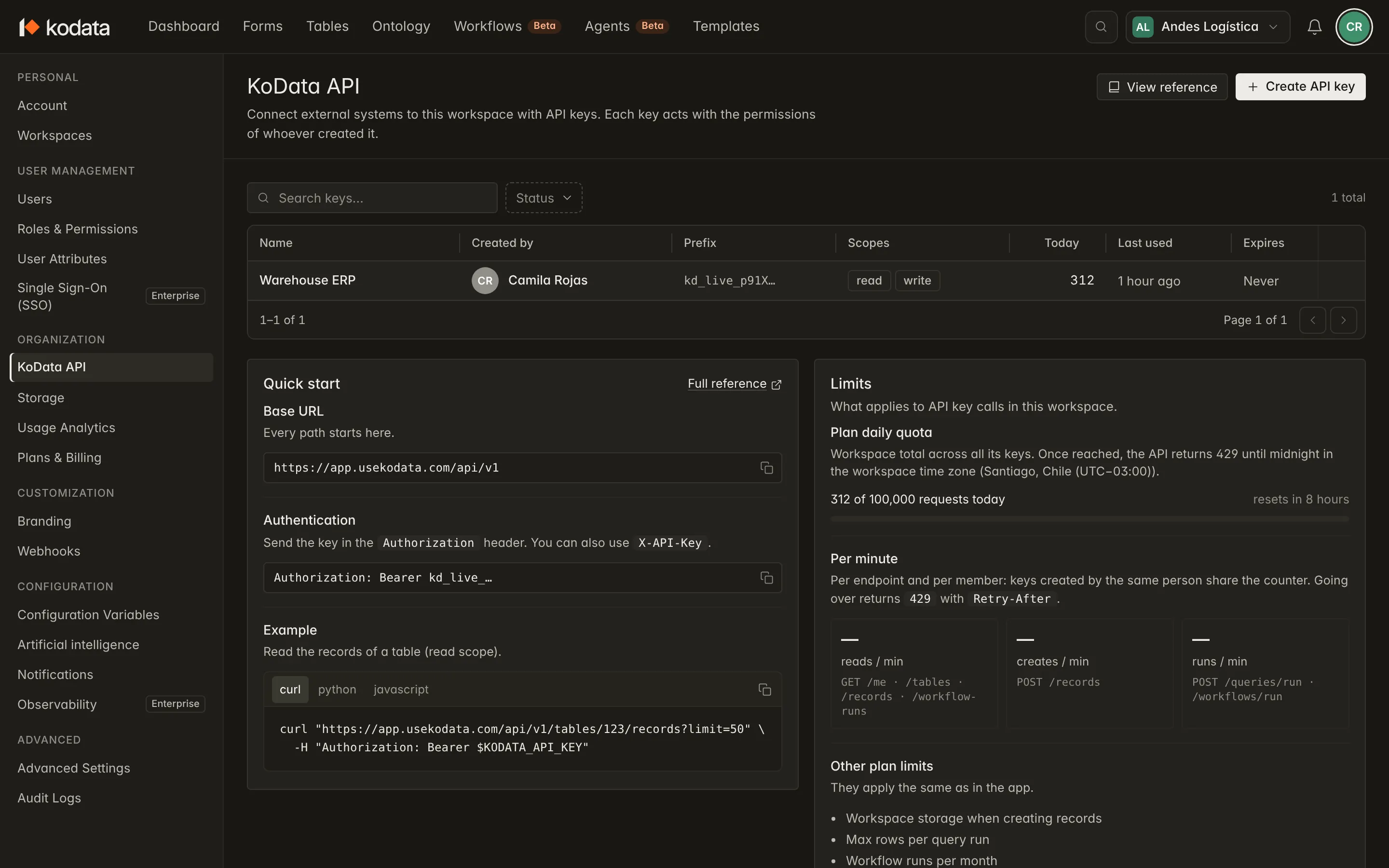
- Create API key: name, Scopes (Read, Write, Run) and Expiration. Copy it when you create it: it's never shown again.
- Revoke key (row menu) turns it off right away.
- View reference opens the API reference.
Webhooks
Settings › Webhooks sends workspace events to your systems: Add endpoint (https URL, events, tables), and the Deliveries tab with each delivery and its response. Every delivery is signed (How to verify the signature).