Configuration variables and environments
Variables store values you use in several places (a URL, a cut-off date, a token) and are inserted with {{workspace.config_var.<slug>}}.
Requirements: Team plan or higher; variables permission.
Create a variable
- Open Settings › Configuration Variables.
- Click Create variable.
- Type the Variable name (it generates the Key, the slug), turn on Mark as secret if needed, type the Value and, optionally, a Description.
- Click Create variable.
In {{workspace.config_var.<key>}} you use the Key, not the name: the dialog shows it ready to copy.
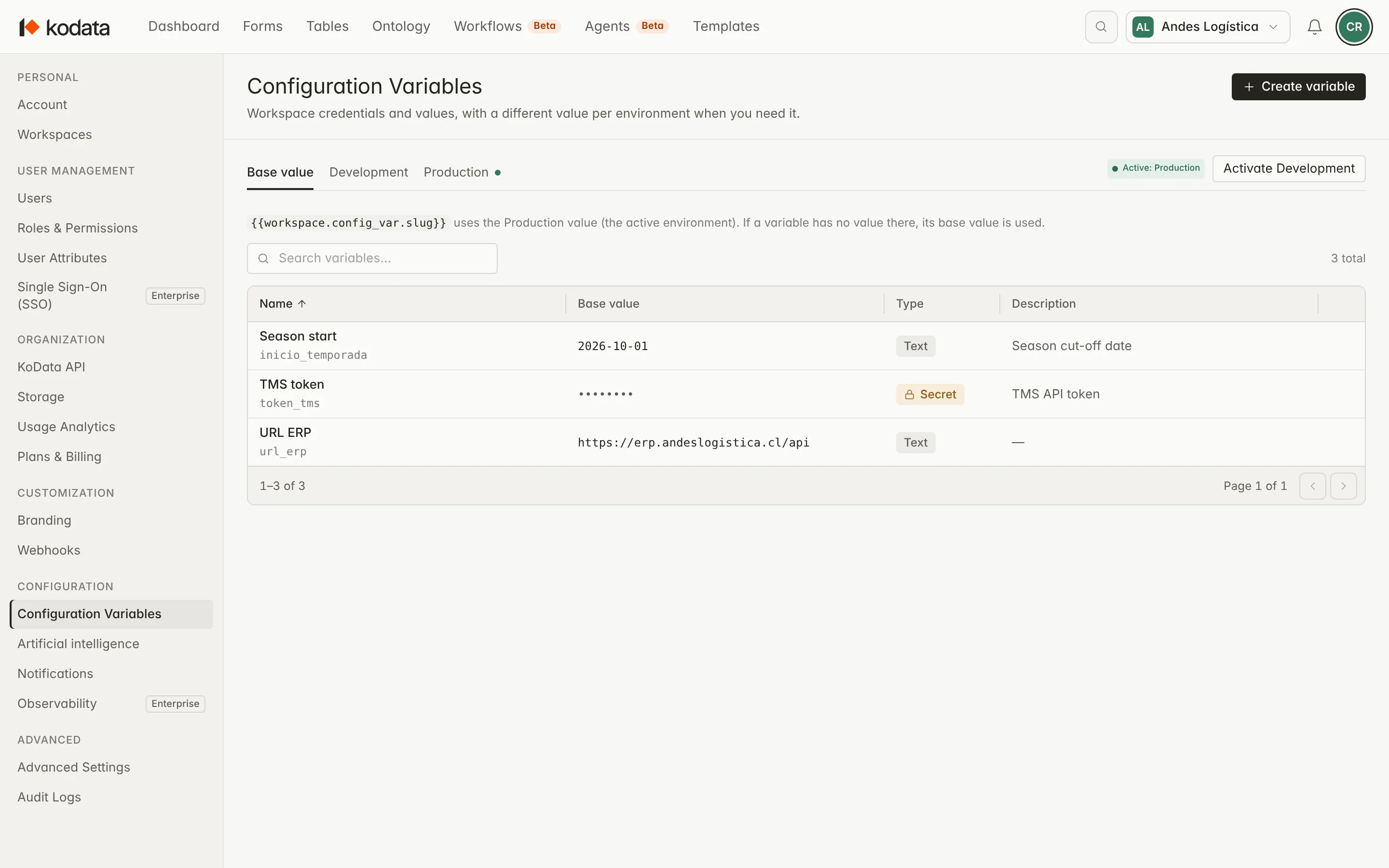
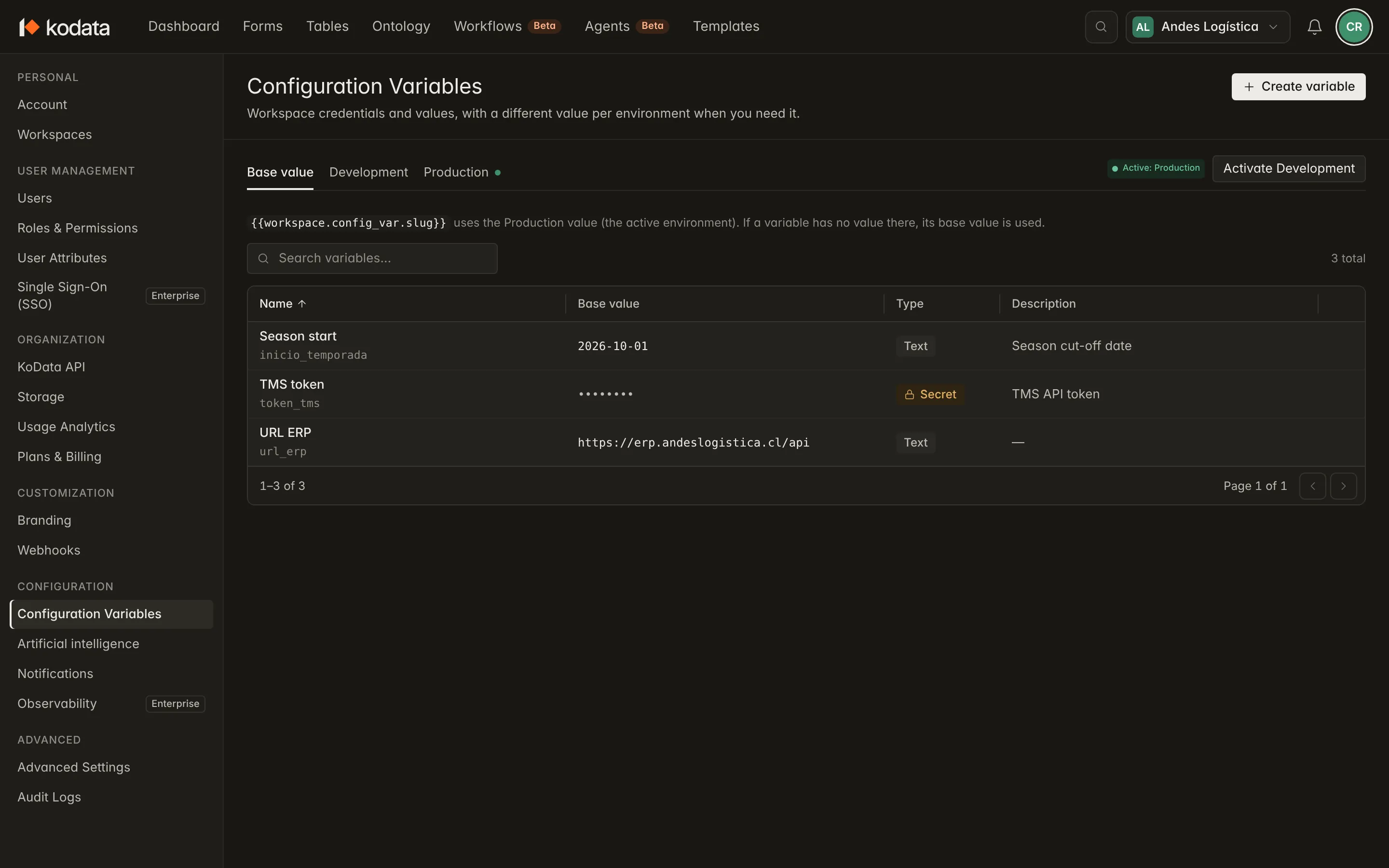
Environments
The Base value, Development and Production tabs let you set a different value per environment. A variable without a value in an environment uses its base value. Activate Development or Activate Production picks the environment the whole workspace uses (shown as Active: …).
Secret
A secret variable (Mark as secret) is stored encrypted and never shown again. Use it in connectors (headers, passwords, tokens); it can't be used in a query's SQL.
Rename
If you change the slug, KoData updates every reference in the workspace.