Advanced settings
Requirements: Team plan or higher; the workspace.advanced.update permission (by default, Owner and Admin).
Open Settings › Advanced Settings.
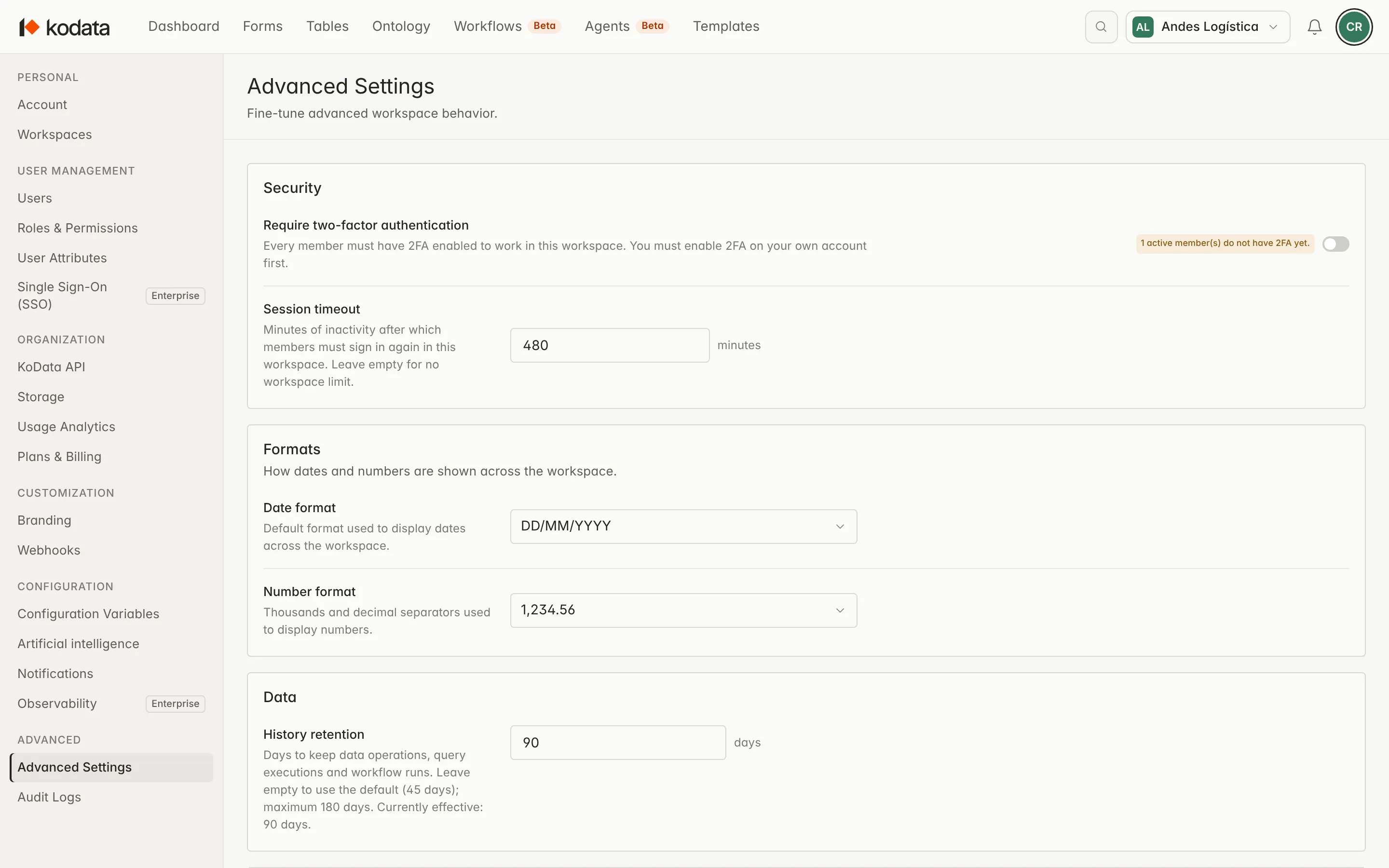
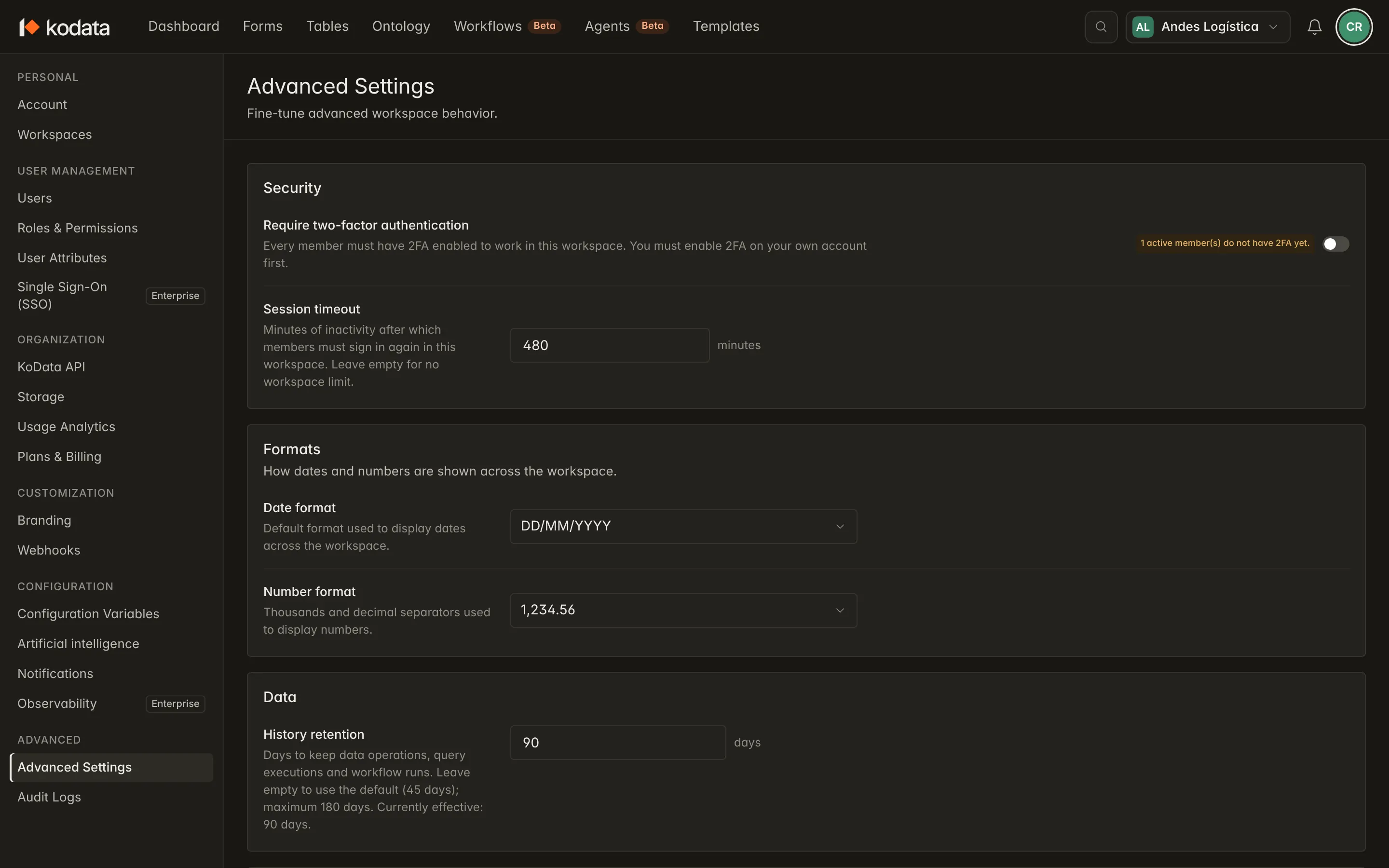
| Section | Option | What it does |
|---|---|---|
| Security | Require two-factor authentication | Every member must have two-step verification. Turn it on in your own account first. |
| Session timeout | Closes idle sessions after that many minutes (or No limit). | |
| Formats | Date format / Number format | How dates and numbers are shown across the workspace. |
| Data | History retention | Days runs and history are kept. |
Click Save changes.
Export workspace data
Export workspace data builds a ZIP with the workspace's content (tables, queries, connectors without credentials, forms, dashboards, workflows, agents and attribute and entity definitions); you can Include table data and form responses and Include config vars (secret ones without value). We let you know when it's ready: Download ZIP (the link lasts 24 hours).