Notifications
Set which events notify and whom, in the app and by email.
Requirements: the workspace.notifications.update permission (by default, Owner and Admin).
- Open Settings › Notifications.
- Filter by Category: Billing & storage, Connectors, Workflows, Forms, Workspace, Support & problem reports or System.
- For each event, turn on In-app and/or Email, and pick the Recipients: All members, By role or By member. Some events are Required.
- Preview with sample data shows the notification and the email.
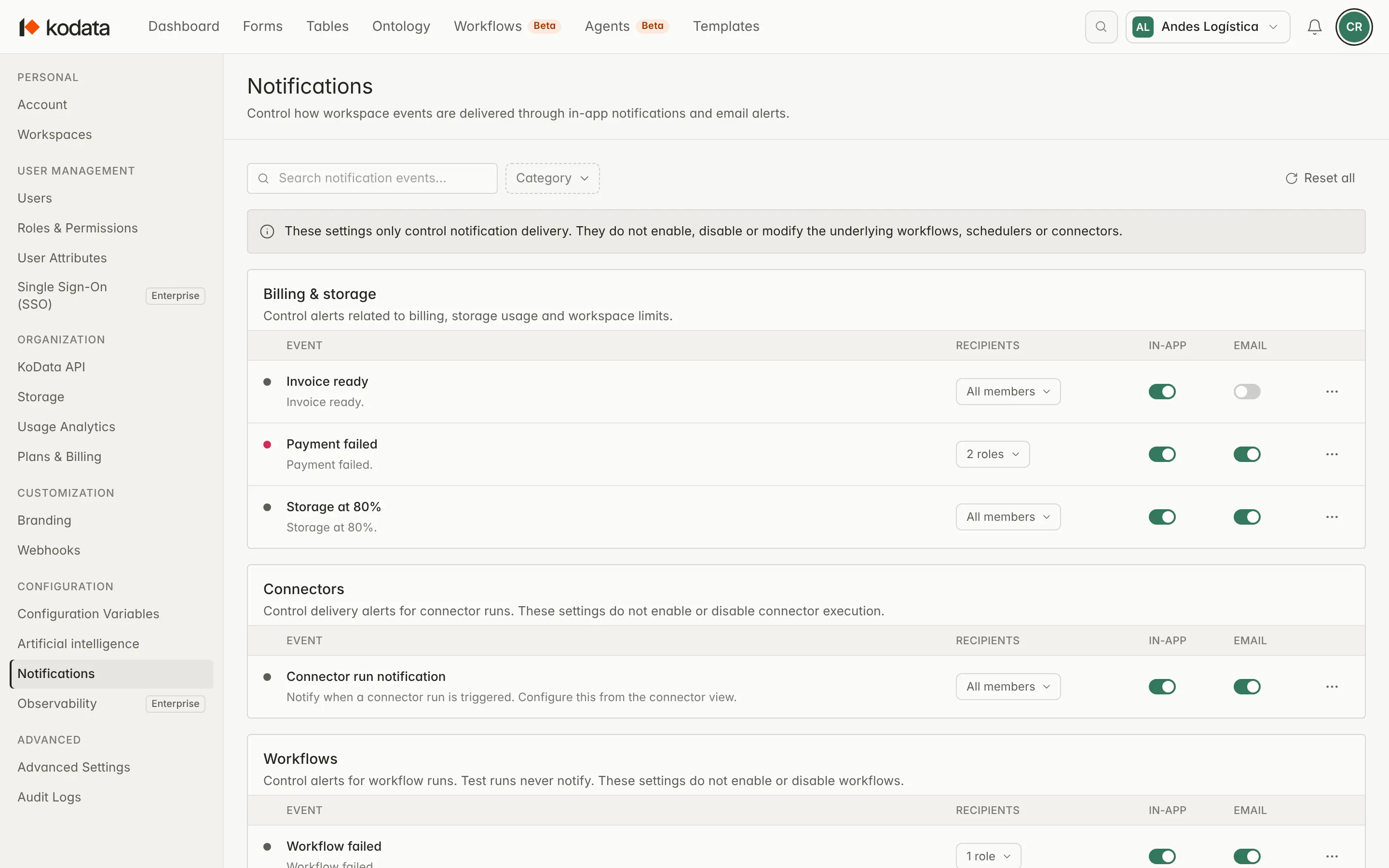
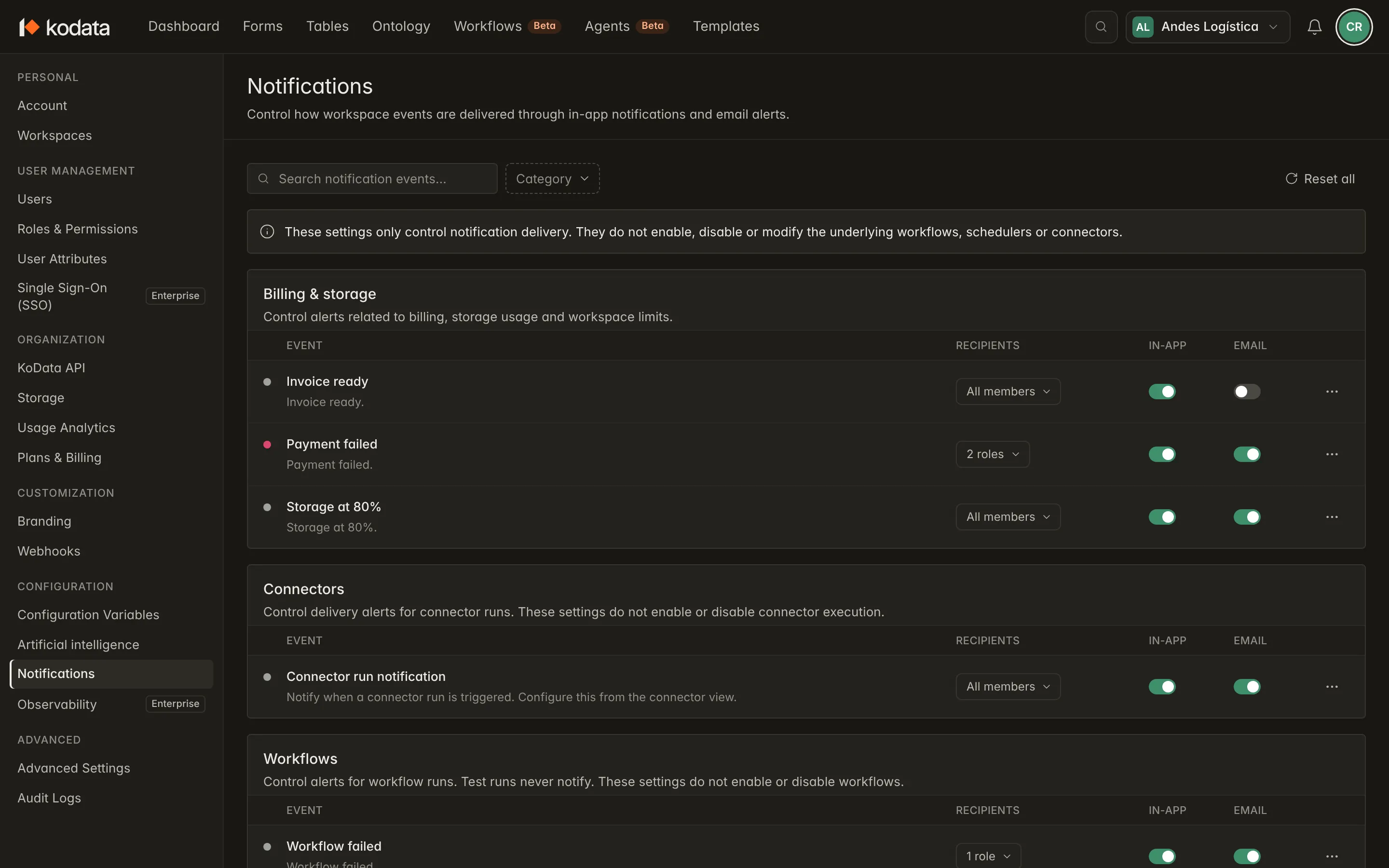
This screen only controls notices; it doesn't turn workflows, schedules or connectors on or off. Some events are set in their own module (Managed by connector, Managed by form, Managed by project). Reset all goes back to the defaults.