User attributes
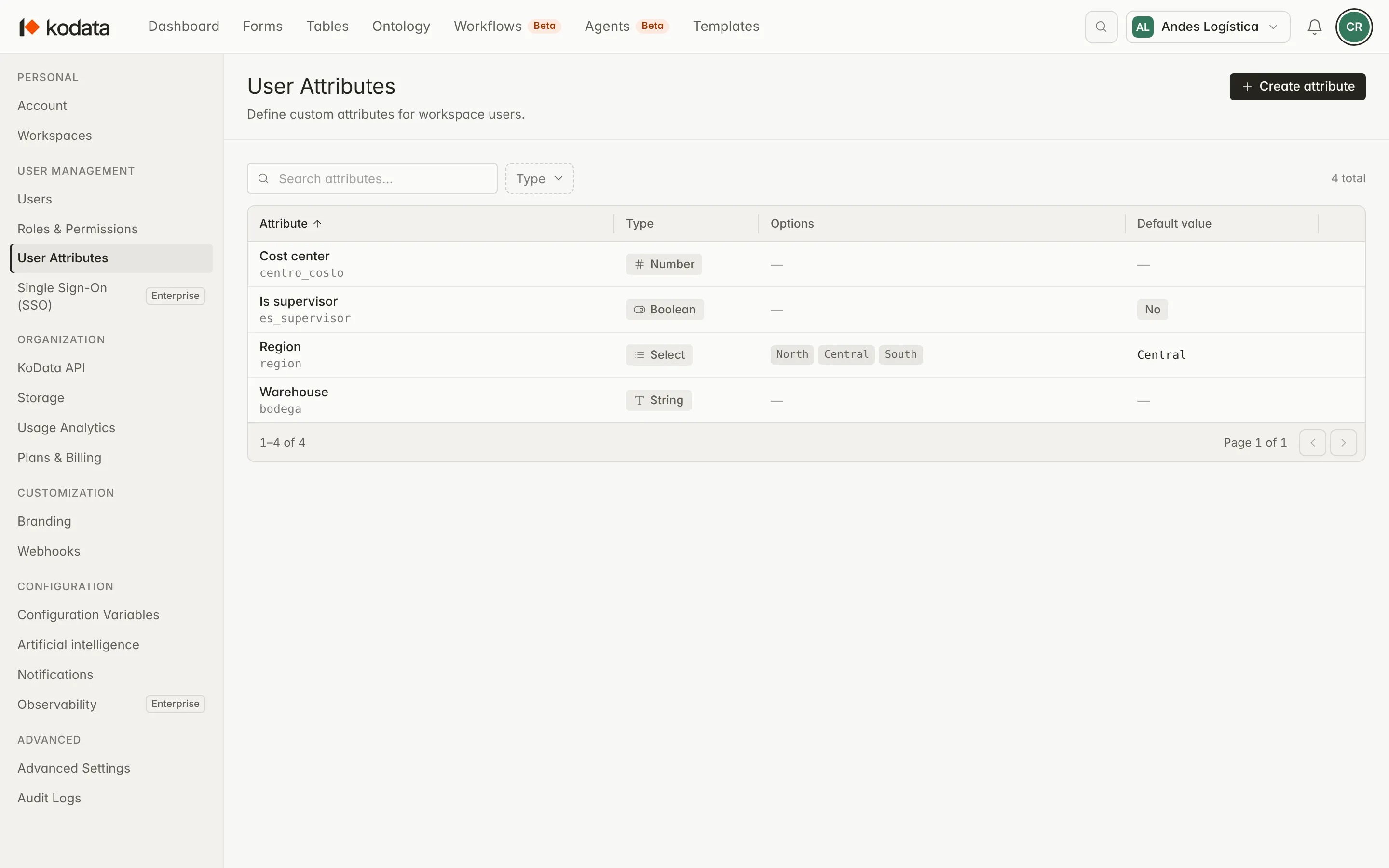
Attributes store data about each member (region, warehouse, cost center) to filter what they see: {{current_user.attributes.<key>}}.
Requirements: Team plan or higher; the workspace.attributes.create permission (by default, Owner and Admin). Up to 100 attributes per workspace.
- Open Settings › User Attributes.
- Click Create attribute.
- Type the Name (it generates the Key) and pick the Data type: String, Number, Boolean or Select (with Options). Set a Default value if you like.
- Save.
- Set each member's value from their record in Users (View Details & Edit).
Use them
In a query: WHERE region = {{current_user.attributes.region}}. In a dashboard, each person sees their region's data. In the Ontology, the User node ties them to your entities for the AI.