Triggers
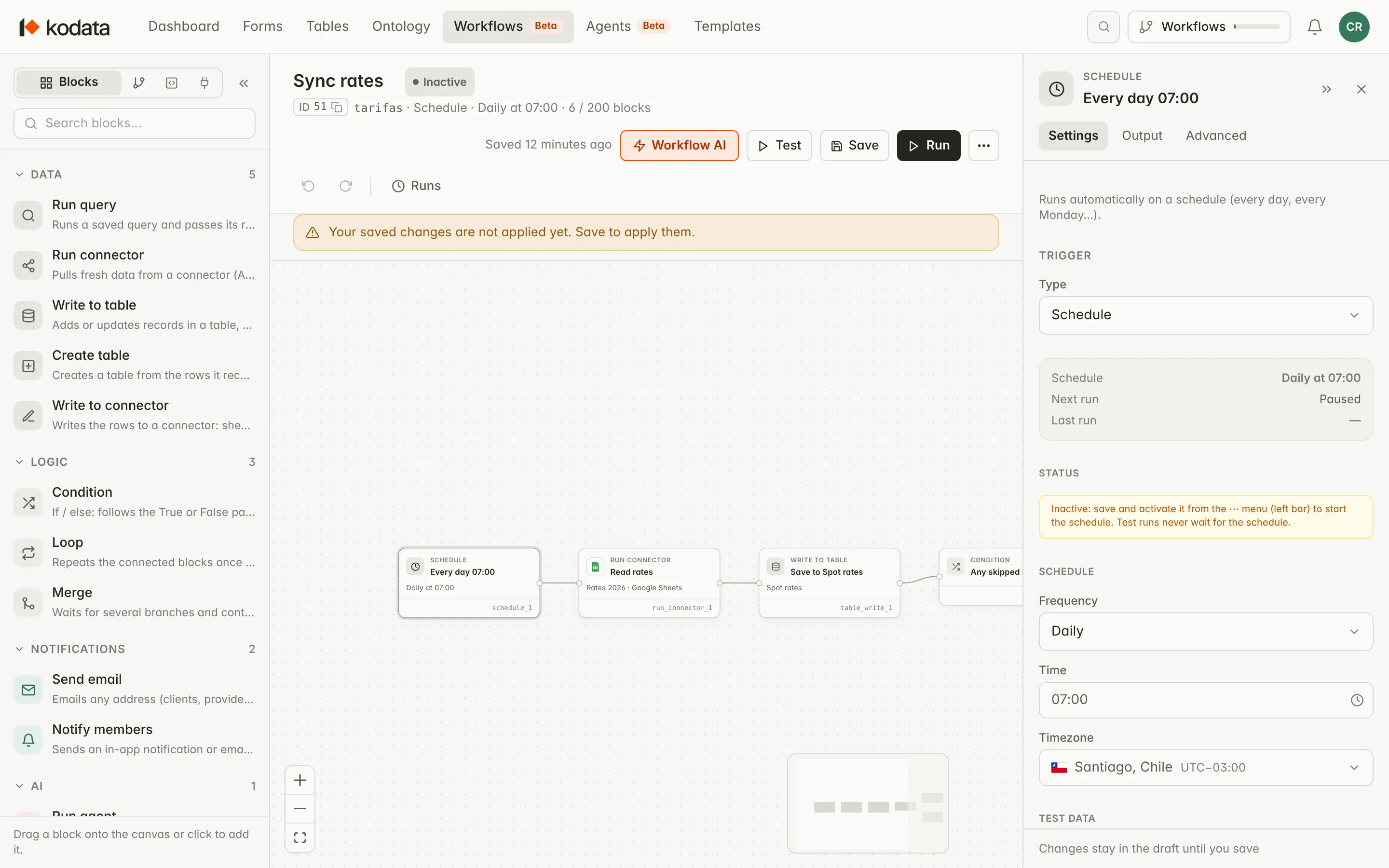
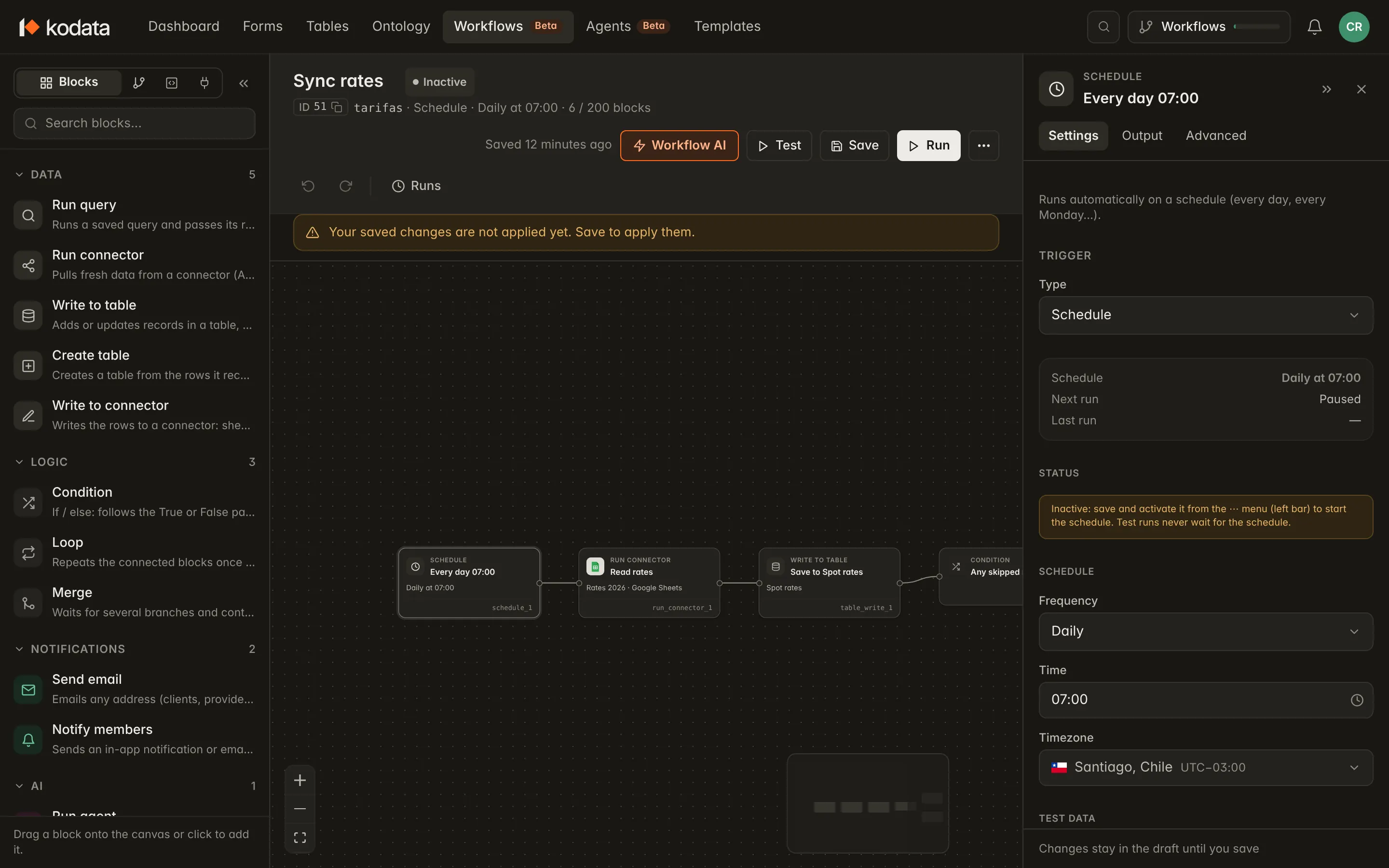
The first block decides when the workflow runs. Click it and pick the Type.
| Trigger | Runs | Plan |
|---|---|---|
| Manual | When someone clicks Run, from the API or from a dashboard button. | All |
| Schedule | On a Frequency (hourly, daily, weekdays, weekly, monthly), Time and Timezone. | Team+ |
| Webhook | When a system calls its URL (POST by default; you can accept other methods and Require signature (HMAC)). | Team+ |
| Event | When something happens in KoData: a form gets a response, table rows are created, edited or deleted, or a connector, a query, an agent or a form's save to its table finishes. | Team+ |
| Threshold / KPI | Every N minutes measures a query or a table calculation and runs when the value crosses the condition. | 1 active threshold on Free (every 60 min at least), 10 on Team, 50 on Business |
Webhook
- Pick Webhook. KoData generates the URL: Copy URL.
- Call that URL with JSON. What you send arrives in
{{trigger.input}}. - Regenerate URL invalidates the old one; update it in the systems that call it.
The URL looks like https://app.usekodata.com/api/workflows/hooks/<token>.
Test data
In Test, triggers that receive data use the Test data (Input for Test (JSON)). Use an example fills one in.
Activate
An automatic trigger only runs with the workflow Active. Save and activate it from the workflow's ⋯ menu in the left bar. Test never needs it to be active.