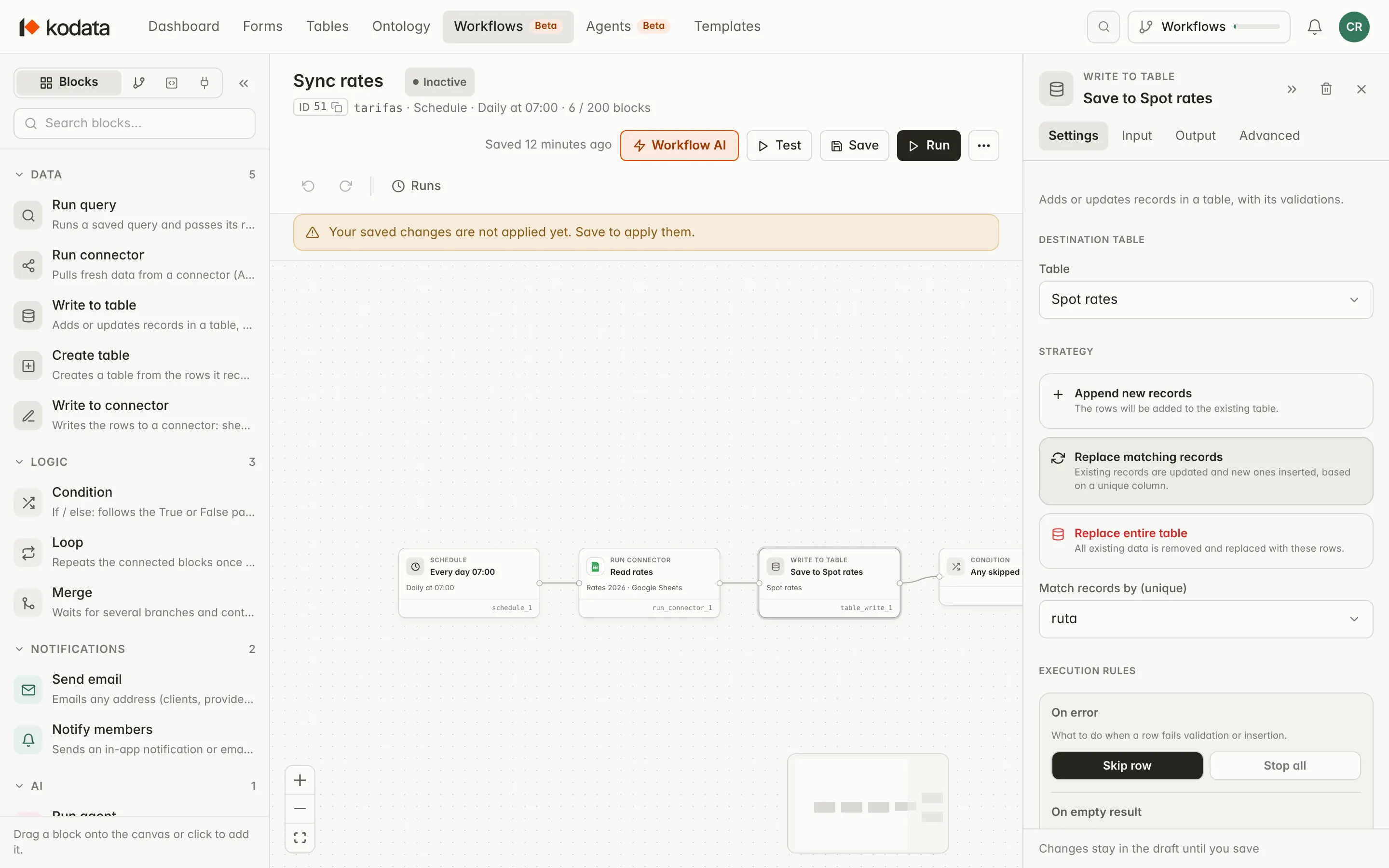
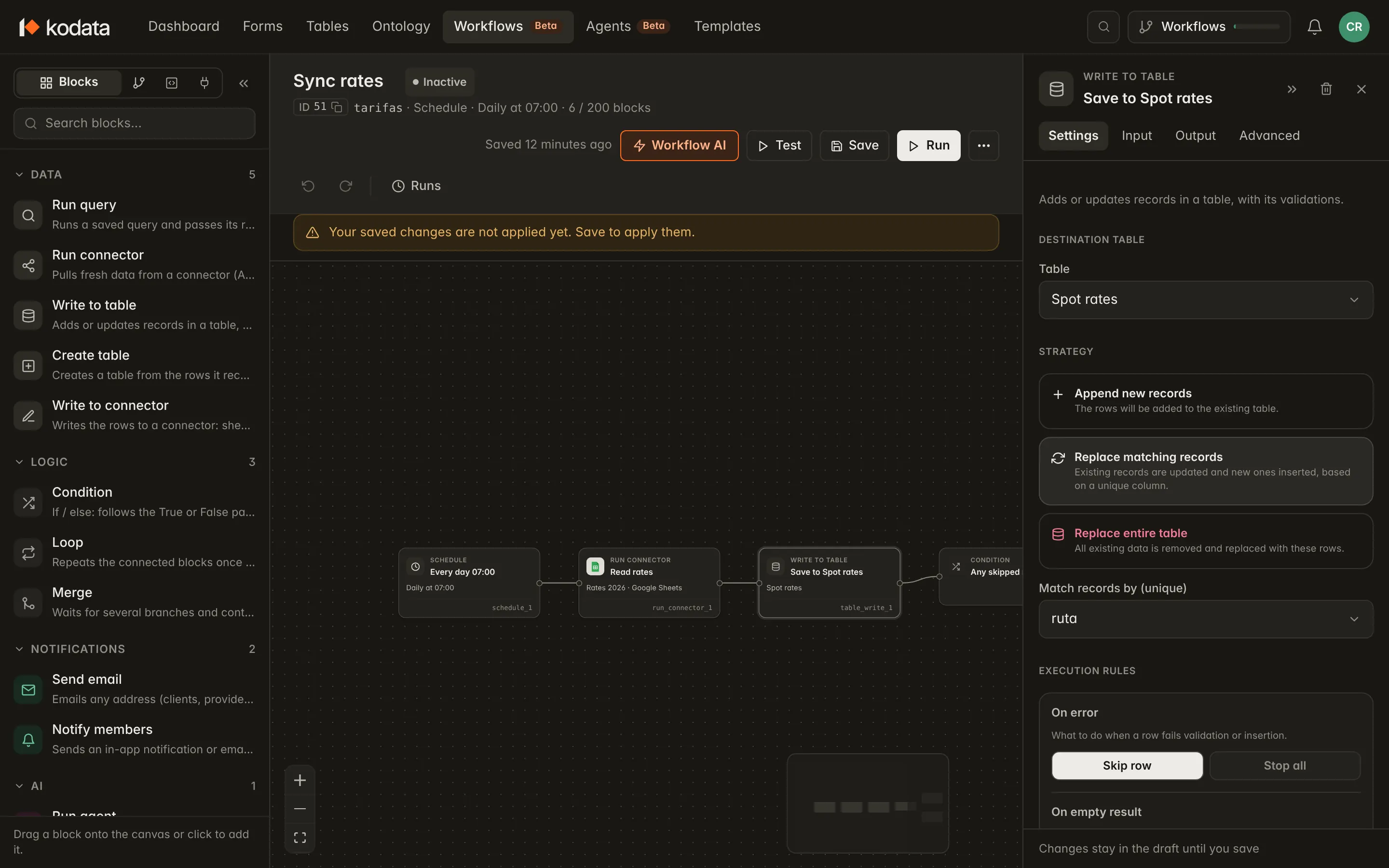
Blocks
Drag a block from Blocks and connect it. Each block gets the rows or data from the previous one.
Data
| Block | What it does |
|---|---|
| Run query | Runs a saved query and passes its rows. Fills {{params.*}}. |
| Run connector | Reads from a connector (Google Sheets, database, API…). |
| Write to table | Writes the rows to a table: Append new records, Replace matching records or Replace entire table; On error: Skip row or Stop all; field mapping. |
| Create table | Creates a table from the rows it gets. |
| Write to connector | Writes to a connector: appends or updates Sheets or Excel rows, sends a Slack or Teams message, creates HubSpot records… |
Logic
| Block | What it does |
|---|---|
| Condition | If / else: continues on True or False. |
| Loop | Repeats the connected blocks for each item ({{item}}). |
| Merge | Waits for several branches and continues once. |
Notifications
| Block | What it does |
|---|---|
| Send email | Email to any address (up to 20 per block), from KoData or from a connected mailbox (Gmail / Outlook). |
| Notify members | In-app and/or email notice to workspace members. |
| Respond to button | Tells whoever clicked a dashboard button what happened. |
AI
Run agent runs an AI agent (Beta) with the data you map. See Agents.
Common settings (Advanced tab)
In Advanced: Retry automatically (with Retries and the wait) and If the block fails (Stop the workflow or Continue with the next blocks). In blocks that write, Flatten JSON and Values per column are in Settings.