Visual editor
Visual mode builds the query without writing SQL.
- Open a query and switch the editor mode to Visual.
- Pick the base table and, if needed, join other tables.
- Pick columns, filters, grouping and sorting.
- Click Run.
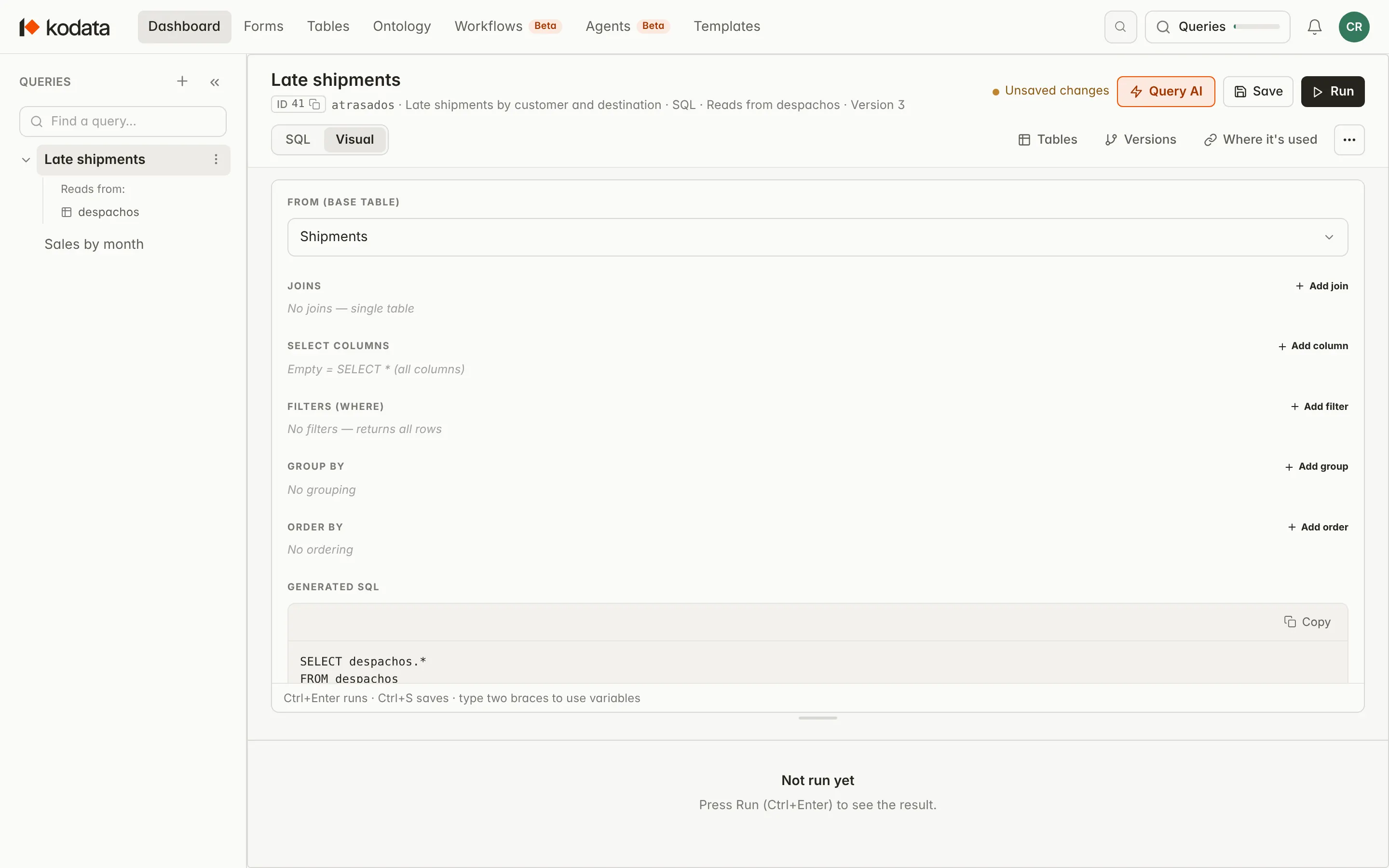
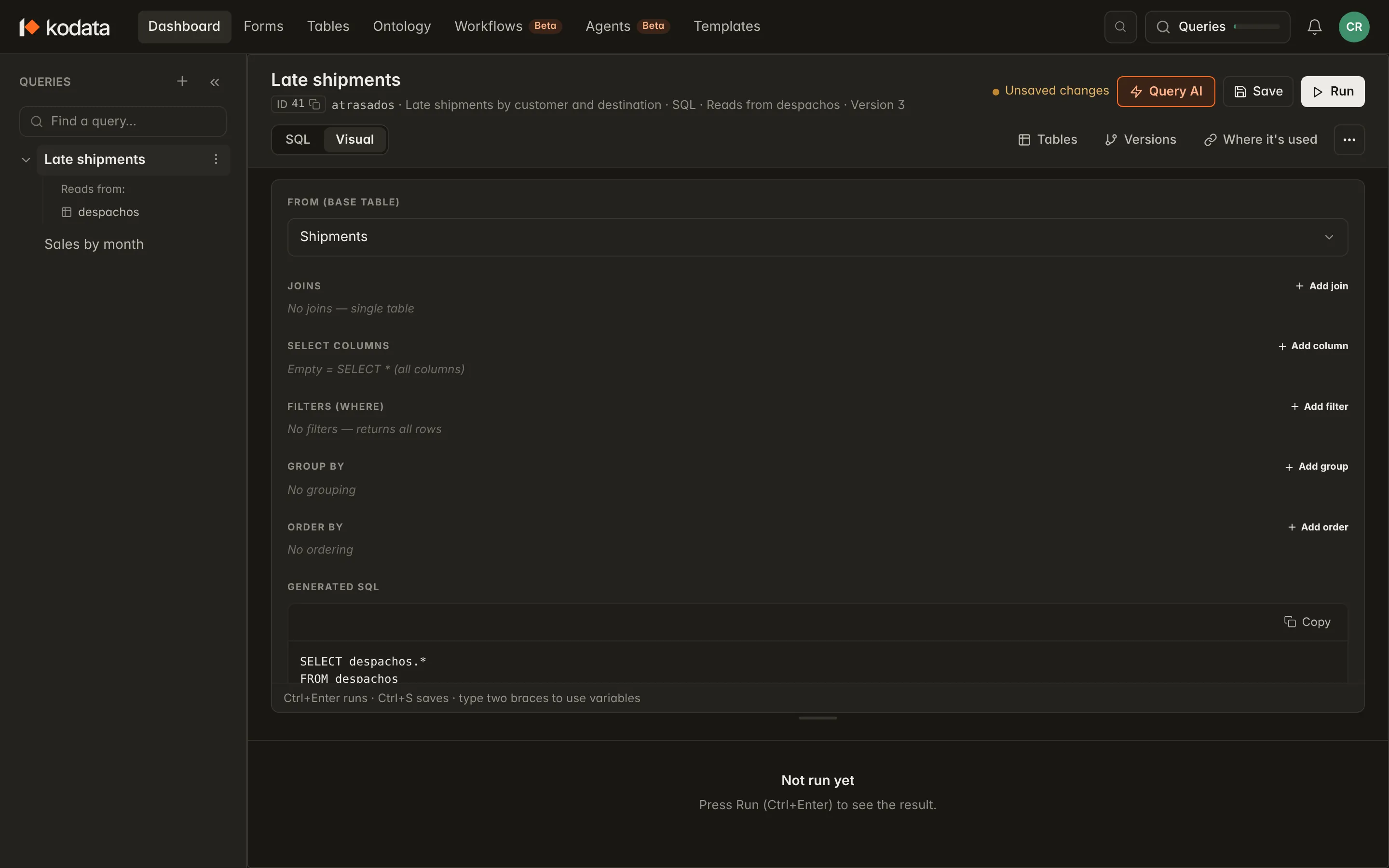
Visual mode generates SQL. You can switch to SQL anytime to adjust it by hand. If you wrote SQL that visual mode can't represent, you'll see This query can't be edited in Visual: use Back to SQL or Start from scratch in Visual.