Versions, where it's used and access
Versions
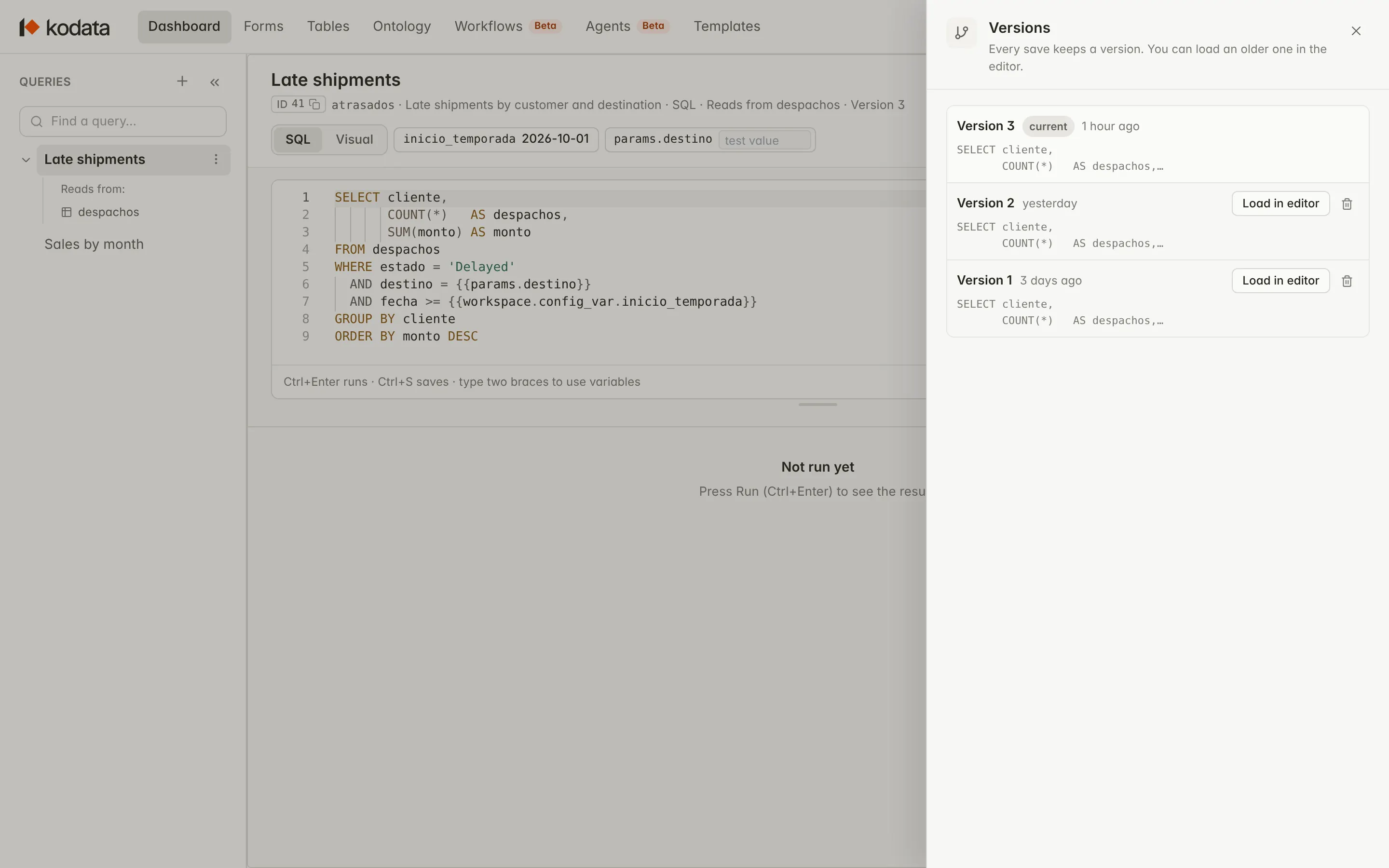
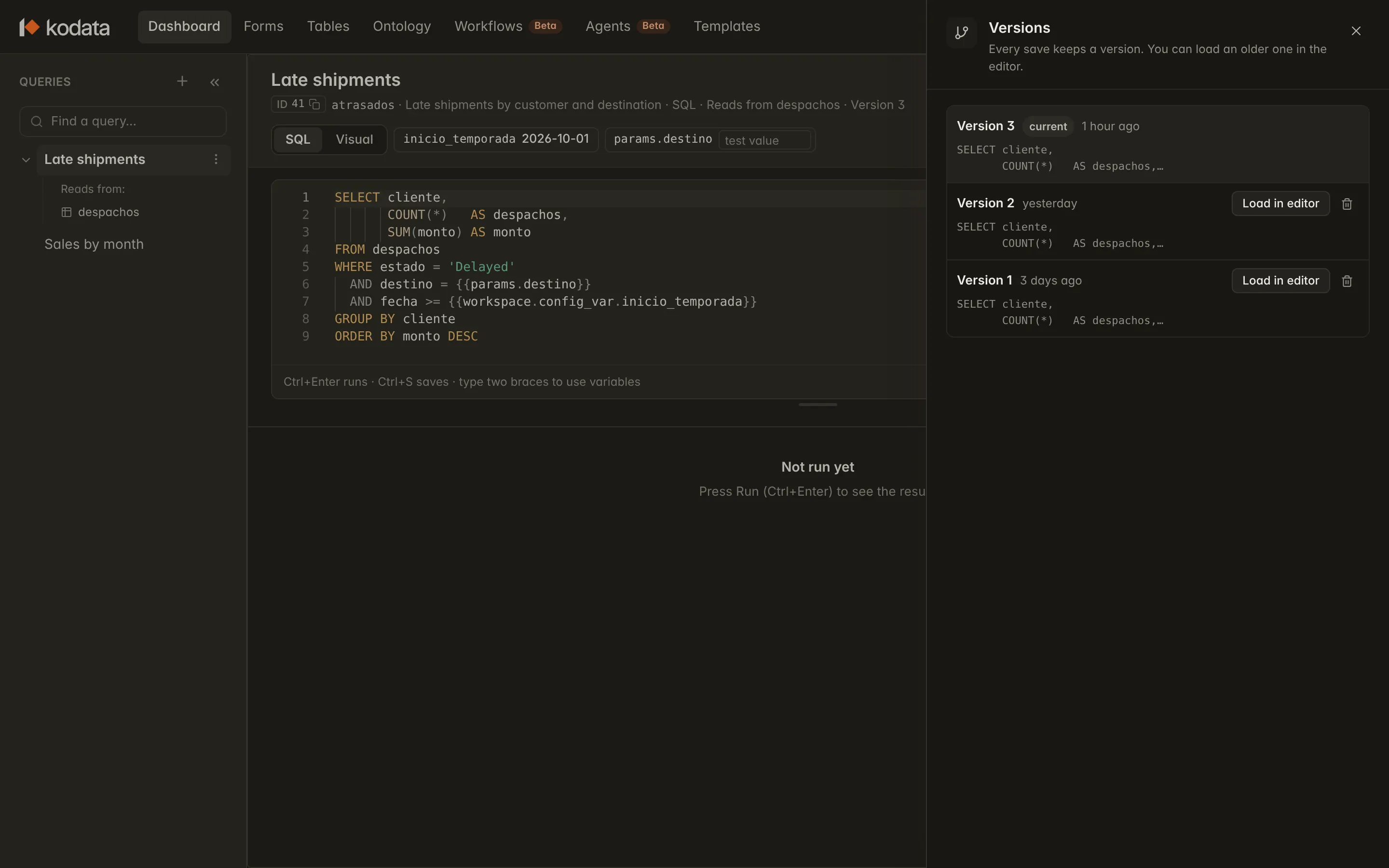
Every time you save (Ctrl+S or Save) a version is created.
- Click Versions.
- Open a version to see its SQL and use Load in editor to go back to it (then save).
Where it's used
Where it's used lists the dashboards, workflows and other elements that read the query. Check it before changing the columns it returns. If you rename a column read with SELECT *, KoData updates the references.
Access, rename and delete
In More actions (⋯):
- Query settings (or Change name and description): name, slug and description.
- Access: who can use it.
- Delete query: moves it to the trash. In the same menu, View trash lets you Restore or Delete permanently.
Add to favorites (same menu) keeps it on top.
Limits
| Limit | Free | Team | Business |
|---|---|---|---|
| Queries per day | 50 | 10,000 | 100,000 |
| Rows per run | 100,000 | 100,000 | 100,000 |
If the result goes over the cap, you see Limited to N rows (your plan's maximum). When the daily limit is reached, the run stops and the result status shows Daily limit.