Custom roles
Requirements: Roles & Permissions shows from the Team plan; creating custom roles needs Business (up to 5). The workspace.roles.create, workspace.roles.update and workspace.roles.delete permissions (by default, Owner and Admin).
- Open Settings › Roles & Permissions. You see the system roles (read-only) and the custom ones.
- Click Create role.
- Type the name and description, and tick the permissions per module: view, create, edit, run, delete… on tables, queries, dashboards, forms, workflows, connectors, agents and settings.
- Save.
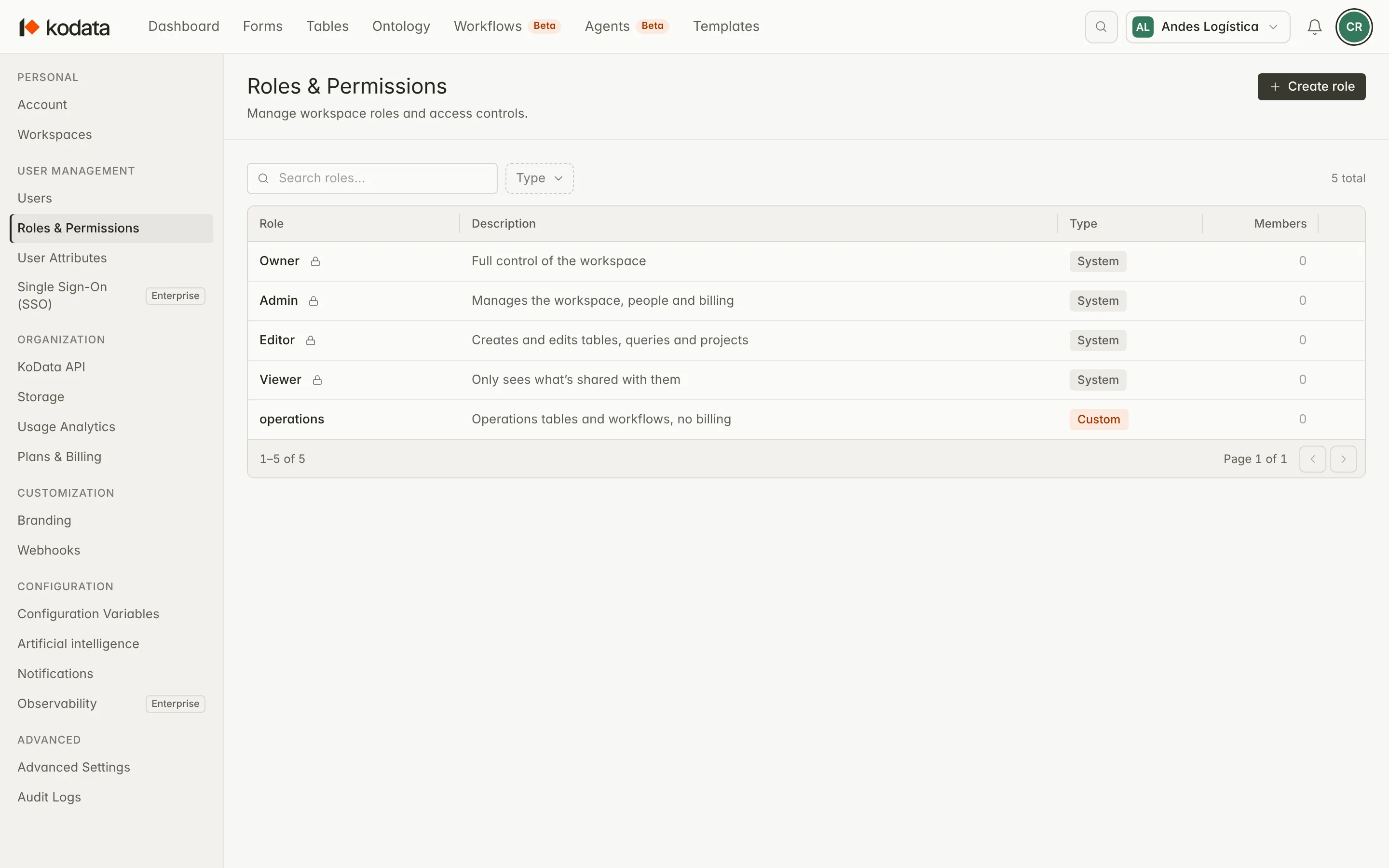
Each role's menu has View Permissions, Edit Role and Delete Role. A custom role can't have the same name as a system role. To assign it, change the person's role in Users.