Roles and access
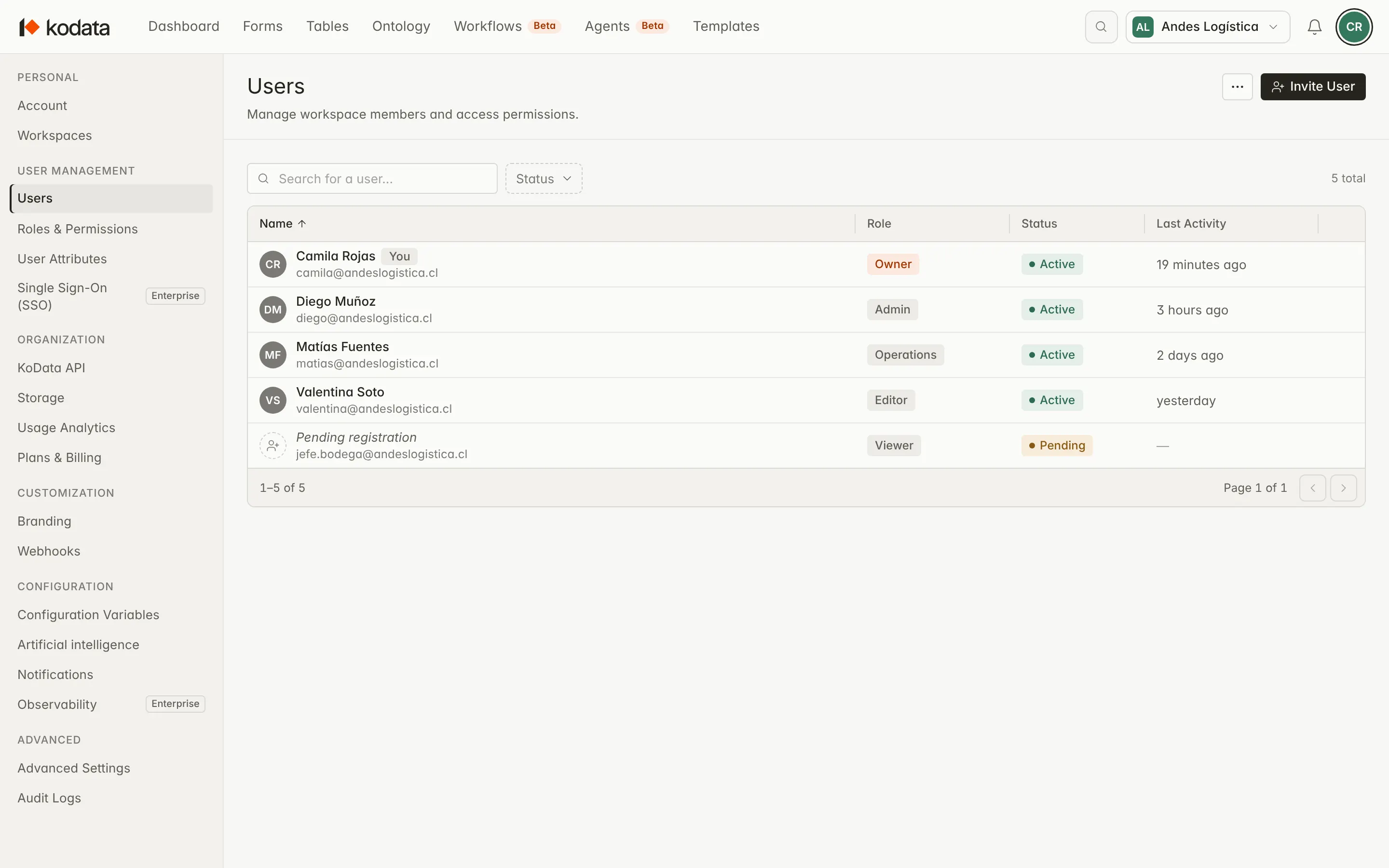
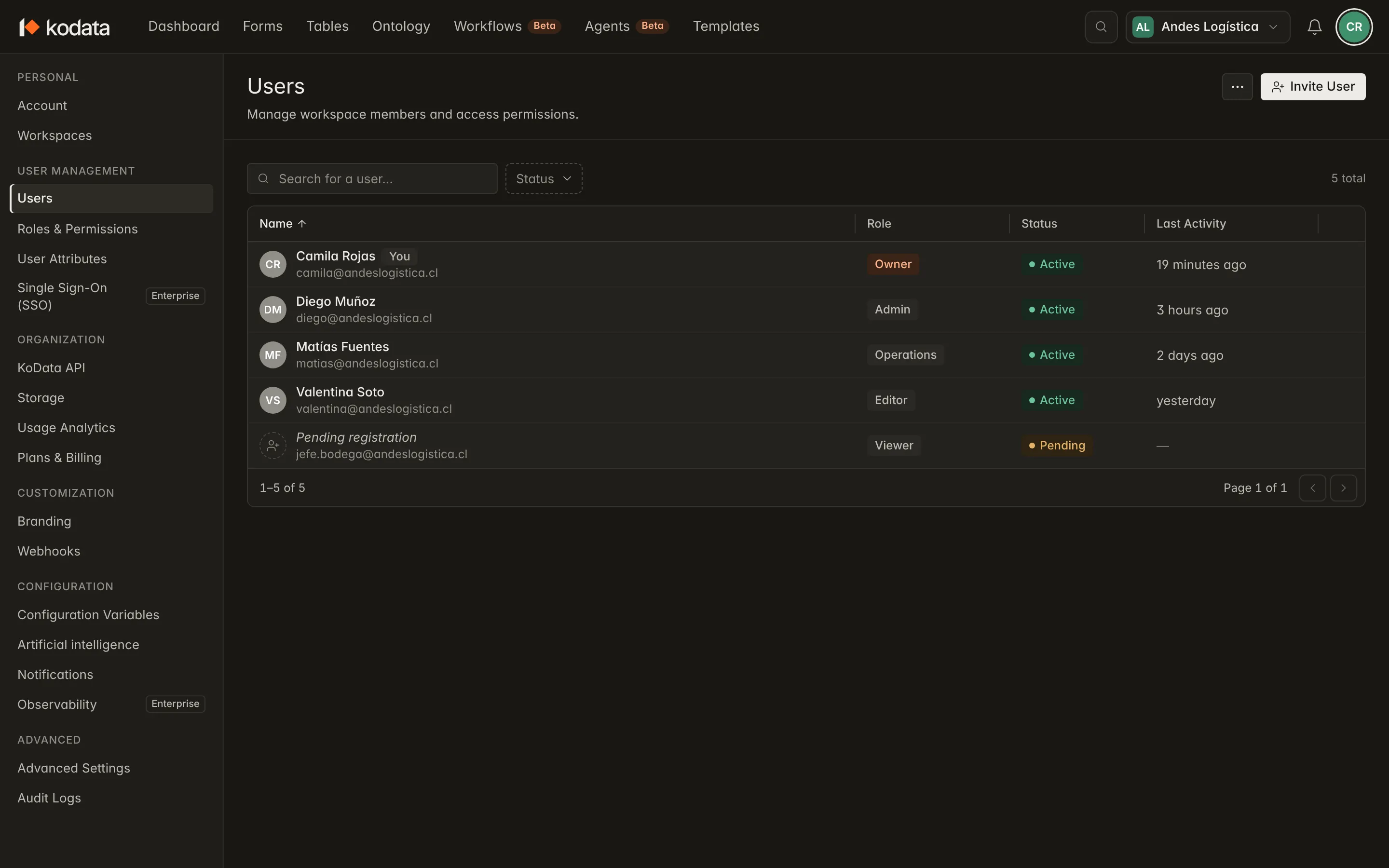
Access has two layers: the workspace role (what you can do) and access to each entity (on which things).
System roles
| Role | What they can do | User type |
|---|---|---|
| Owner | Everything, including the plan, archiving the workspace and transferring ownership. | Internal |
| Admin | Everything operational: members, roles, API, webhooks, variables, branding, notifications, advanced settings, general AI settings and credit distribution. Sees SSO and billing without changing them; can't change AI settings that affect costs, edit the workspace, or change the plan or ownership. | Internal |
| Editor | Creates and edits tables, queries, dashboards, forms, connectors, workflows and agents; also configuration variables, branding (not the subdomain or domain) and ontology. Sees members, roles, attributes and audit logs without managing them. | Internal |
| Viewer | Opens dashboards, forms, tables and agents shared with them. | External |
Internal and external users count separately in the plan (internal: 1, 3 and 5; external: 3, 20 and 50 on Free, Team and Business). On Team and Business you can go over those numbers: each extra user is billed (see Compare plans). A viewer can't move to an internal role or the other way around.
Entity access
Every table, query, dashboard, form, workflow, connector and agent has its access list. When you create it you pick Whole workspace, Only me or Chosen people; later you change it with View access list (Access Management). The owner sees everything.