What a connector is
A connector reads from or writes to another system: a Google Sheets or Excel sheet, a database, an API, email, Slack, HubSpot… It stores the connection (credentials or account) and what to read.
Where they're used
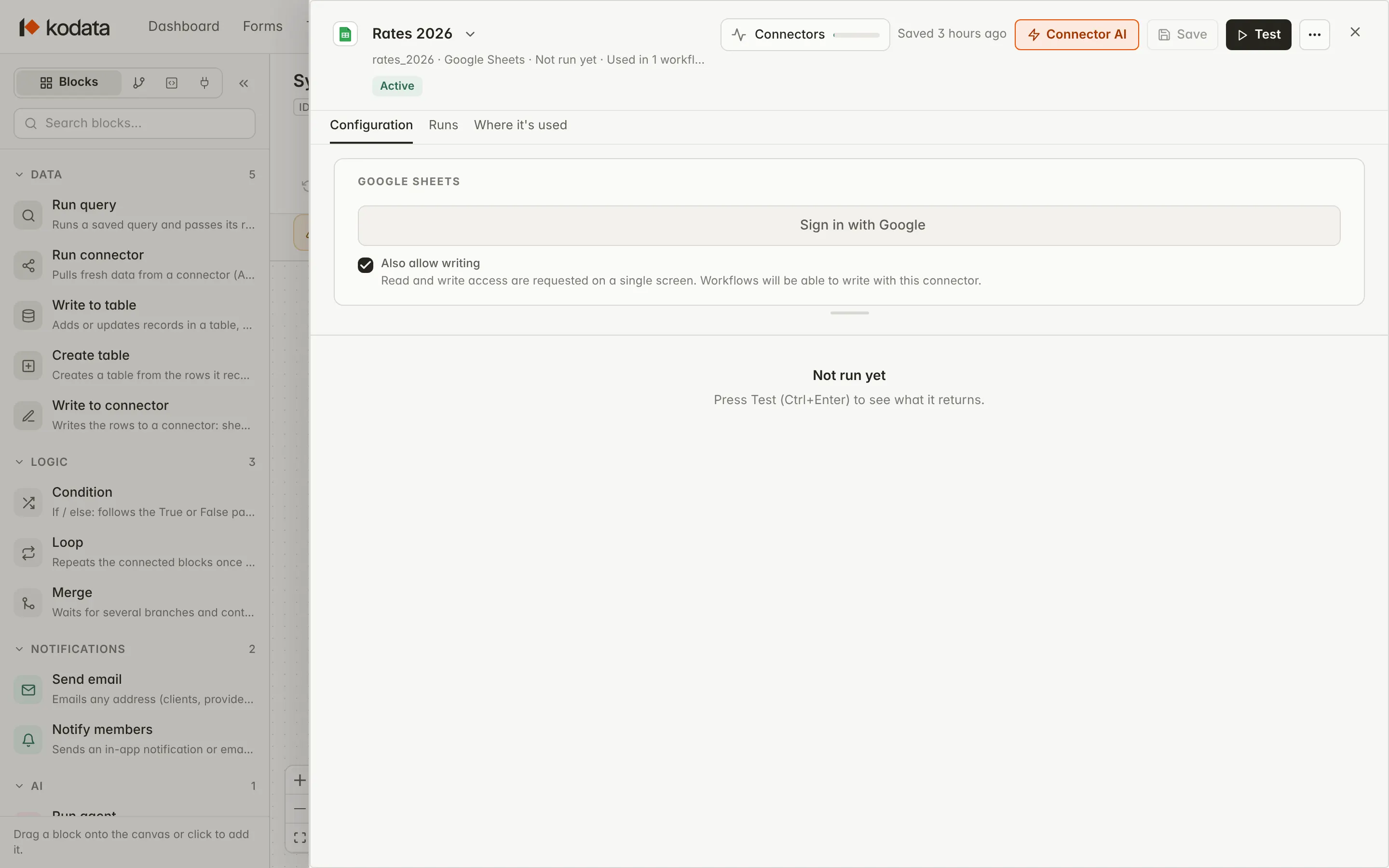
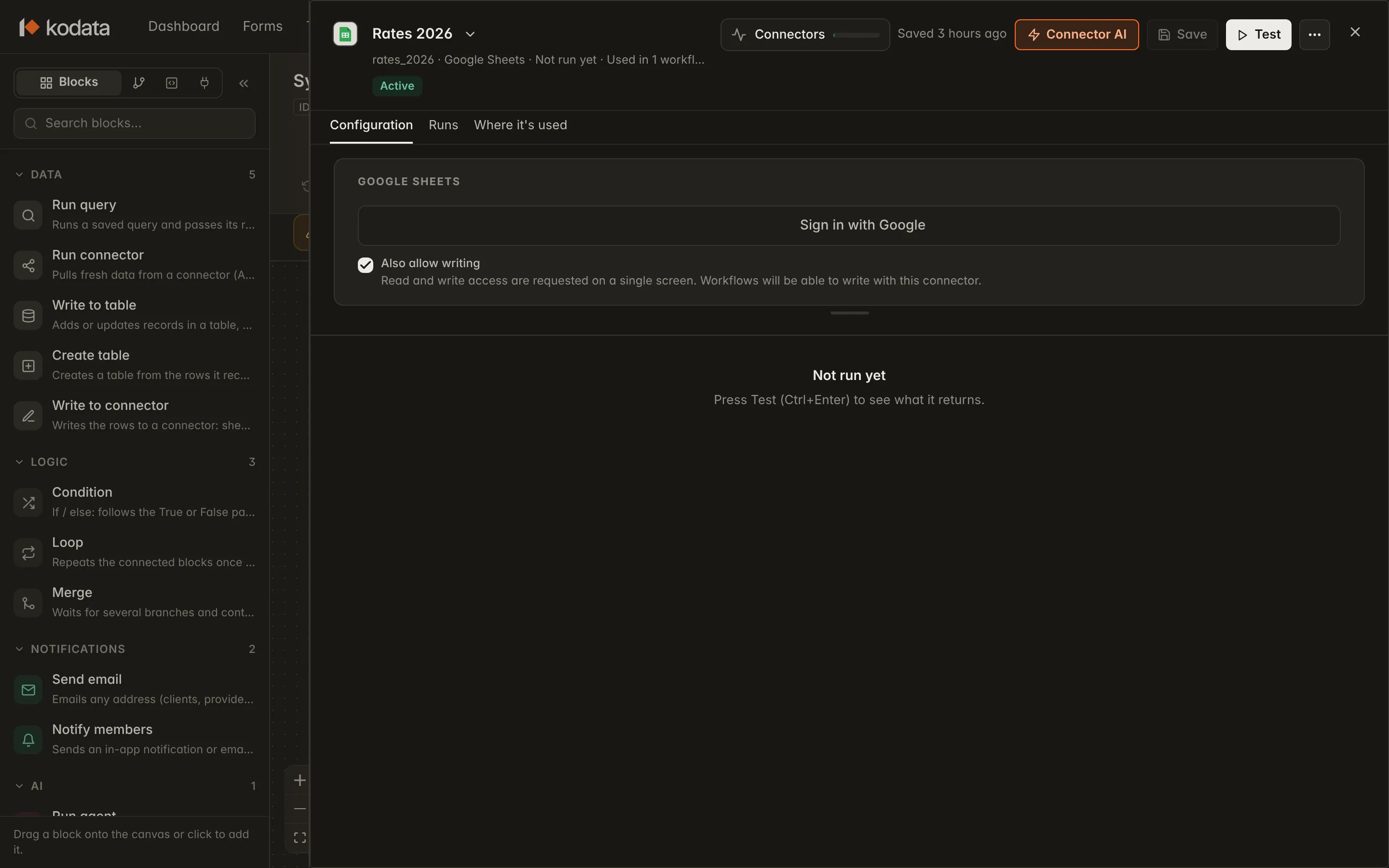
Connectors have no menu or screen of their own: they always open in their panel, on top of the screen you're on. You find them in Dashboard › Your work (Connectors tab) and in the Connectors panel in the left bar of the workflow or dashboard editor. You create them with Create › Connector or with New Connector in that panel. In a workflow they're used with two blocks:
- Run connector reads data and passes it to the next blocks.
- Write to connector sends rows to the other system.
With Ctrl+K, type their name and their panel opens without changing screens. A dashboard button can also run them (Run connector).
Read and write
In the connector panel, What do you want to do? separates Read data (what it brings when it runs) and Write data (the provider's write operations, which accept each row's values with {{ }}). See Available providers.
Typical flow
- Create the connector: New connector › 1 · Type › 2 · Name and access › Create connector.
- Set it up and check it with Test.
- Save the rows to a table with Write to table and schedule the workflow. See Guide: scheduled workflow.