Agents: what they are and the list
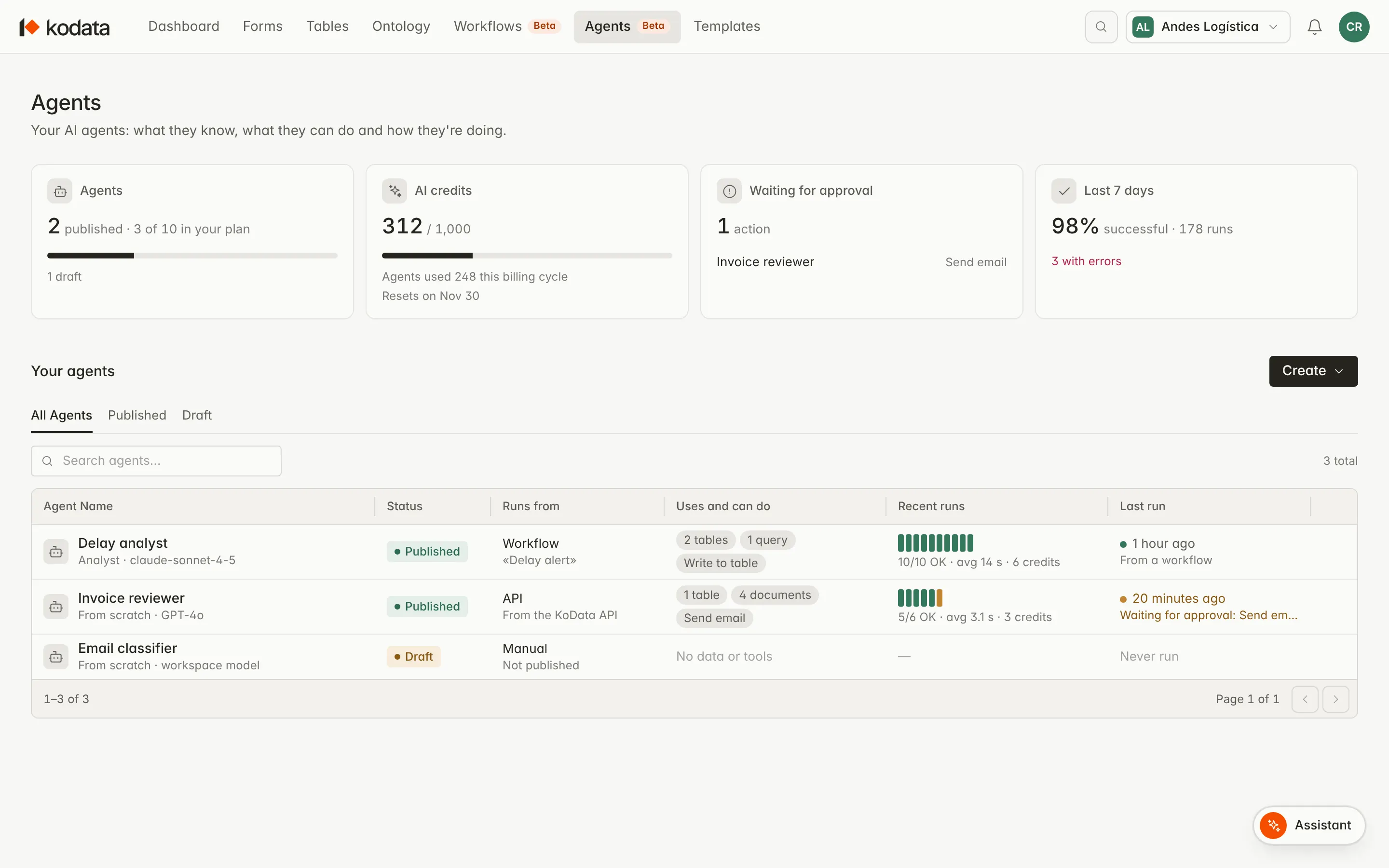
An agent is an AI with instructions, data and tools that does a job for you: analyze, audit, operate, research the web or handle requests. Agents is in Beta.
Requirements: AI turned on in the workspace and agents enabled on the platform (if the platform turns them off, Agents shows Agents turned off by the platform; your agents are kept). Seeing agents needs the view.agent permission (view.agent); creating them, anyone with the agent.create permission (agent.create), and editing them, agent.update. Each run spends AI credits.
The list
- In the main menu, click Agents.
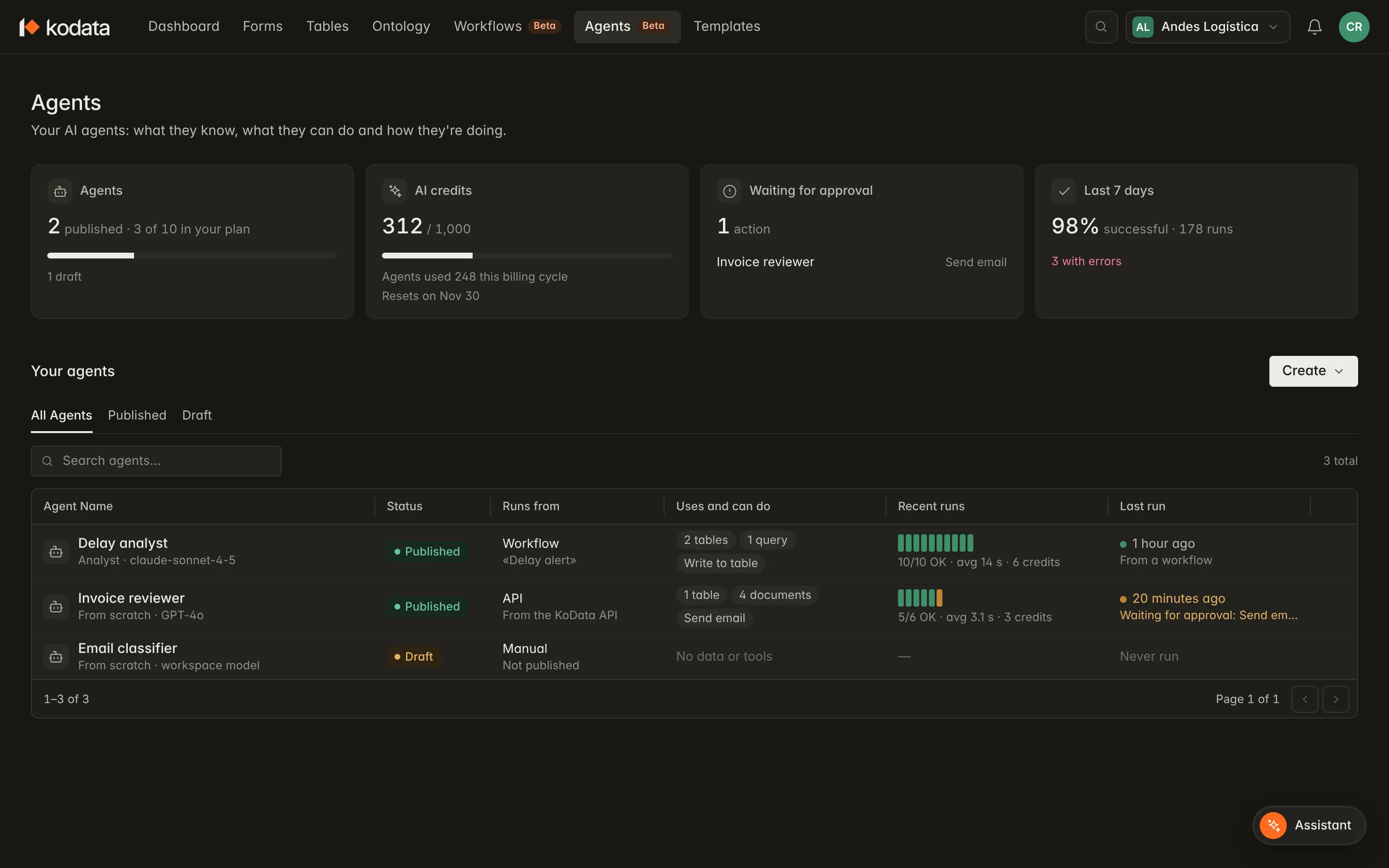
- Your agents shows each agent with its status (Published, Draft), how it's triggered, what it uses and can do, and its recent runs. Filter with All Agents, Published, Draft or Trash.
- The summary shows AI credits, what's waiting for approval and the runs of the last 7 days.
Types
When you create one you pick a type, which brings starting instructions and tools: From scratch, Auditor, Analyst, Operator, Web researcher, Integrator, Support, Browser operator and Advanced analyst.