Product
One platform, six pieces that share data
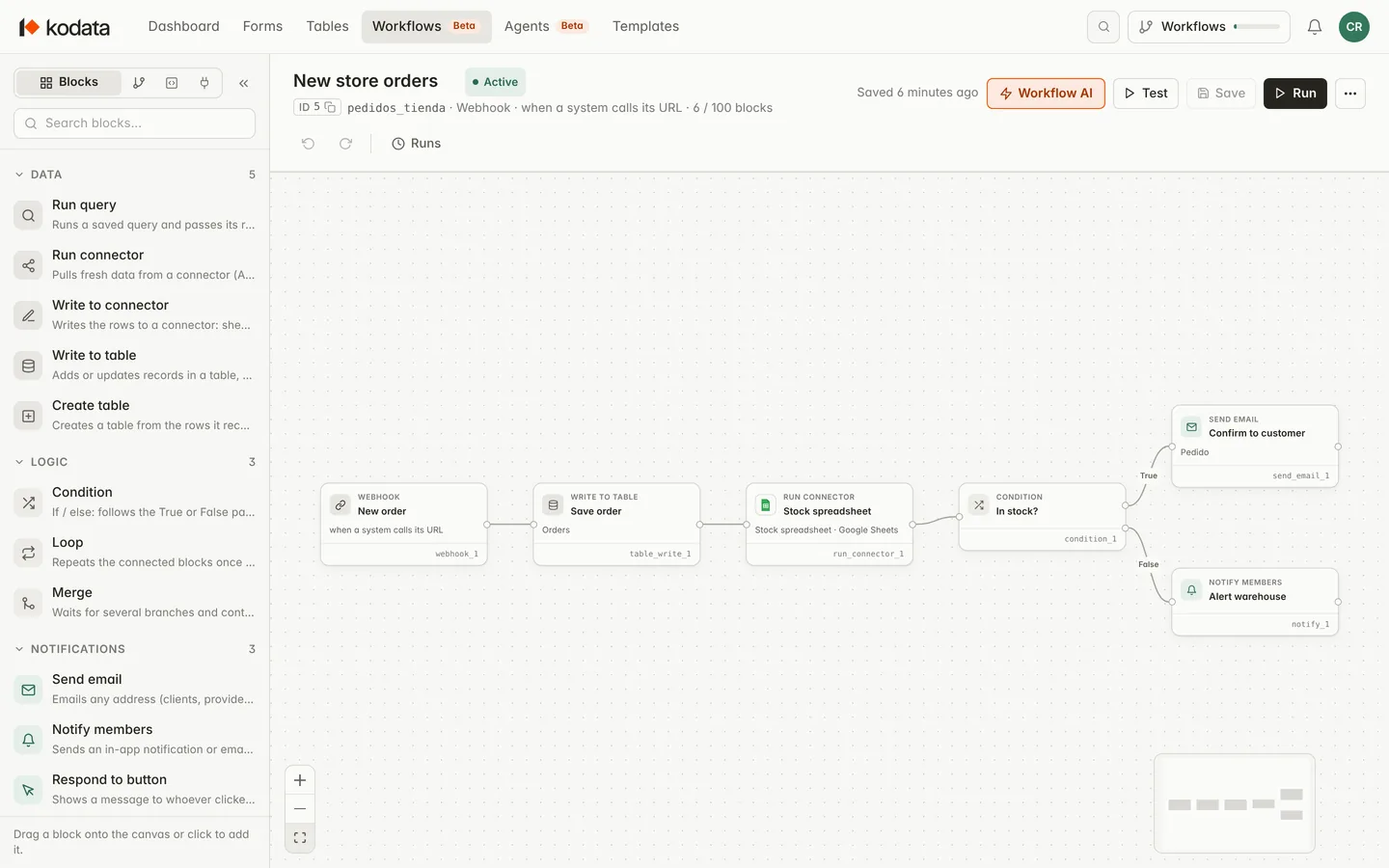
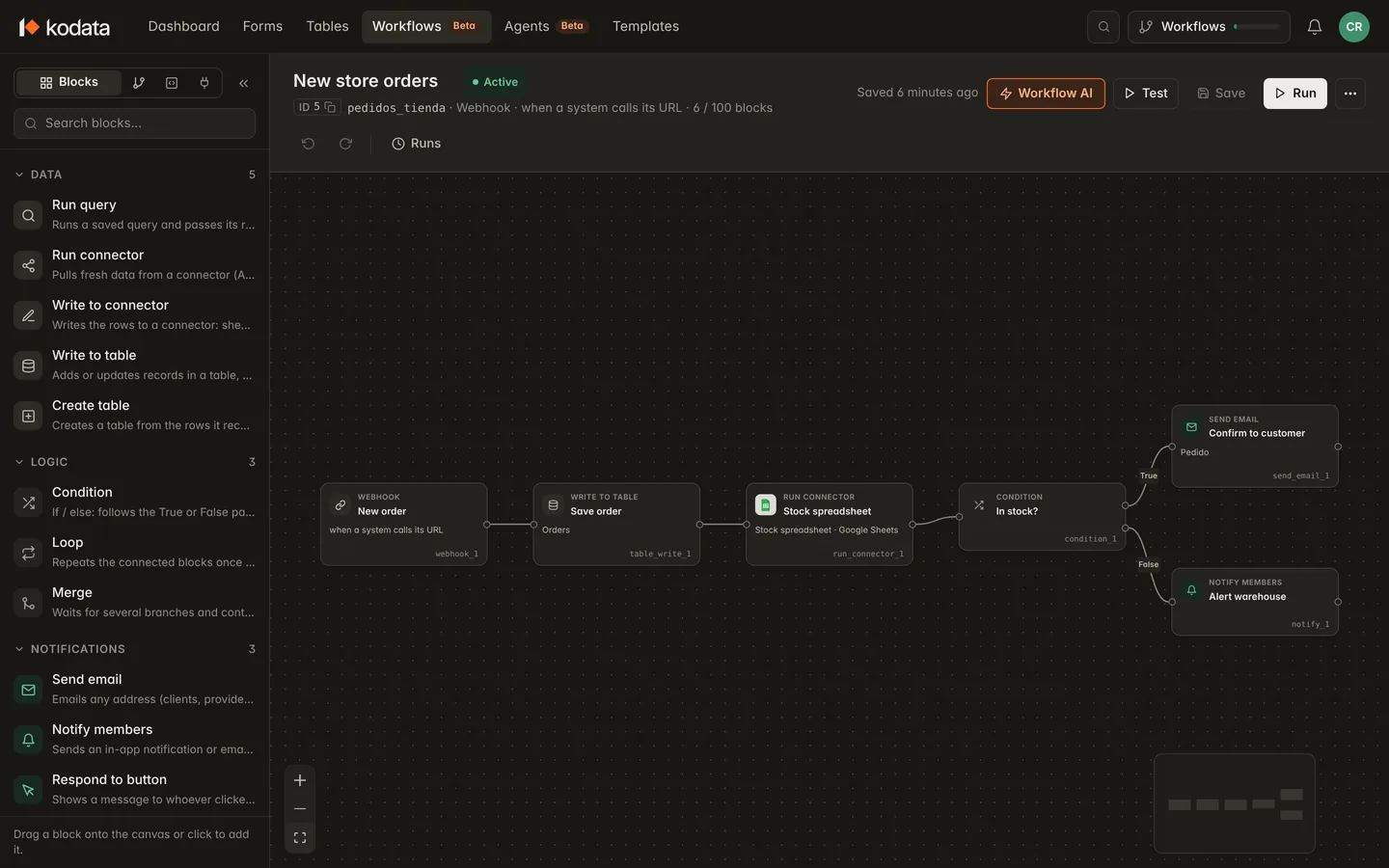
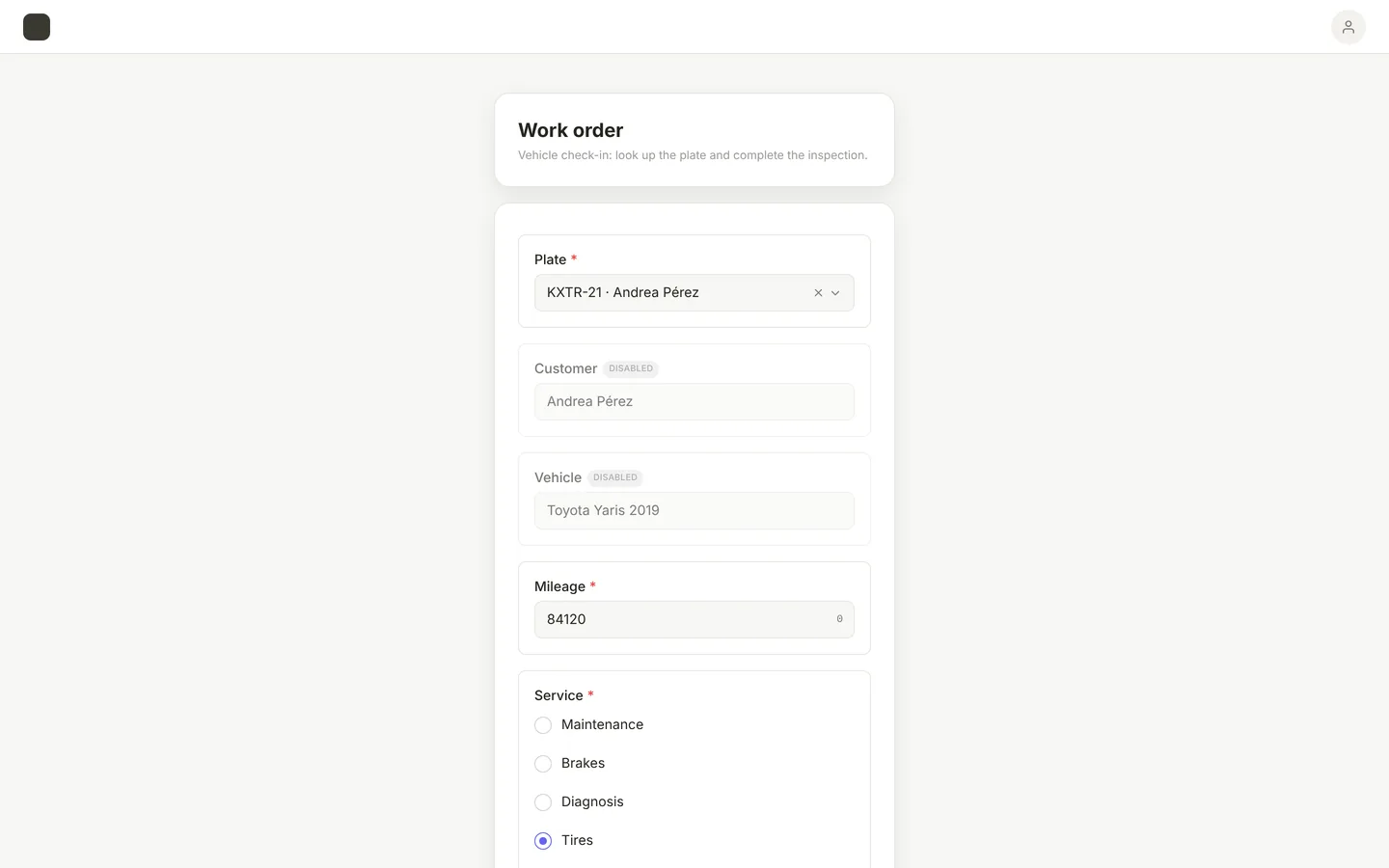
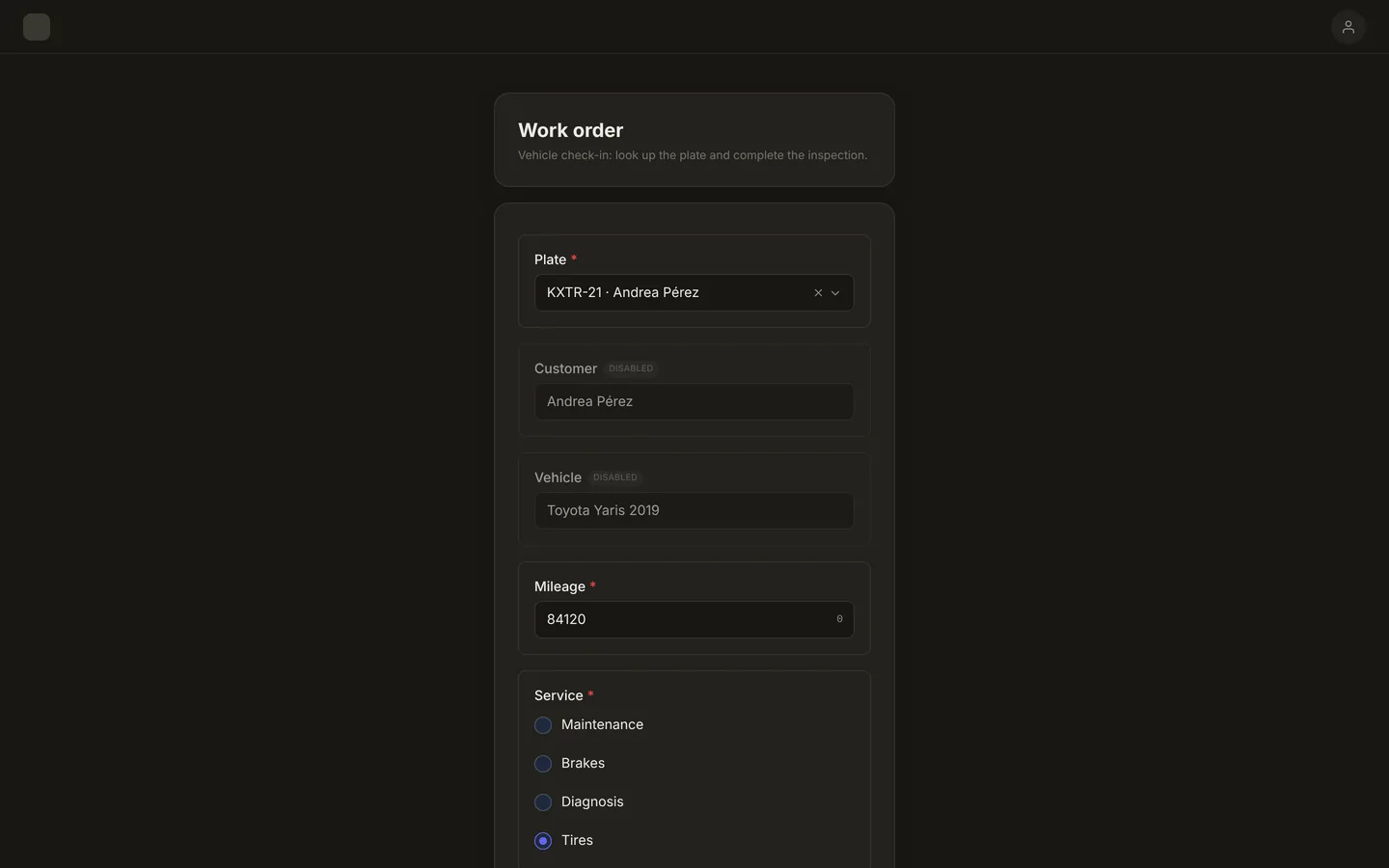
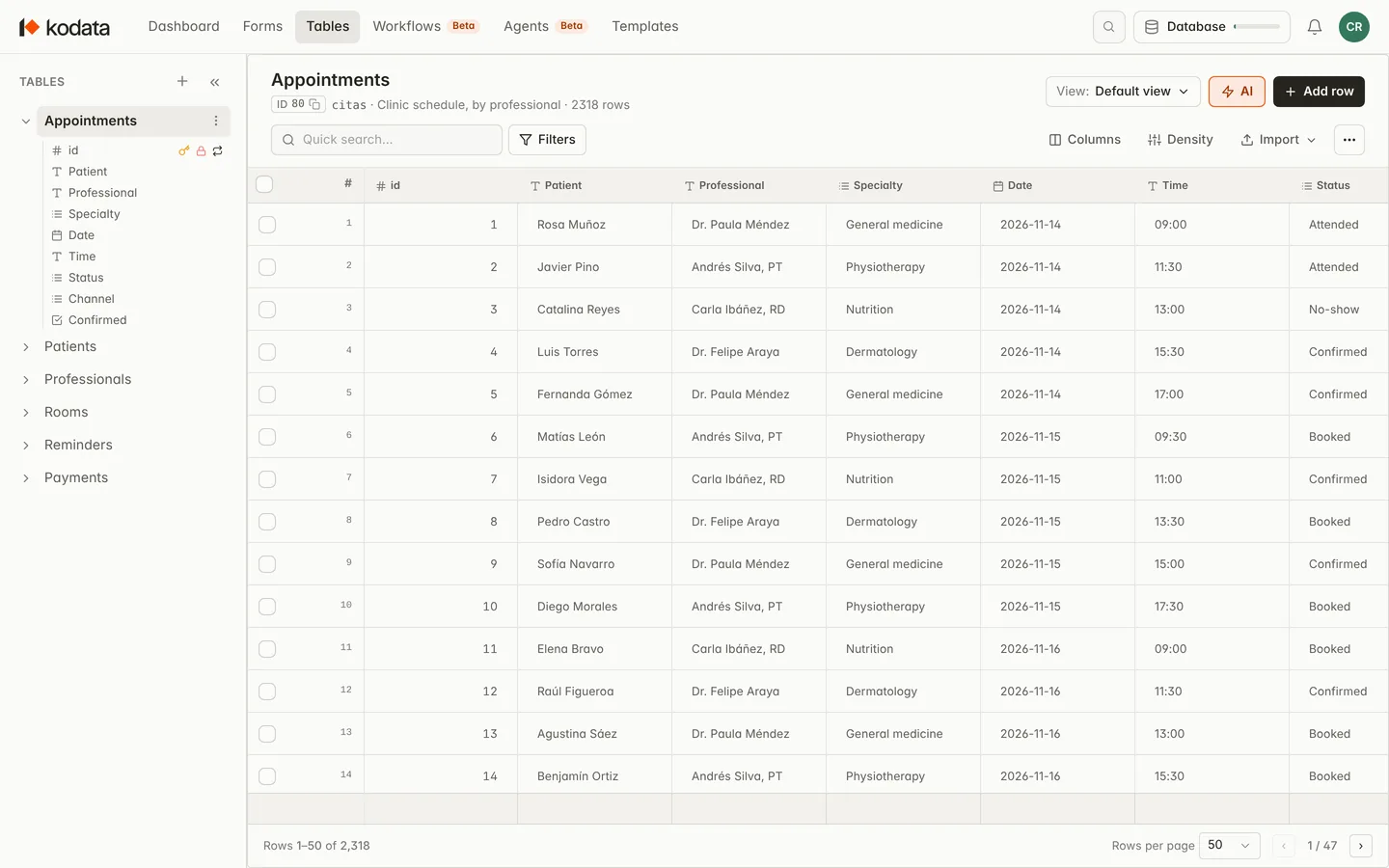
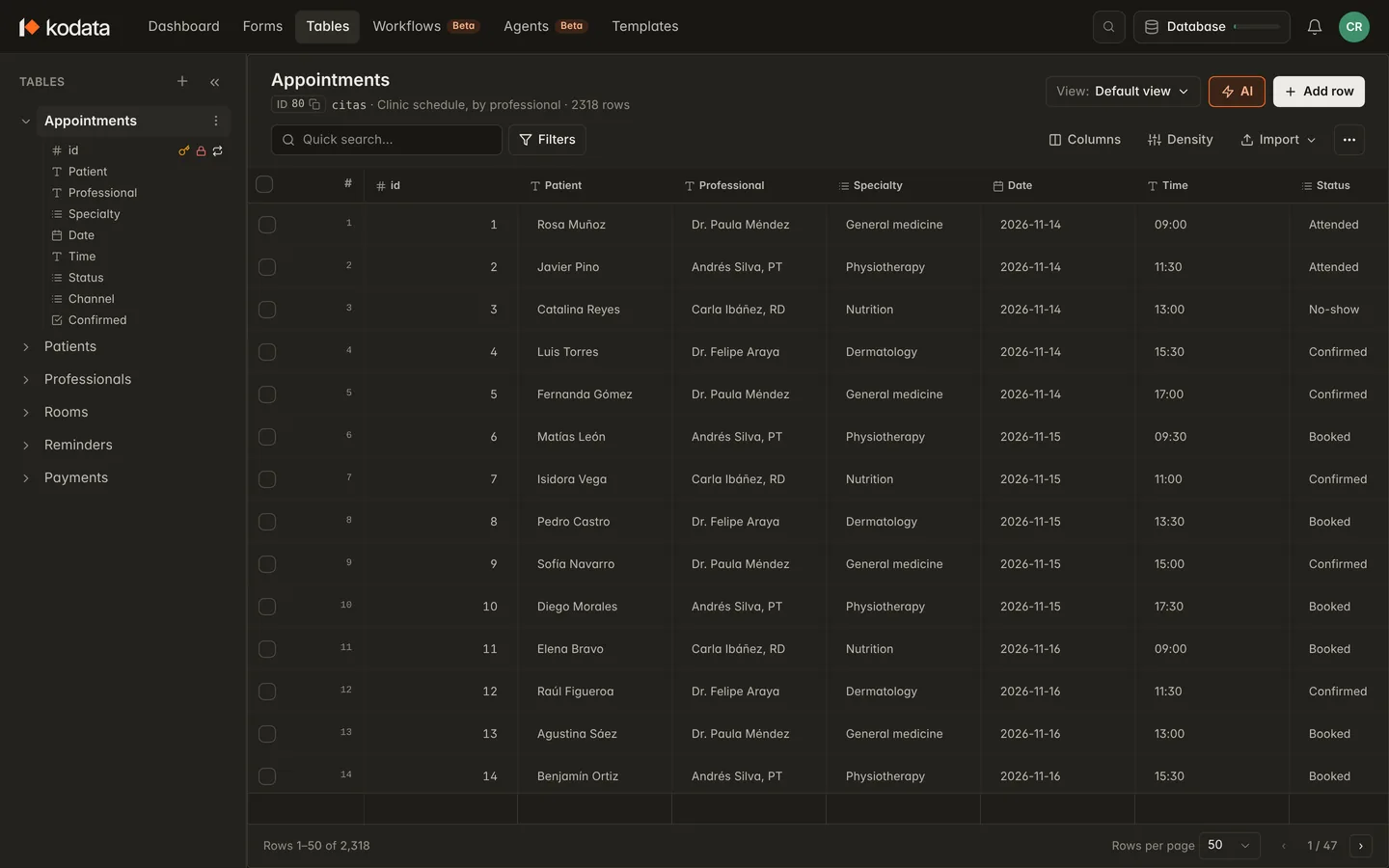
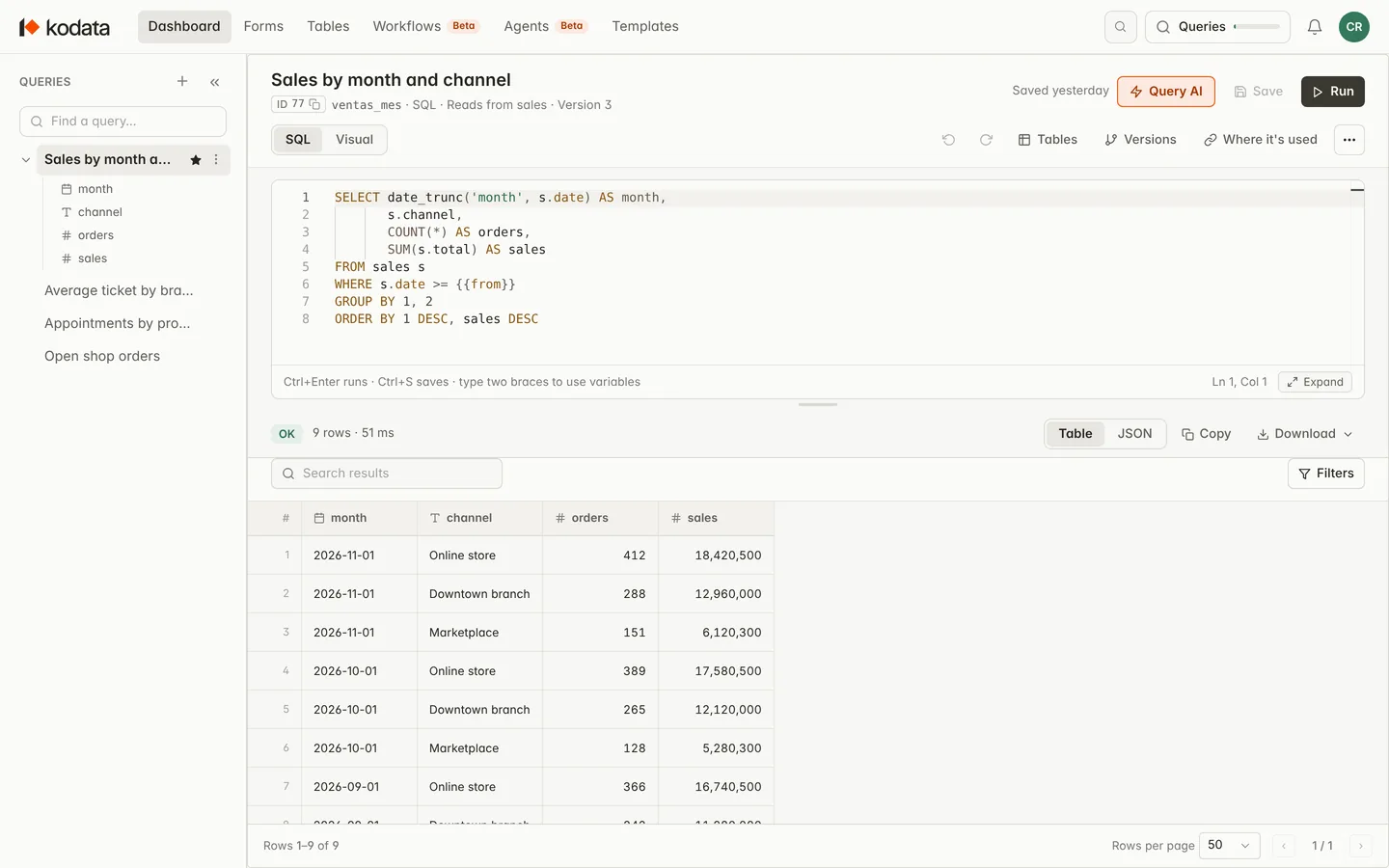
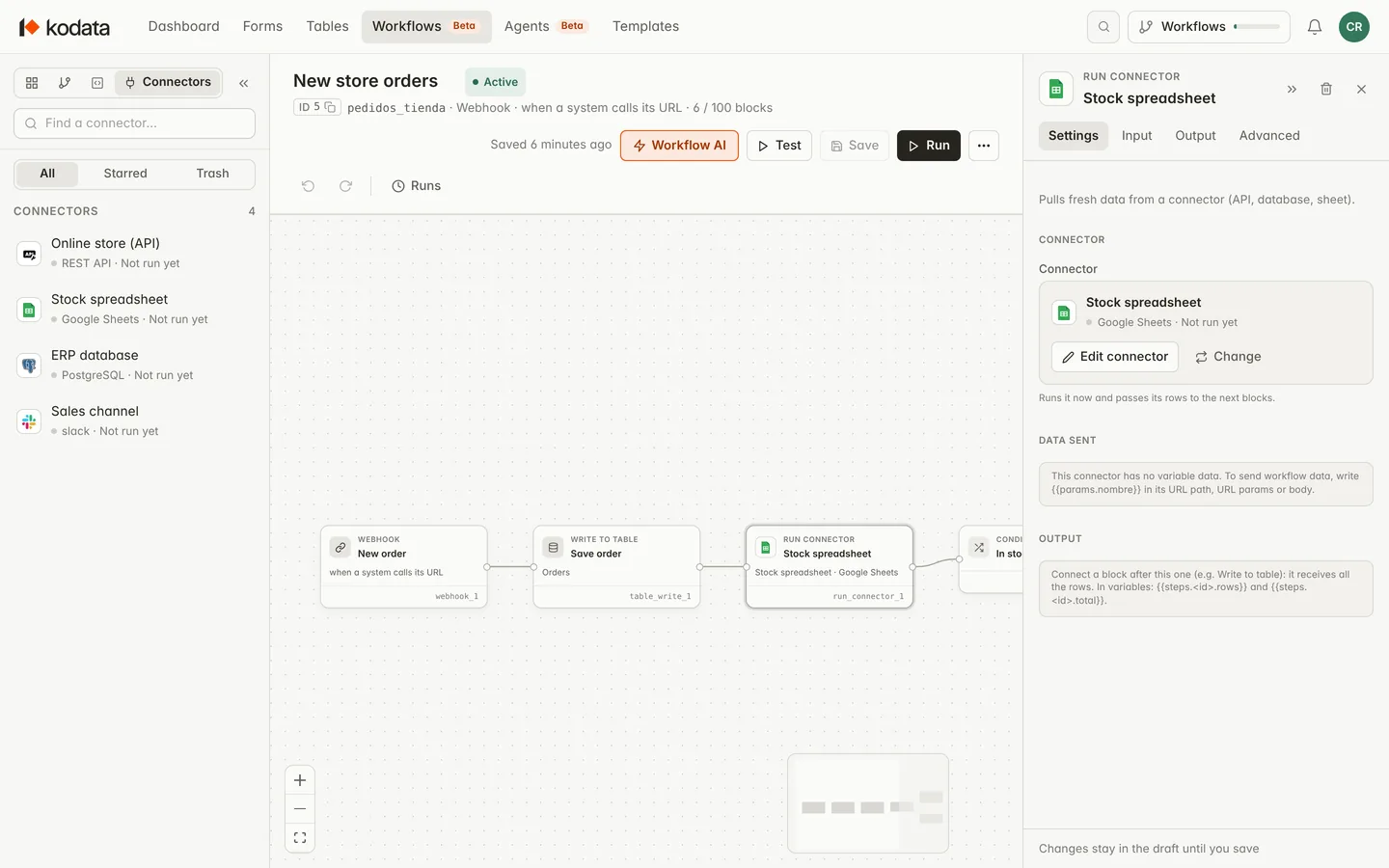
Workflows and Projects do the work. Forms capture. Tables and Queries store and calculate. Everything shares the same permissions and {{ }} variables.
Do the work
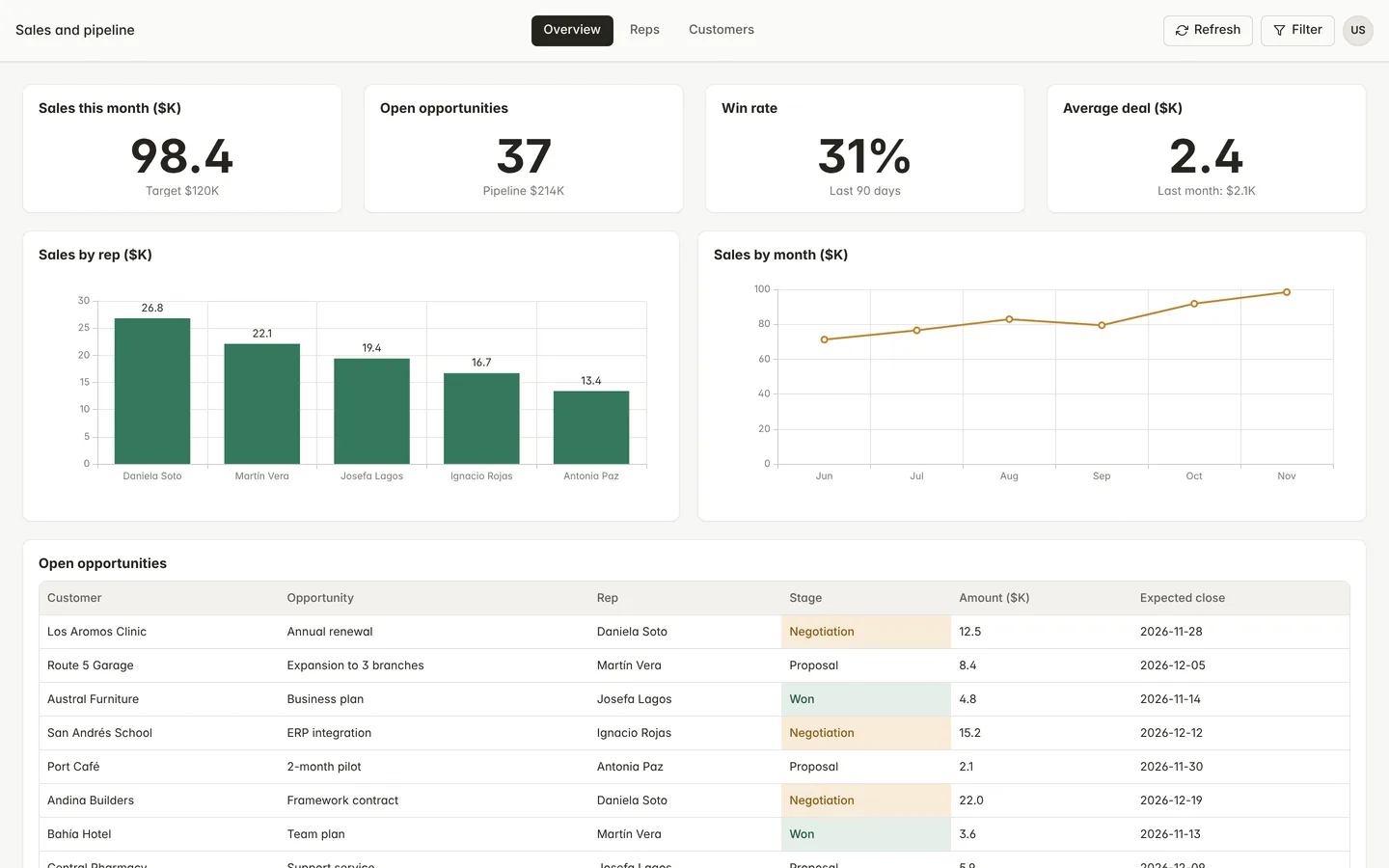
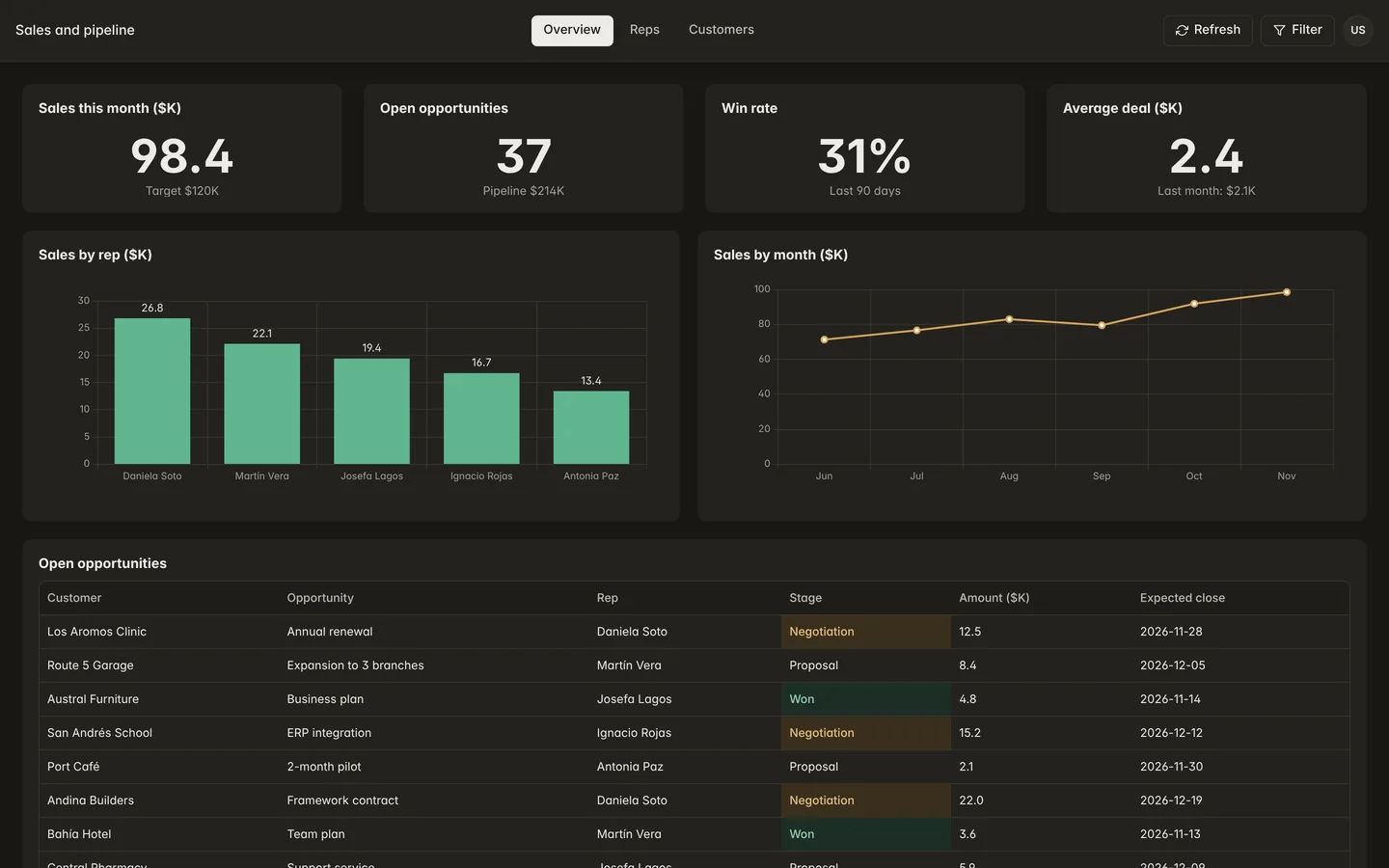
Store and calculate
How the pieces connect
Data comes in once and everything else uses it. A table change can trigger a workflow, and a button in a Project can run another.
Inputs
FilesCSV and Excel
ConnectorsSheets, Gmail, SQL, API
FormsField teams and customers
Data
TablesTypes, relations, history
QueriesSQL or visual
Automation
WorkflowsBetaSchedule, event or threshold
Outputs
ProjectsDashboards and apps
AlertsE-mail, Slack, Teams
WritesTables and services
What used to take four tools
Tools you may already use, as a reference. In KoData they share data, users and permissions.
| Need | What you'd use today | In KoData |
|---|---|---|
| Automations | n8n or Make | Workflows |
| Dashboards | Power BI | Projects |
| Internal apps | Retool | Projects with inputs, buttons and actions |
| Forms | Typeform | Forms |
Third-party names are trademarks of their owners and are used for reference only.
KoData AI
It helps you create tables, write SQL and explain what a chart shows. It's a helper, not the core of the product. It uses plan credits; from Business you can use your own OpenAI, Anthropic or Gemini keys.
Start with the report that takes you the most time.
We're opening in stages. Leave your e-mail and we'll let you know.